Managing policies manually is a compliance risk waiting to happen. Approval chains get buried in email threads, employees miss acknowledgment deadlines, and outdated policy versions circulate longer than they should.
For compliance, HR, and legal teams, the administrative load of keeping policies current, distributed, and properly acknowledged is significant. And when an audit arrives, piecing together who approved what and when becomes a scramble.
Policy management software solves this by bringing your review cycles, approval workflows, and acknowledgment tracking into a single, auditable process.
The tools in this list range from purpose-built policy platforms to flexible workflow automation solutions that teams adapt to their needs.
Here is what we evaluated, who each tool is best suited for, and what to consider before you decide.
|
To curate this list, we evaluated how commonly recommended policy management and workflow automation tools perform by comparing their features with real user feedback.
We looked beyond feature lists and evaluated each platform on what matters in a real policy management environment:
- How well does it support the full policy lifecycle, from drafting and review to approval and distribution?
- Can it route policies to the right stakeholders and escalate reviews without manual follow-up?
- Does it maintain the audit trails and version history your compliance team needs?
- How easily does it connect with your existing HR, legal, and enterprise systems?
- Can it adapt to different policy types and departments without a rebuild every time?
The tools below range from platforms built specifically for document acknowledgment and compliance to flexible workflow automation solutions that teams adapt for policy management. We have noted which is which so you can factor that into your decision.
|
Here is the full breakdown:
|
Tool
|
Best for
|
G2 ratings (as of 2026)
|
AI and automation strengths
|
|
Collaboris (DocRead)
|
SharePoint-based organizations tracking policy acknowledgments
|
4.9/5
|
Automated distribution and acknowledgment tracking
|
|
Creatio
|
Service-oriented teams managing policy approvals and exceptions
|
4.7/5
|
No-code AI-driven workflow automation and dynamic routing
|
|
Cflow
|
Small to mid-sized teams digitizing policy approvals quickly
|
4.7/5
|
No-code workflow automation with escalation rules
|
|
Process Street
|
Teams standardizing recurring policy reviews with checklists
|
4.6/5
|
Automated task routing and conditional workflow branching
|
|
FlowForma
|
Teams digitalizing policy processes within Microsoft 365
|
4.5/5
|
AI-assisted form generation and process insights
|
|
Camunda
|
Technical teams orchestrating policy workflows across back-end systems
|
4.5/5
|
BPMN-based process automation with precise execution control
|
|
Appian
|
Large enterprises scaling governed policy workflows with compliance needs
|
4.5/5
|
AI-augmented case management and intelligent process automation
|
|
Kissflow
|
Business teams automating multi-step policy approvals without IT
|
4.3/5
|
Conditional routing and automated task assignment
|
|
Nintex
|
Enterprises mapping and automating complex policy workflows
|
4.3/5
|
Process intelligence and automated document generation
|
|
Power Apps
|
Organizations building custom policy portals on Microsoft infrastructure
|
4.3/5
|
Power Automate-driven triggers and AI Builder integration
|
Overview of 10 policy management software tools
Below, we explore each platform in detail.
1. Kissflow
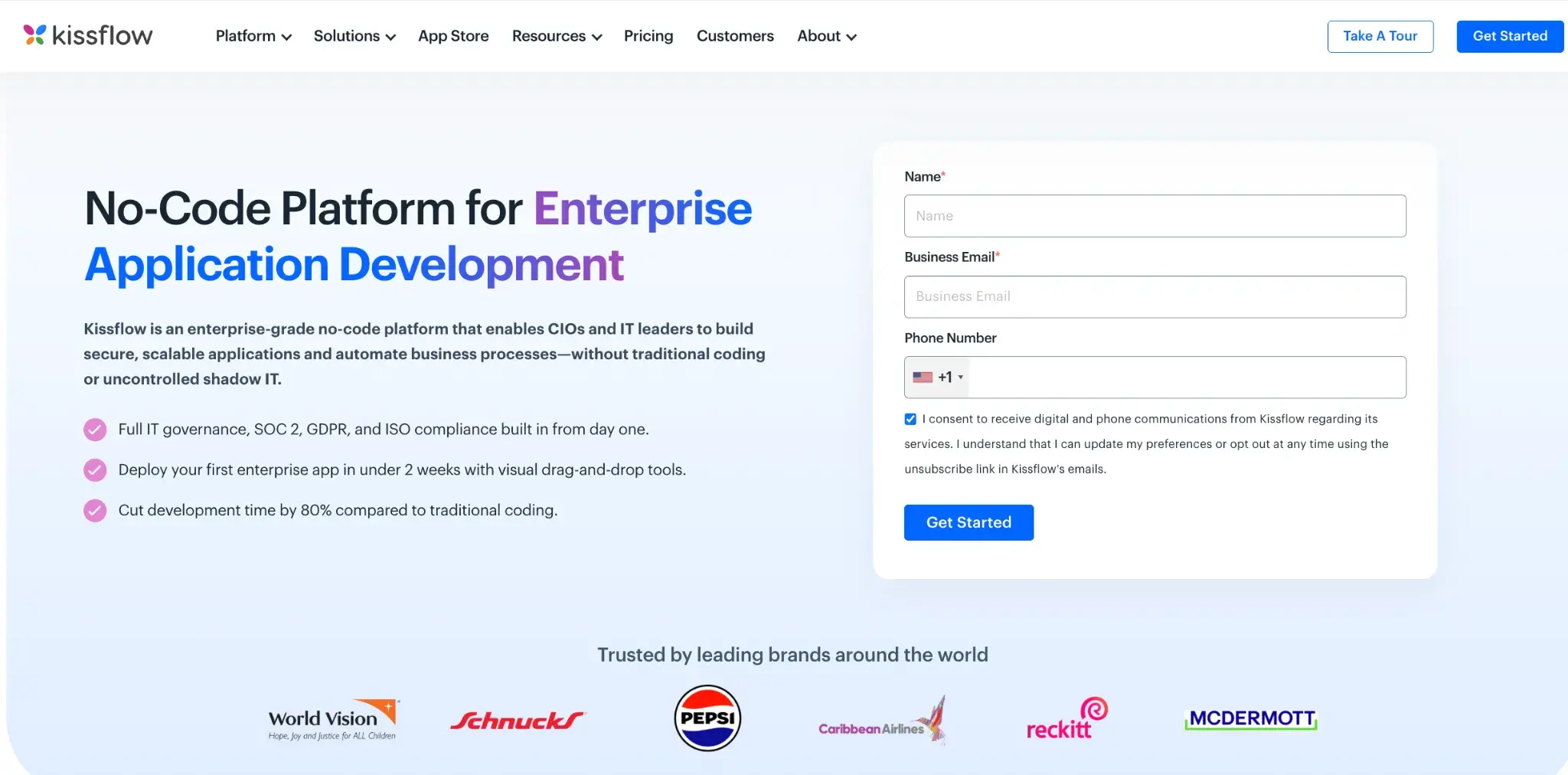
Kissflow homepage
Kissflow is a cloud-based workflow and process management platform aimed at business teams that need to automate approvals and structured processes quickly. For policy management, it lets you set up review and approval workflows, track policy-related tasks, and manage document sign-offs, all without heavy IT involvement.
Key features of Kissflow
Visual workflow builder
You can map out policy approval chains, review cycles, and escalation paths using a visual drag-and-drop editor. Changes to workflows can be made independently by your team.
Multi-step approval workflows
Kissflow supports conditional routing, so policies can follow different approval paths depending on department, risk level, or other criteria you define.
Task and case management
Beyond linear workflows, you can manage unstructured policy tasks and exceptions through its case management module, useful for handling policy queries or exception requests.
Integration support
Kissflow connects with tools like Google Workspace, Slack, and various enterprise systems via API, so policy notifications and updates can flow into the tools your team already uses.
Kissflow User Ratings on G2
|
Category
|
Kissflow Rating
|
|
Overall
|
4.3/5 (G2)
|
|
Ease of Use
|
8.8/10
|
|
Ease of Setup
|
8.3/10
|
|
Quality of Support
|
8.7/10
|
Kissflow’s user ratings on G2
Pros of Kissflow
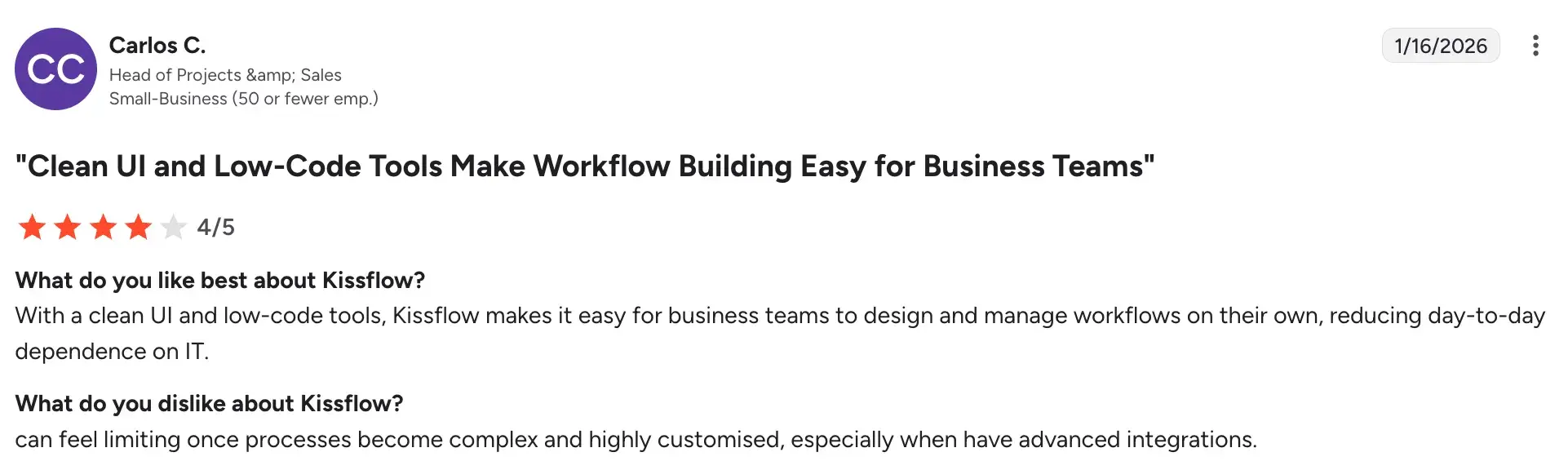
- Clean, user-friendly interface that teams can adopt quickly
Source
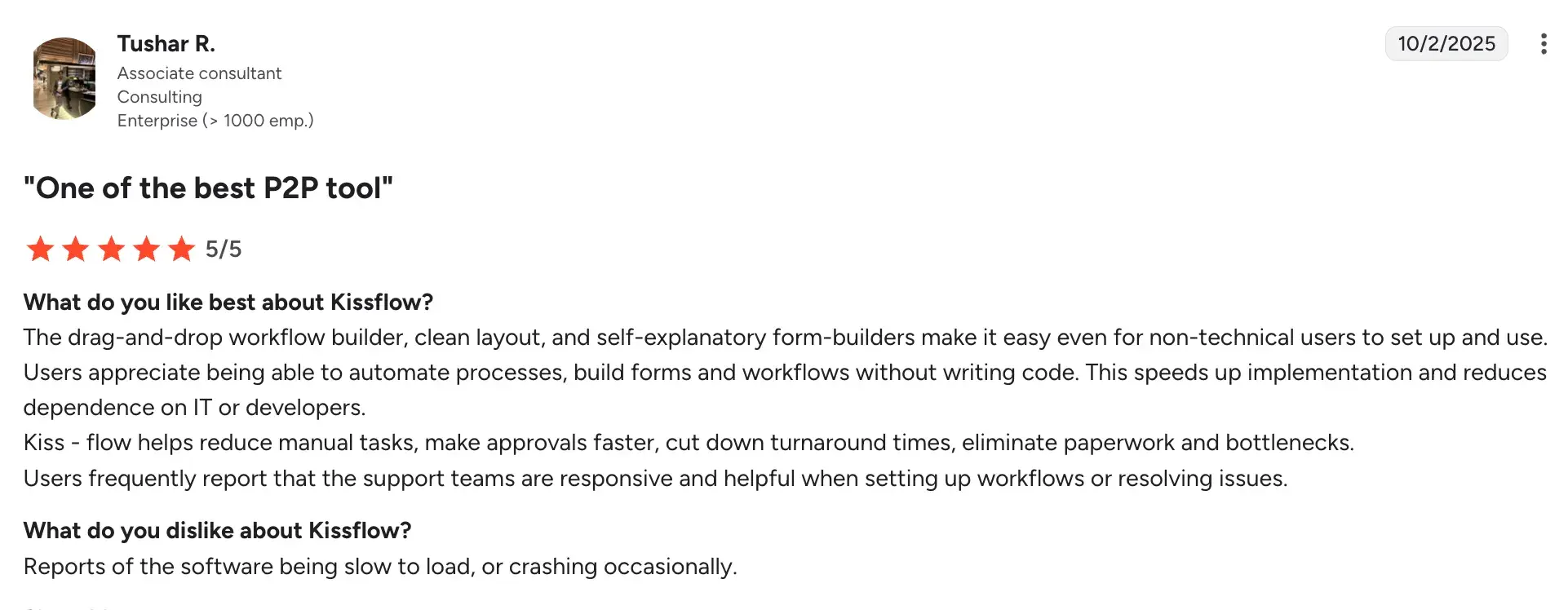
- Flexible enough to handle both structured and unstructured policy processes
Source
- Good range of integrations with common business tools
Cons of Kissflow
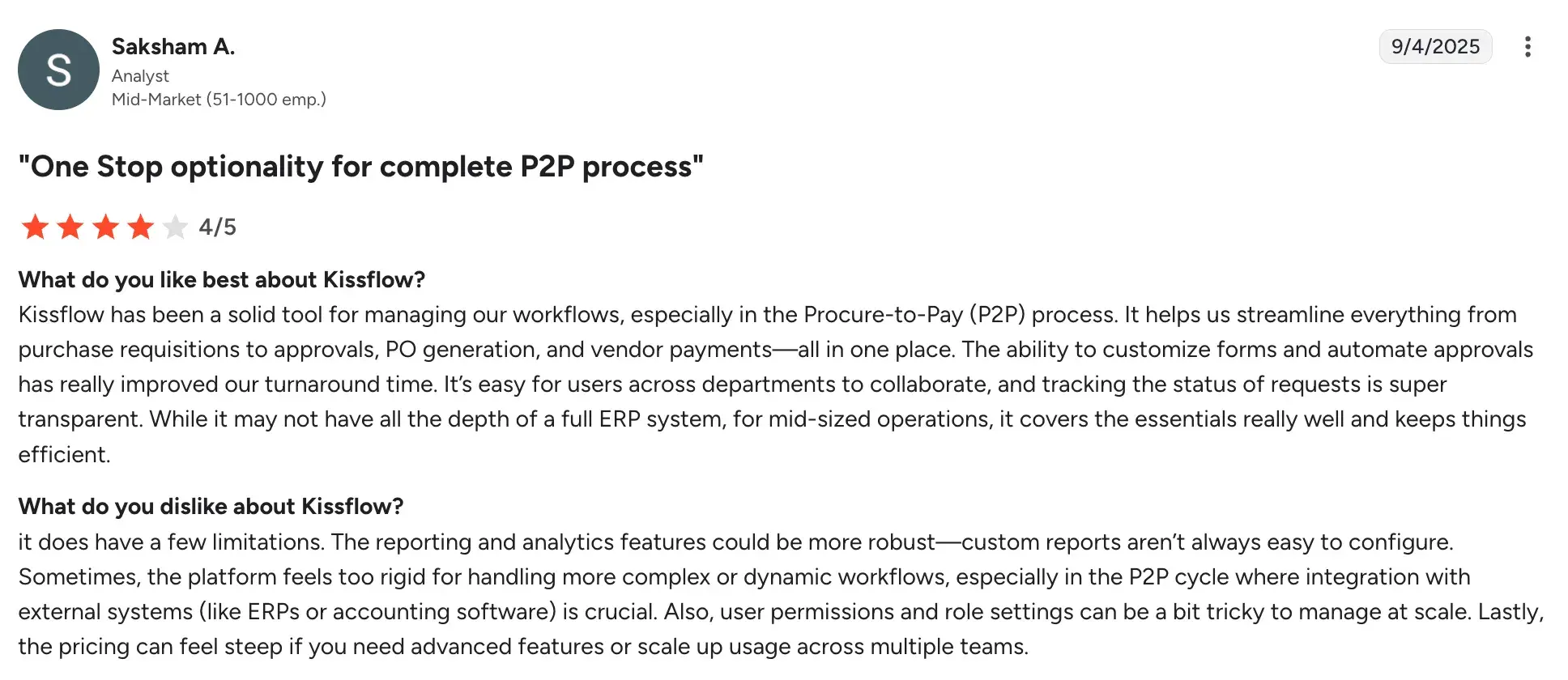
- Reporting and mobile functionality lack advanced capabilities.
Source
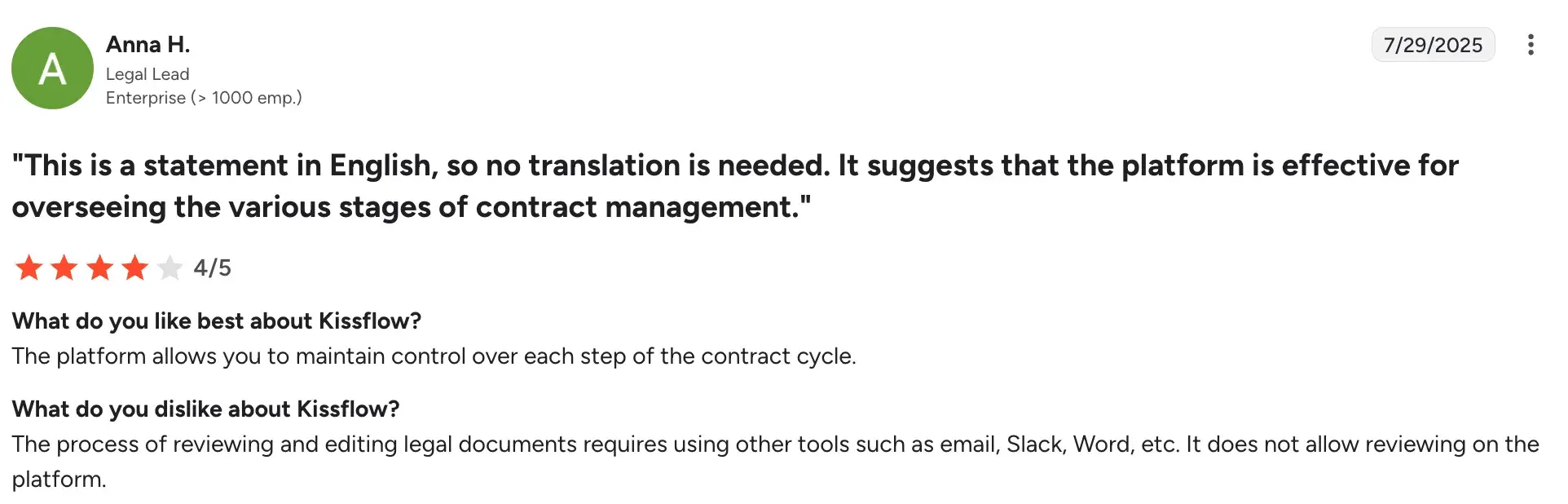
- Custom reporting and integrations required for reviewing and editing legal documents
 Source

FlowForma insurance homepage
Built specifically for process-driven organizations, FlowForma is a no-code process automation tool that runs on Microsoft 365. If your team is already working within the Microsoft ecosystem, you can use FlowForma to digitize and automate policy workflows, approvals, and document processes without writing a single line of code.
Key features of FlowForma
No-code process builder
You can design end-to-end policy workflows using a drag-and-drop interface. No developer support is needed, so your compliance or operations team can build and modify processes on their own.
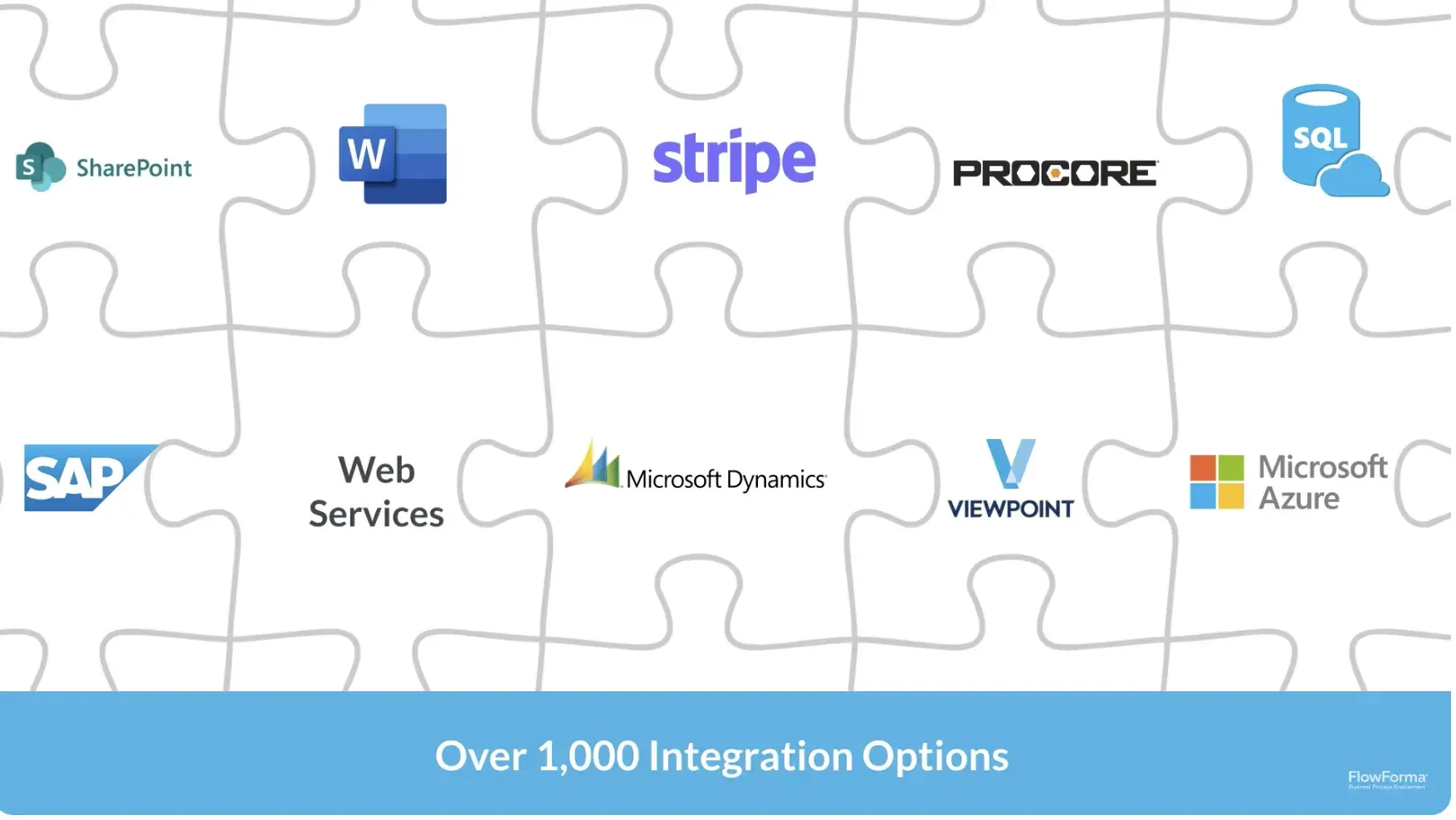
Microsoft 365 integration
A look at how FlowForma integrates with other platforms
FlowForma sits natively within SharePoint, Teams, and the broader Microsoft 365 suite. Policy documents, approvals, and task assignments stay within your existing Microsoft environment.
Forms and document generation
FlowForma’s AI-powered forms
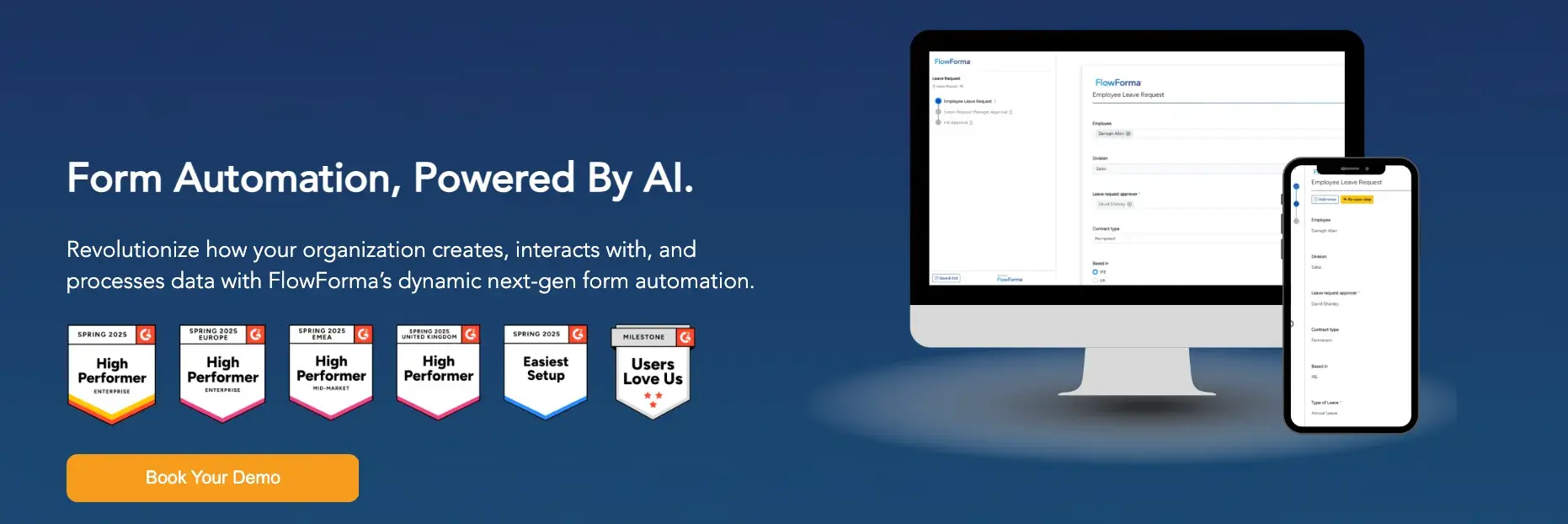
You can create dynamic forms that trigger policy-related workflows and auto-generate documents based on responses. This is useful for onboarding checklists, compliance sign-offs, and policy acknowledgment records.
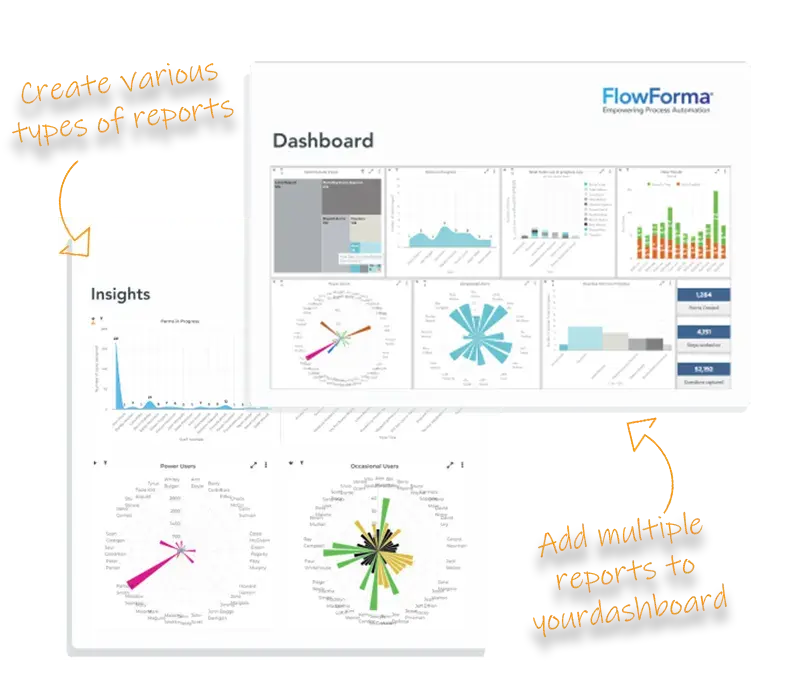
Process analytics
FlowForma’s AI insights and analytics
Built-in reporting gives you visibility into where policy workflows are getting stuck or delayed, helping you identify bottlenecks and improve turnaround times.
FlowForma’s User Ratings on G2
|
Category
|
FlowForma Rating
|
|
Overall
|
4.5/5 (G2)
|
|
Ease of Use
|
8.7/10
|
|
Ease of Setup
|
8.3/10
|
|
Quality of Support
|
9.2/10
|
Caption: FlowForma’s user ratings on G2
Pros of FlowForma
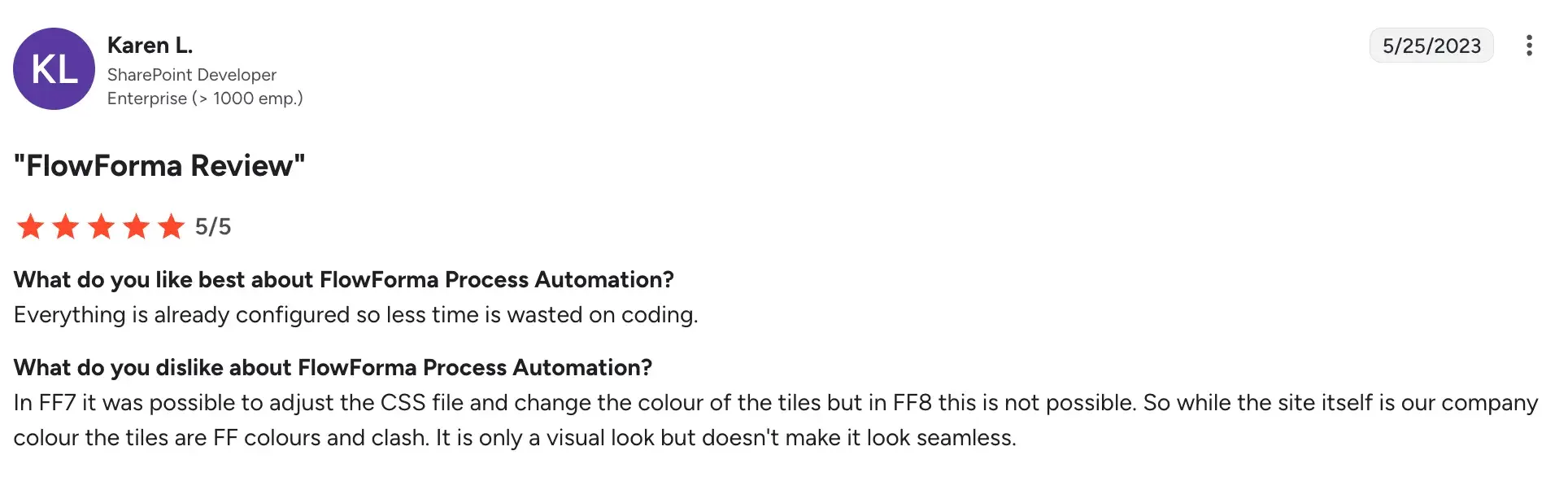
- Designed for non-technical users, making it accessible to compliance and HR teams without IT dependency
Source
- Native Microsoft 365 integration means minimal disruption to existing toolsets
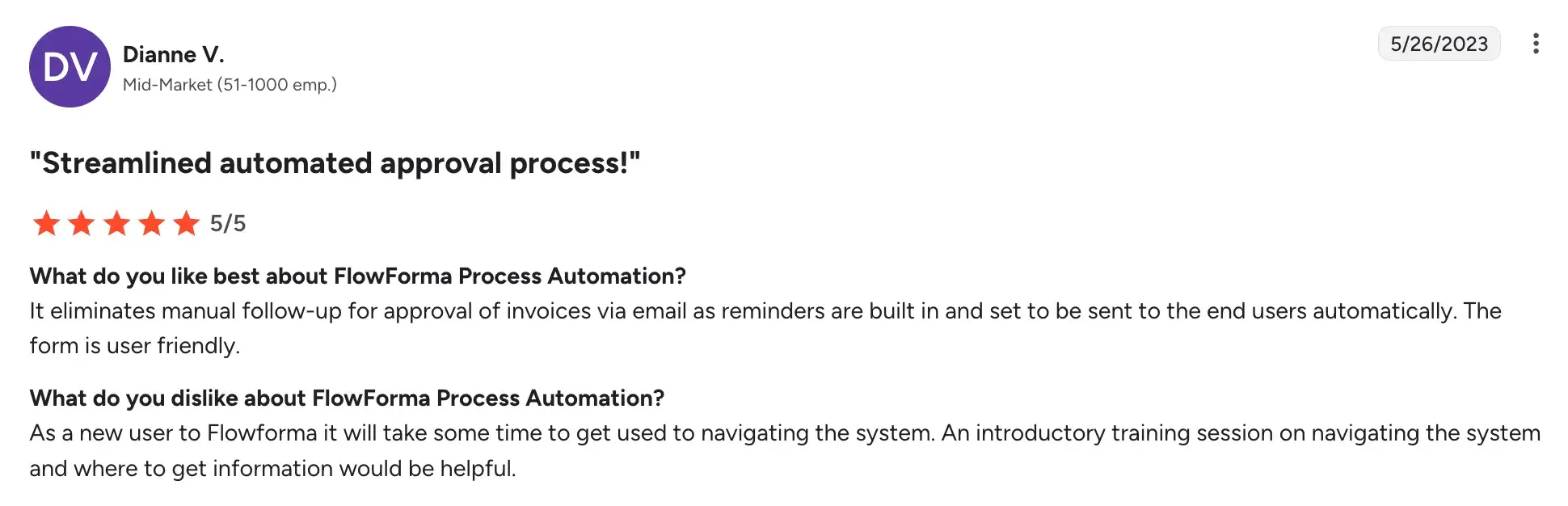
- Quick deployment with ready-made process templates
Source
Cons of FlowForma
- Functionality is limited outside of the Microsoft 365 ecosystem
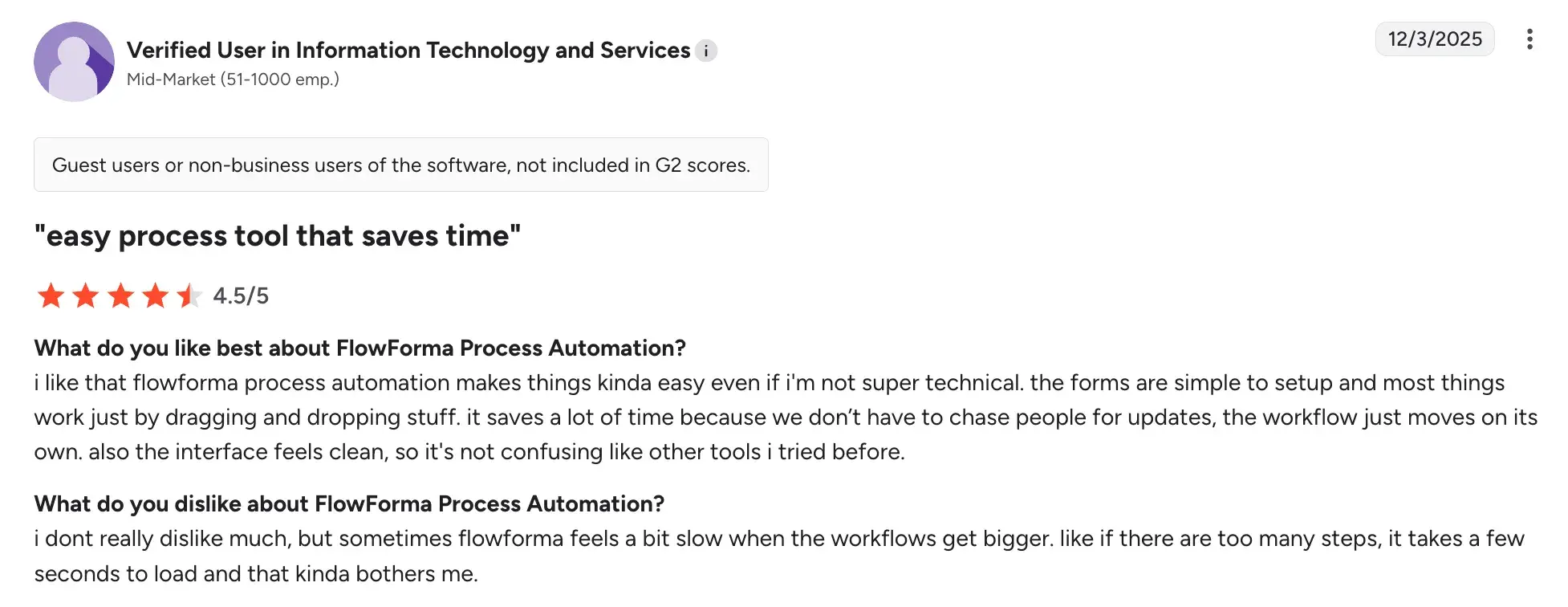
- Reporting features can feel basic for enterprise-scale needs
Source
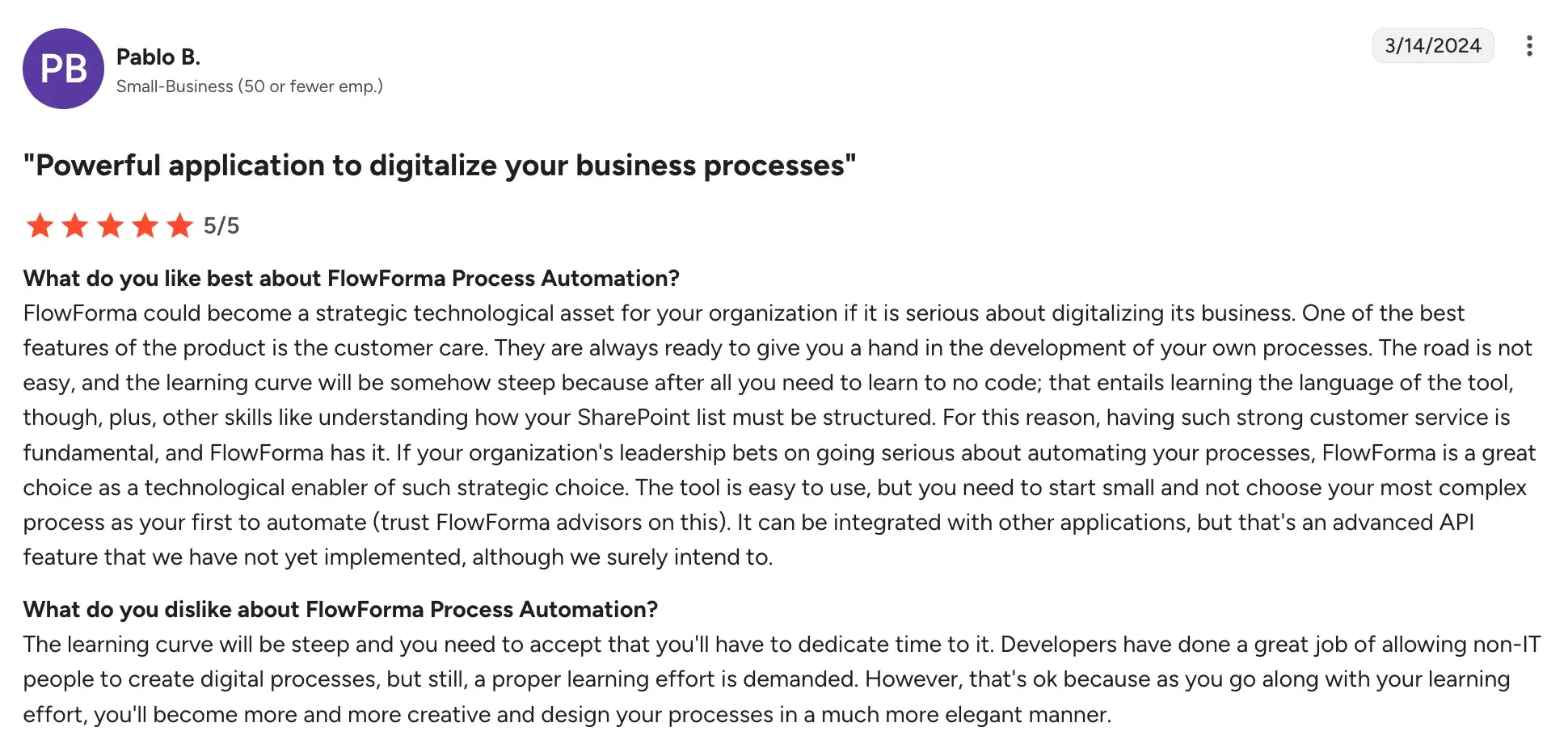
- Learning curve is steep without structured onboarding
Source
3. Nintex
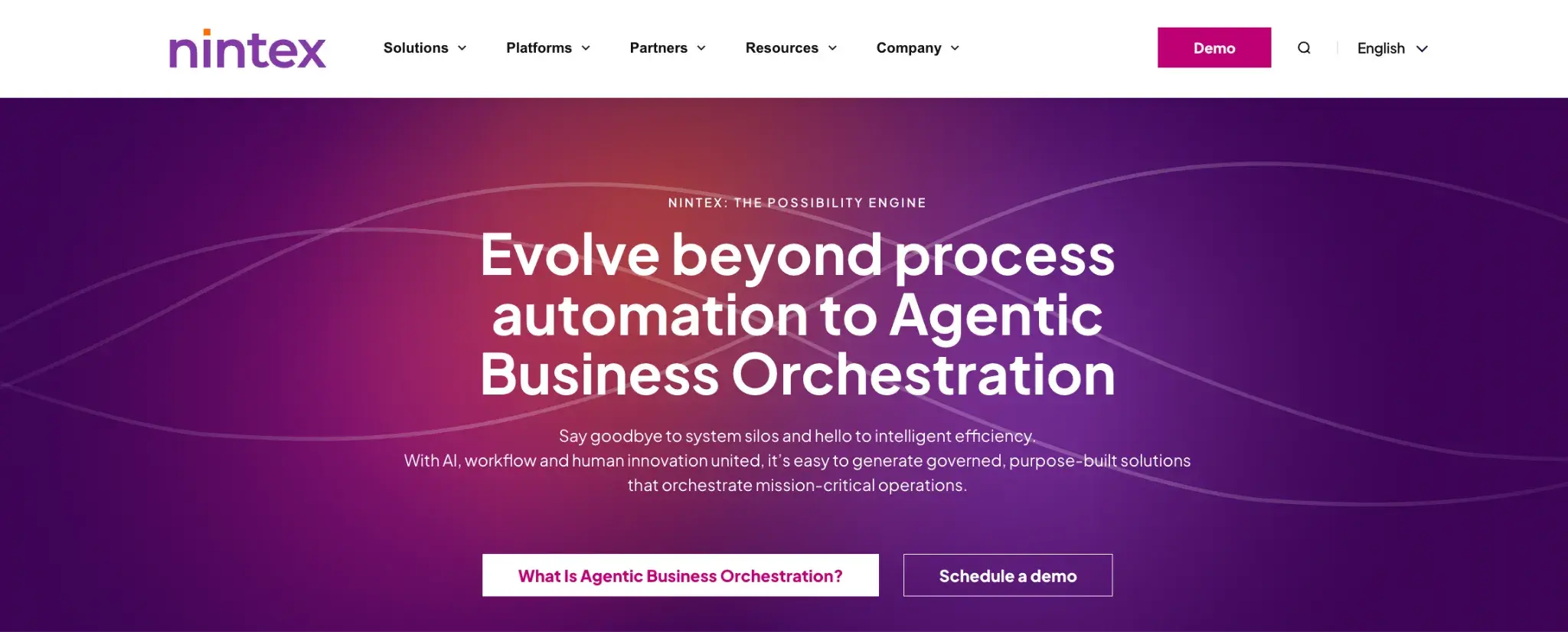
Nintex homepage
Nintex is a process intelligence and automation platform used by mid-to-large enterprises to map, automate, and optimize complex workflows. When it comes to policy management, Nintex is particularly strong at digitizing multi-step approval processes and connecting policy workflows across different enterprise systems.
Key features of Nintex
Process mapping and documentation
Before automating, you can visually map your existing policy processes using Nintex's process mapping tools. This helps identify gaps, redundancies, or compliance risks in how policies are currently managed.
Workflow automation
You can automate policy review cycles, approval routing, and renewal reminders across departments. Nintex supports conditional logic, parallel approvals, and escalation rules.
Document generation
Nintex can auto-generate policy documents and agreements from templates, pulling in data from connected systems to reduce manual drafting.
Integrations with enterprise systems
Nintex connects with SharePoint, Salesforce, SAP, ServiceNow, and other enterprise platforms, making it suitable for organizations where policy workflows touch multiple systems.
Nintex User Ratings on G2
|
Category
|
Nintex Rating
|
|
Overall
|
4.3/5 (G2)
|
|
Ease of Use
|
8.4/10
|
|
Ease of Setup
|
8/10
|
|
Quality of Support
|
8.1/10
|
Nintex user ratings on G2
Pros of Nintex
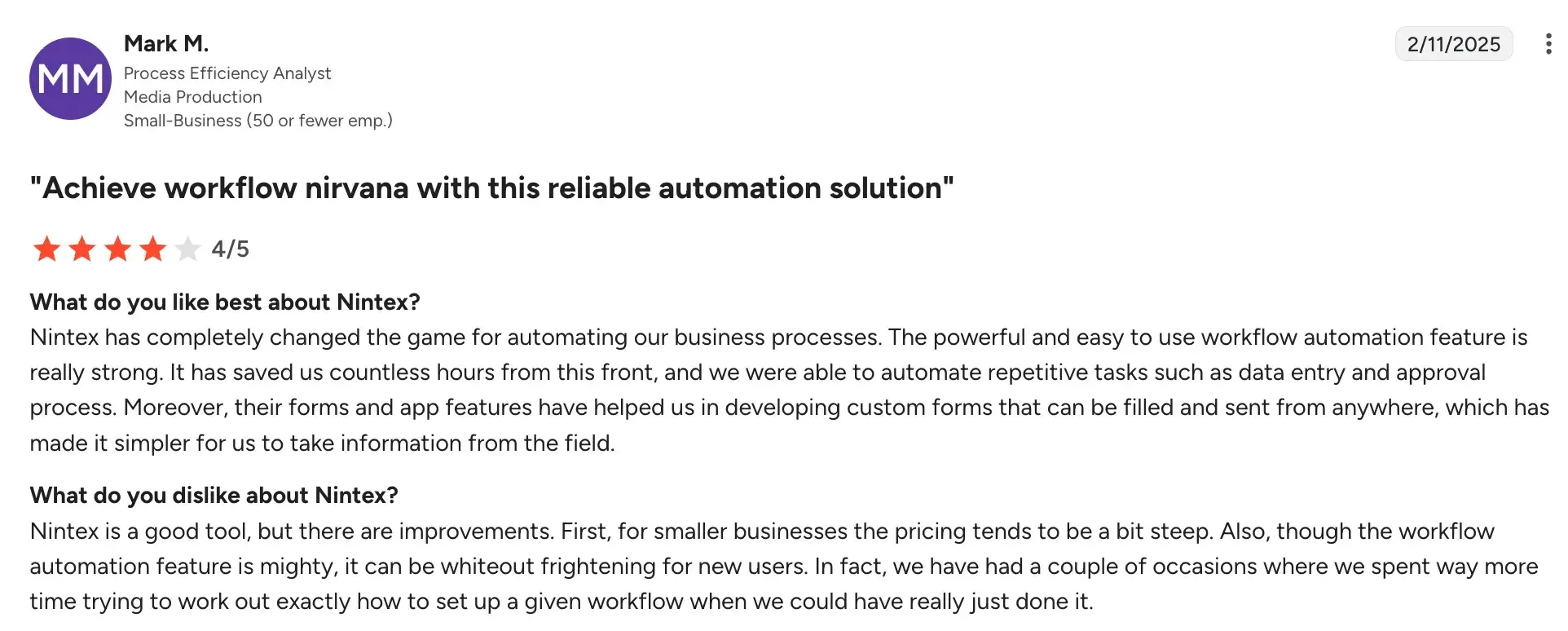
- Strong process mapping capabilities that help organizations document and audit policy workflows
Source
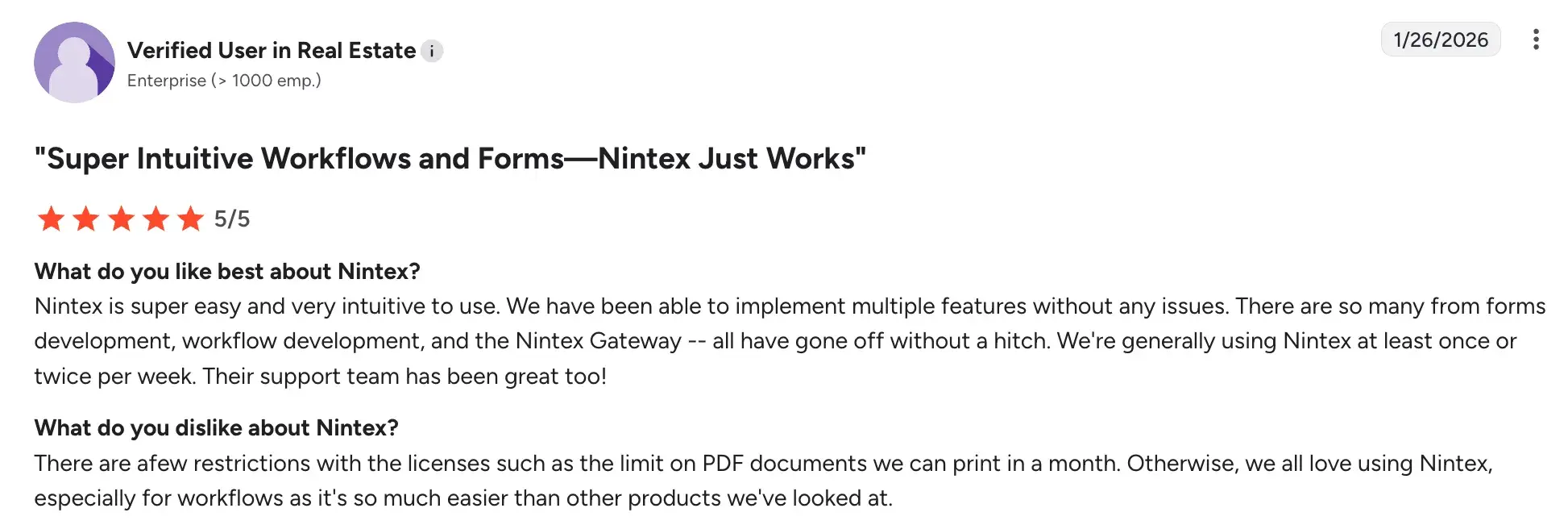
- Robust integration options and intuitive interface for complex enterprise environments
Source
- Supports both IT-led and business-led automation
Cons of Nintex
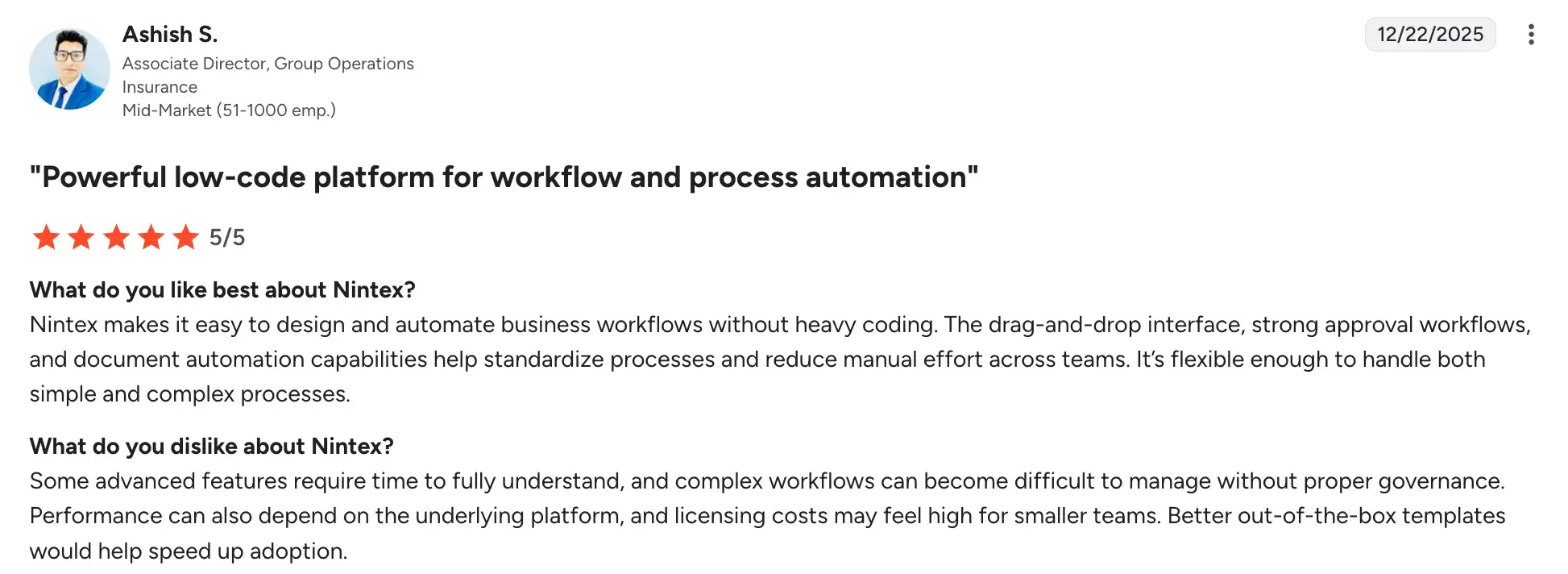
- Steeper learning curve compared to lighter workflow tools
- Some advanced features require significant configuration time
Source
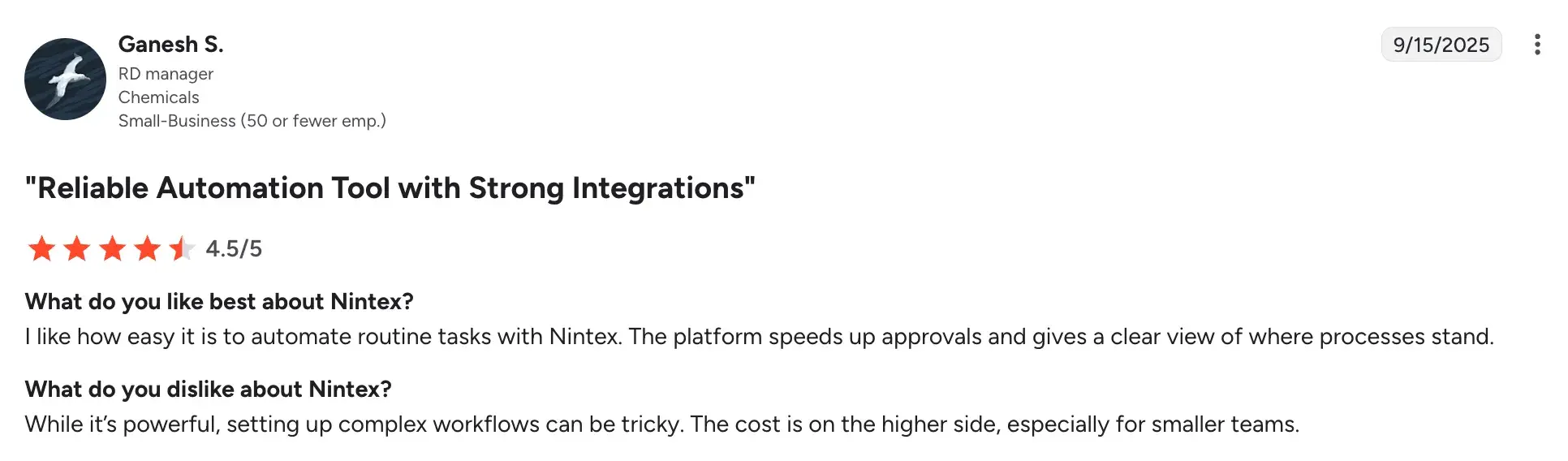
- Pricing becomes expensive as workflows, environments, and users scale.
Source
4. Power Apps

Microsoft Power Apps homepage
A low-code application development platform from Microsoft, Power Apps lets your team build custom apps and automated workflows without needing a full development team. For policy management, it's a strong fit if your organization wants to build tailored policy portals, acknowledgment trackers, or review tools that integrate tightly with your Microsoft data and systems.
Key features of Power Apps
Custom app development
You can build purpose-specific policy management applications, such as an employee acknowledgment tracker or a policy exception request portal, configured to your exact requirements.
Power Automate integration
Power Apps pairs with Power Automate (Microsoft's workflow automation tool), allowing you to trigger automated policy reminders, approvals, and notifications based on rules you set.
Microsoft Dataverse and SharePoint connectivity
Policy data, documents, and records can be stored and retrieved directly from SharePoint, Dataverse, or other Microsoft data sources within your apps.
Role-based access controls
You can configure who can view, edit, or approve policies within your custom-built apps, helping maintain data governance and compliance standards.
Microsoft Power Apps’ User Ratings on G2
|
Category
|
Microsoft Power Apps Rating
|
|
Overall
|
4.3 (G2)
|
|
Ease of Use
|
8.1
|
|
Ease of Setup
|
8.3
|
|
Quality of Support
|
8.0
|
Microsoft Power Apps’s user ratings on G2
Pros of Power Apps
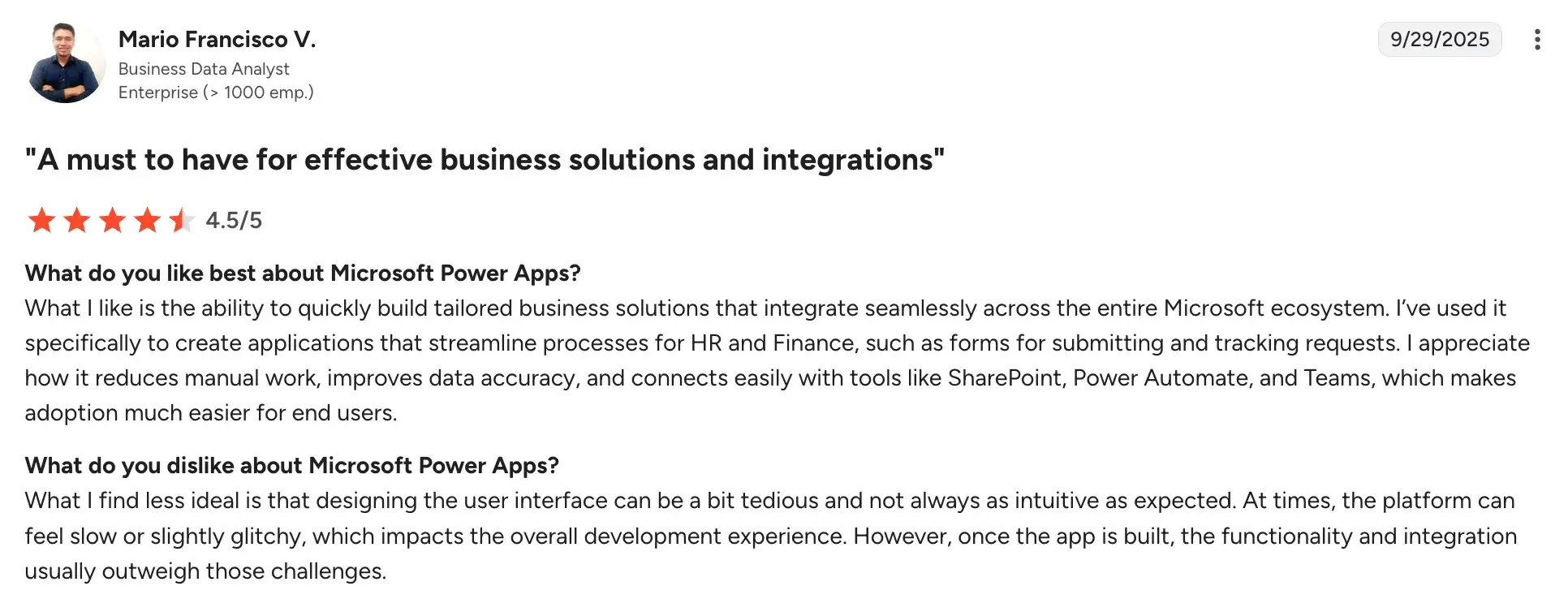
- Deep integration with the Microsoft 365 ecosystem, including SharePoint, Teams, and Outlook
Source
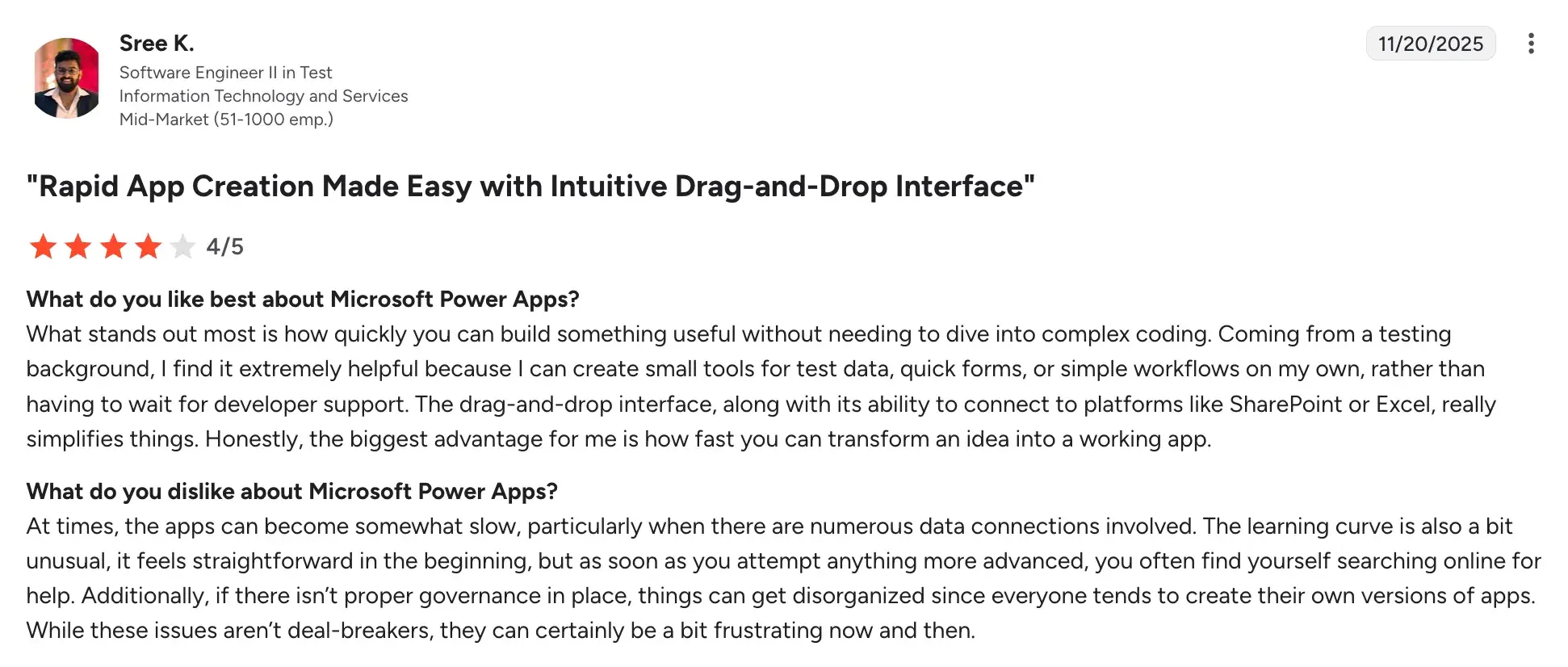
- Highly customizable for organizations with specific policy workflow requirements
Source
- Cost-effective for organizations already subscribed to Microsoft 365
Cons of Power Apps
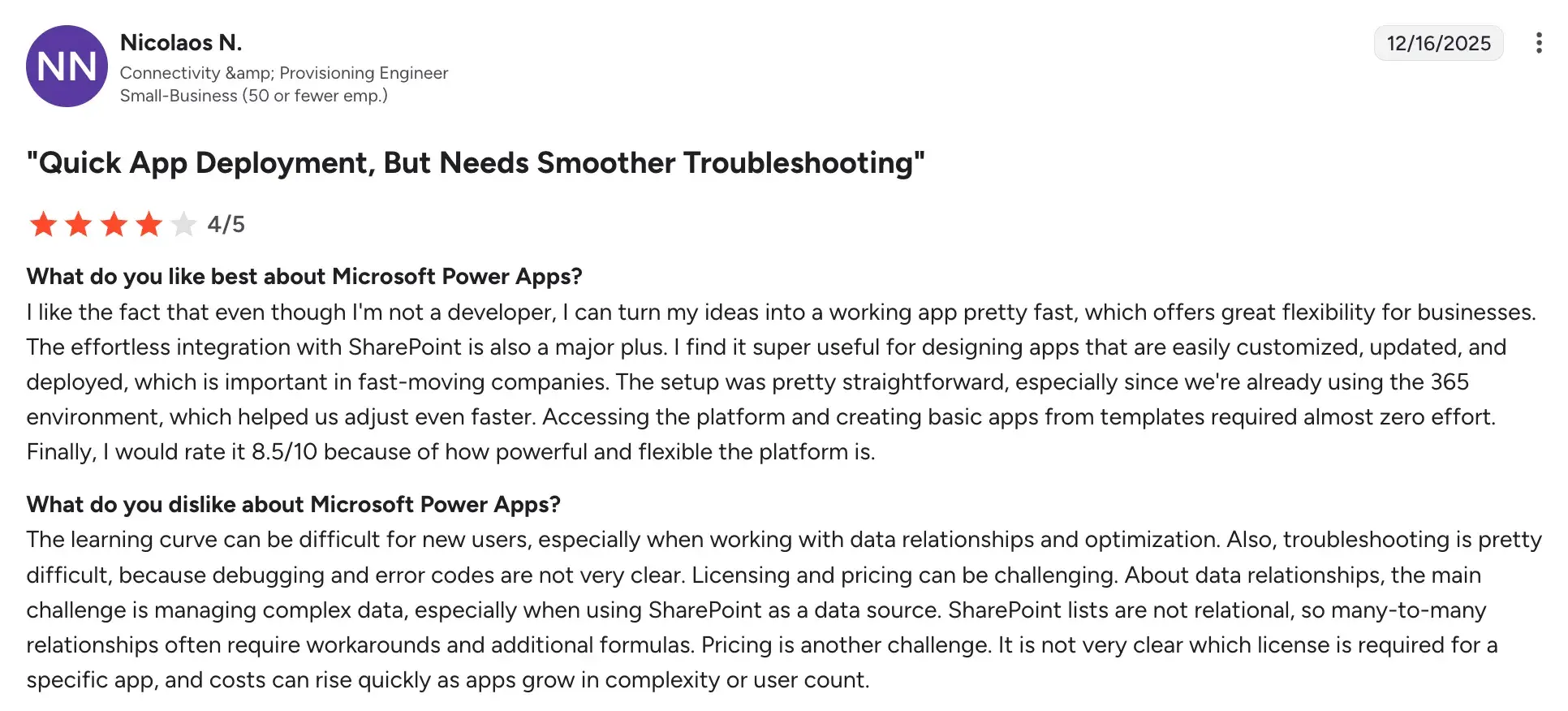
- Learning curve for advanced features and data modeling.
Source
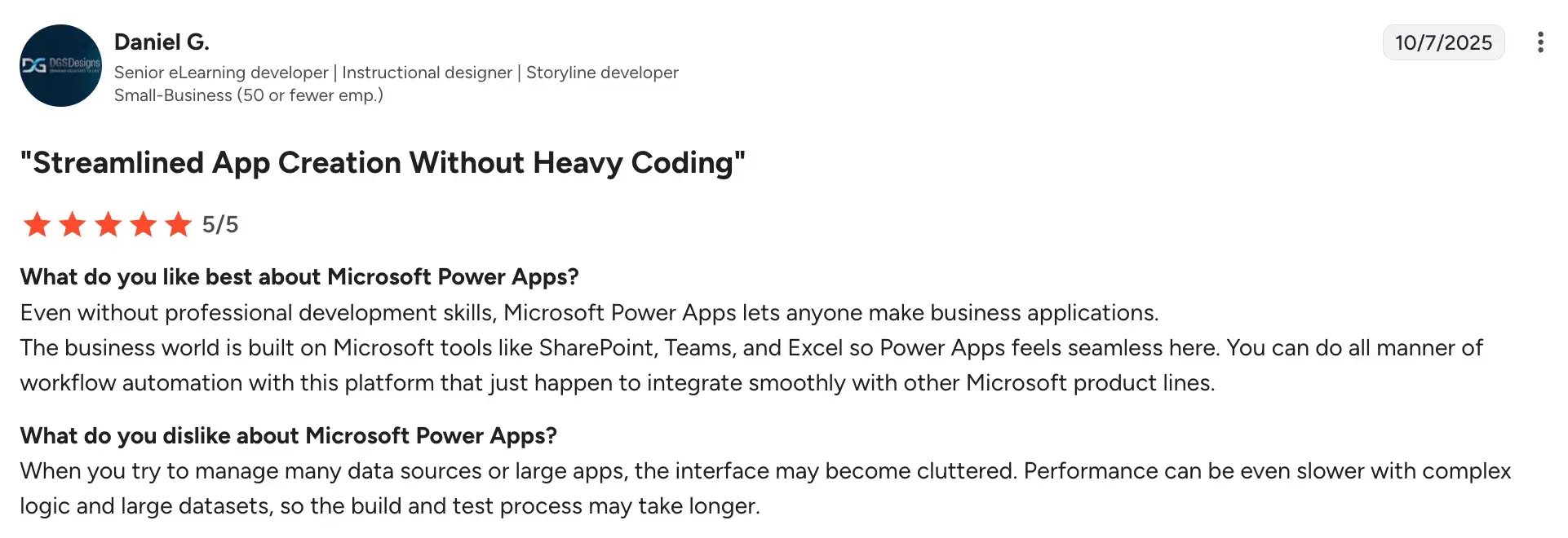
- Slow performance with large datasets or complex apps.
Source
- The licensing structure is complex and costly due to Dataverse requirements.
5. Camunda
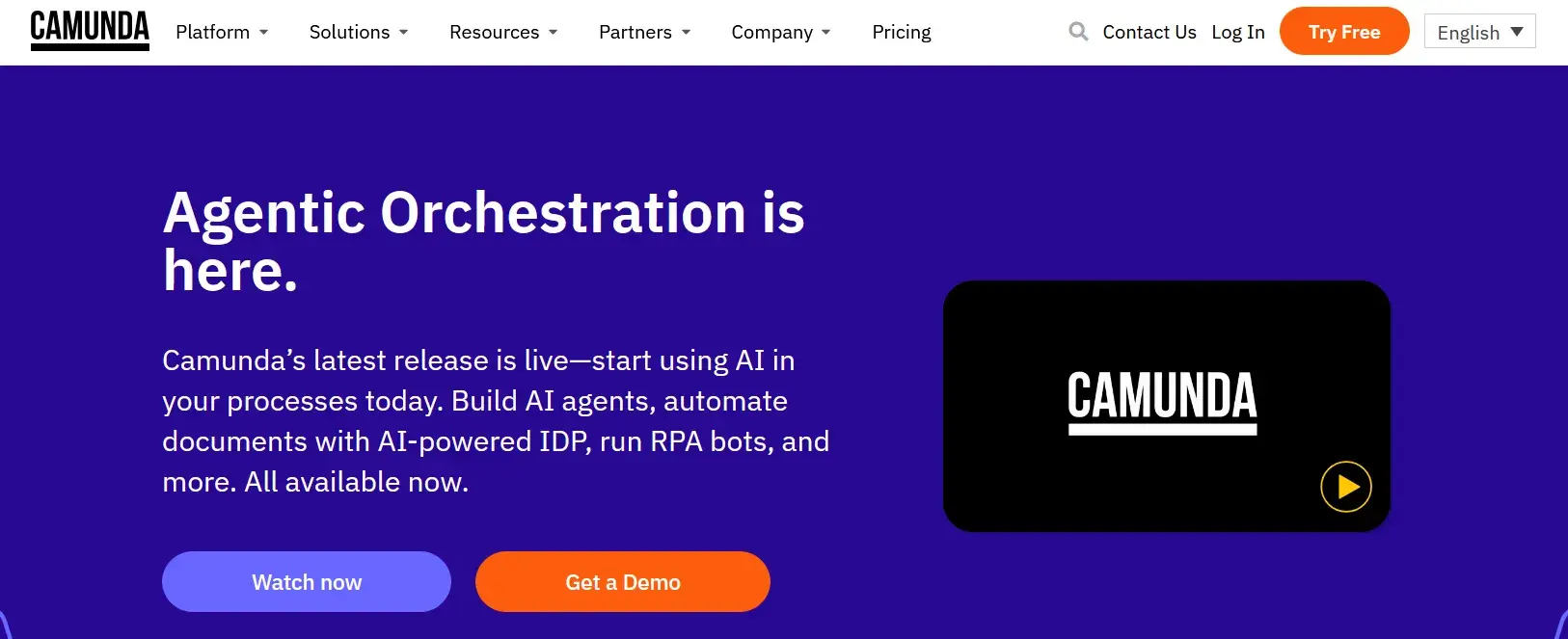
Camunda’s homepage
Camunda is an open-source process orchestration platform built for technical teams that need precise control over complex, automated workflows. In the context of policy management, Camunda is well-suited to organizations where policy processes are tightly integrated with back-end systems and require high levels of auditability and customization.
Key features of Camunda
BPMN-based workflow design
Camunda uses the Business Process Model and Notation (BPMN) standard for designing workflows. This gives your technical and compliance teams a shared, standardized language for documenting and automating policy processes.
Process automation engine
You can automate policy approval chains, escalation paths, and review triggers with high precision. Camunda's engine handles both human tasks and automated steps within the same workflow.
Audit trails and process history
Every step in a policy workflow is logged, giving you a complete history of who reviewed, approved, or modified a policy and when. It is valuable for compliance audits and regulatory reporting.
API-first architecture
Camunda integrates with virtually any enterprise system via APIs, making it suitable for organizations that need policy workflows to connect with HR systems, ERP platforms, or custom internal tools.
Camunda’s User Ratings on G2
|
Category
|
Camunda Ratings
|
|
Overall Rating
|
4.5/5 (G2)
|
|
Ease of Use
|
8.1
|
|
Ease of Setup
|
7.3
|
|
Quality of Support
|
8.2
|
Camunda’s user ratings on G2
Pros of Camunda
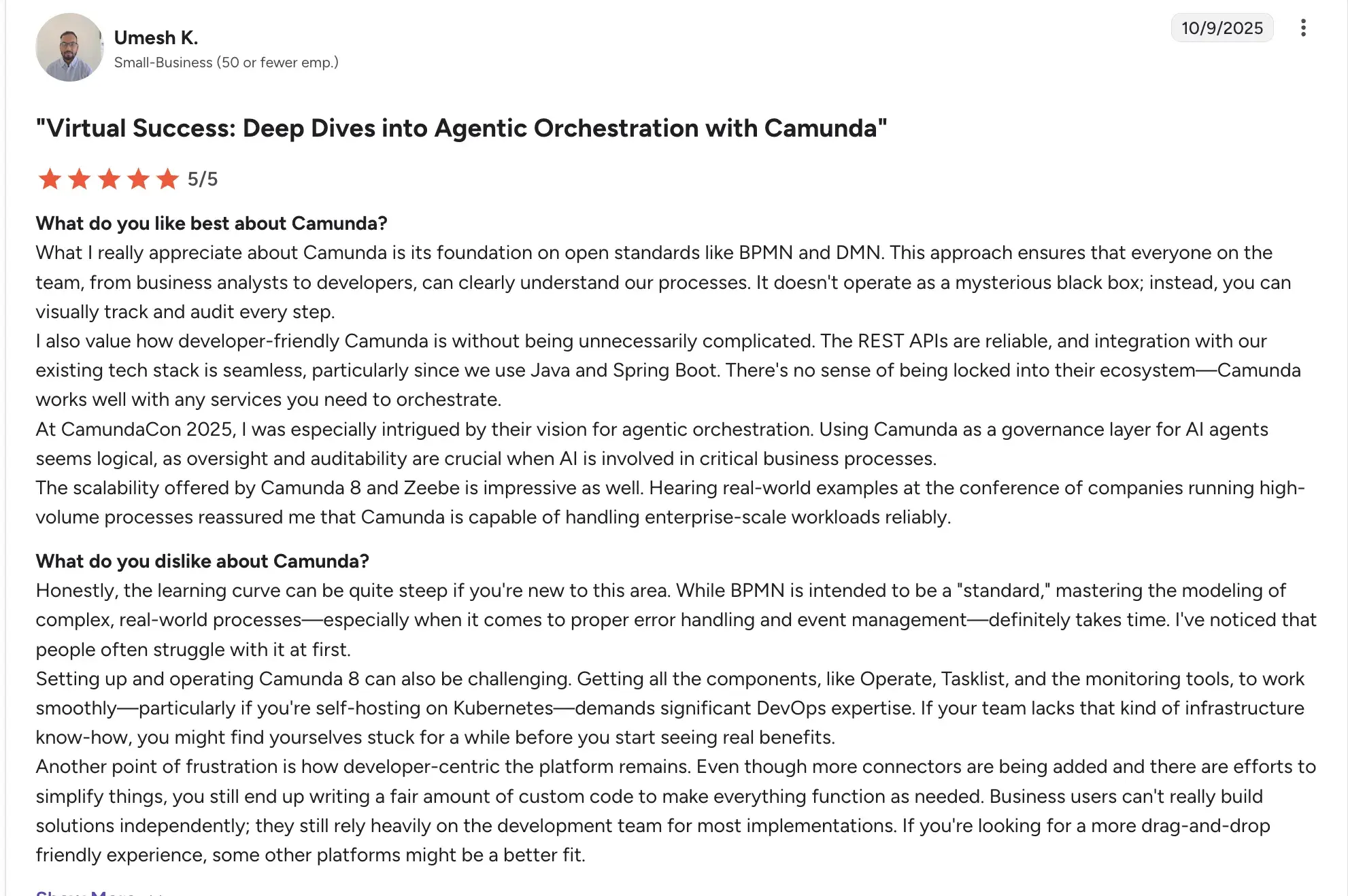
- High degree of control and flexibility for complex, multi-system policy workflows
- Strong integrations with existing systems
Source
- Open-source core reduces licensing costs for technical teams
Cons of Camunda
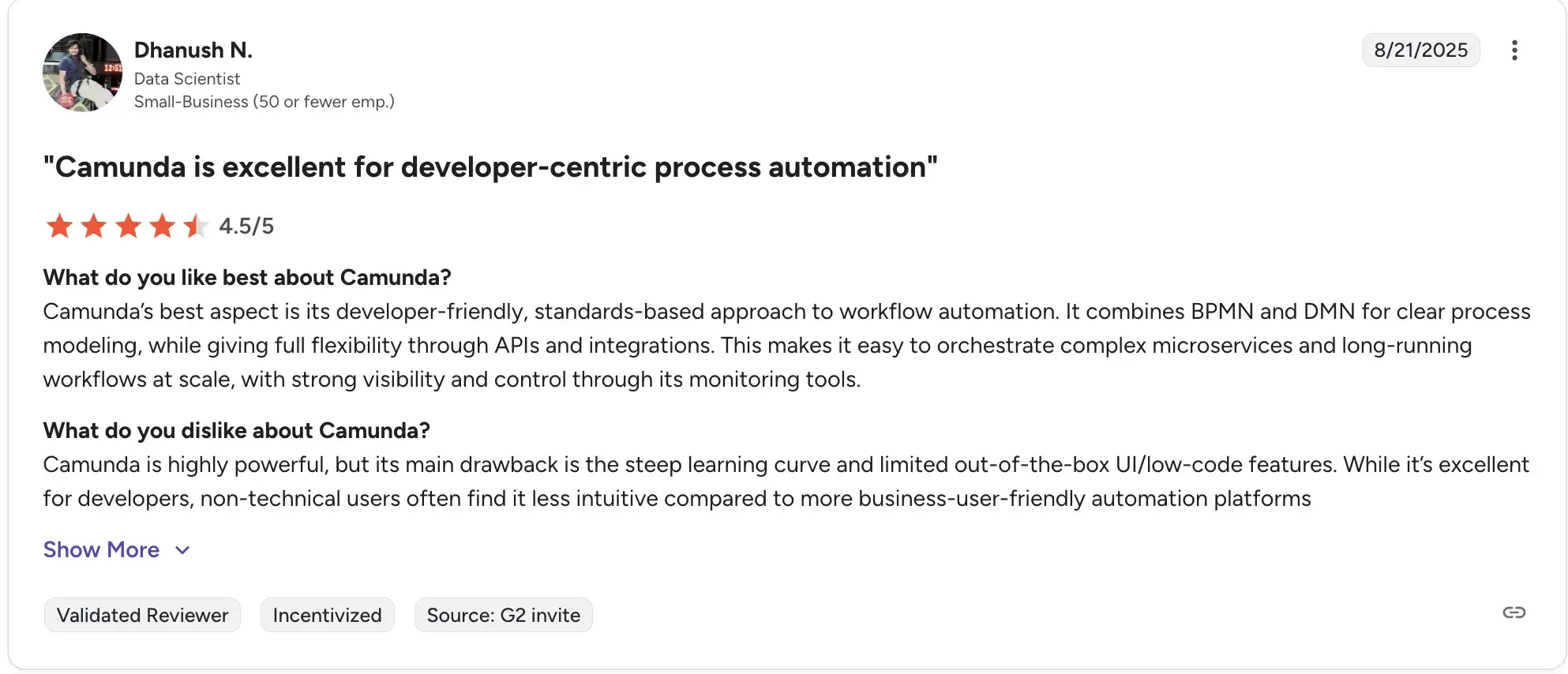
- Requires engineering ownership for build, maintenance, and changes
Source
- Not well-suited for non-technical teams who need to build or modify workflows independently
- The learning curve can be steep without prior experience in BPMN or process orchestration
6. Creatio

Creatio’s homepage
Creatio is a no-code platform that combines CRM, business process automation, and workflow management in a single environment. For policy management, it offers flexible process automation tools that can be adapted to fit policy review cycles, approvals, and compliance tracking, particularly in customer-facing or service-oriented industries.
Key features of Creatio
No-code process designer
Your team can build and modify policy workflows using a visual designer without writing code. Approval routing, review reminders, and escalation logic can all be configured by business users.
Case management
Creatio's case management module lets you handle policy exceptions, employee queries, and non-standard requests in a structured way, with full visibility into each case's status and history.
Dynamic rules and conditions
Workflows can be configured to adapt based on data conditions, such as routing a policy for additional review if it applies to a regulated department or high-risk area.
Integrations and open architecture
Creatio supports integrations with a wide range of enterprise tools and offers an open API, making it adaptable to your existing technology stack.
Creatio’s User Reviews on G2
|
Category
|
Creatio Rating
|
|
Overall
|
4.7/5 (G2)
|
|
Ease of Setup
|
8.4 / 10
|
|
Ease of Use
|
9.0 / 10
|
|
Quality of Support
|
9.1 / 10
|
Creatio’s user ratings on G2
Pros of Creatio
- Flexible platform that can be shaped to fit varied policy management use cases

Source
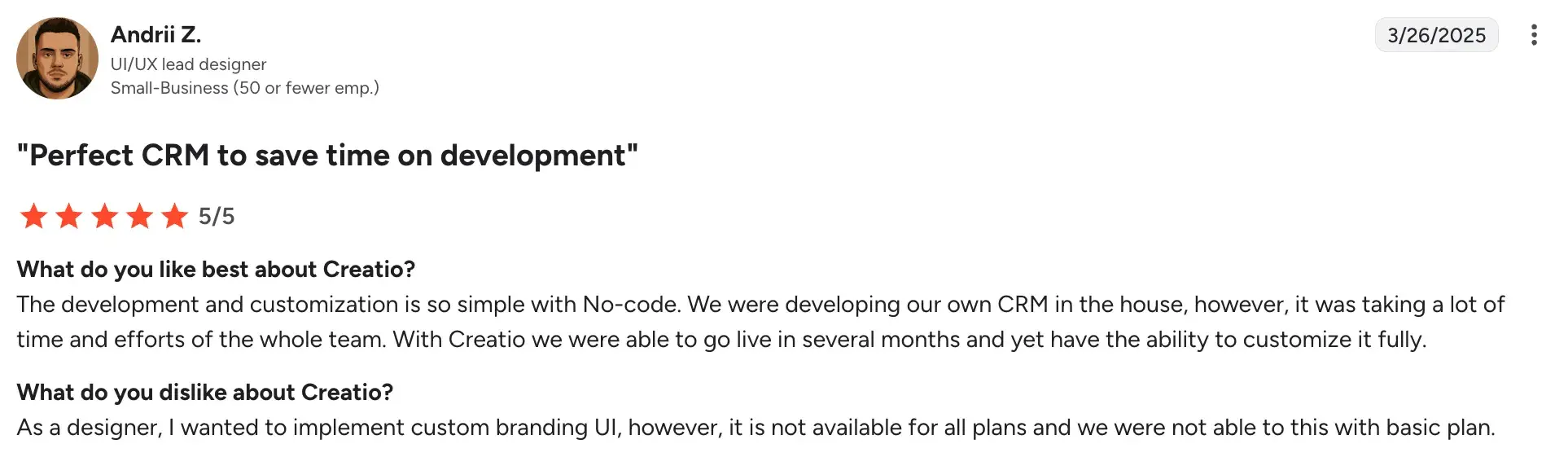
- No-code design tools reduce dependency on IT for workflow changes without heavy coding
Source
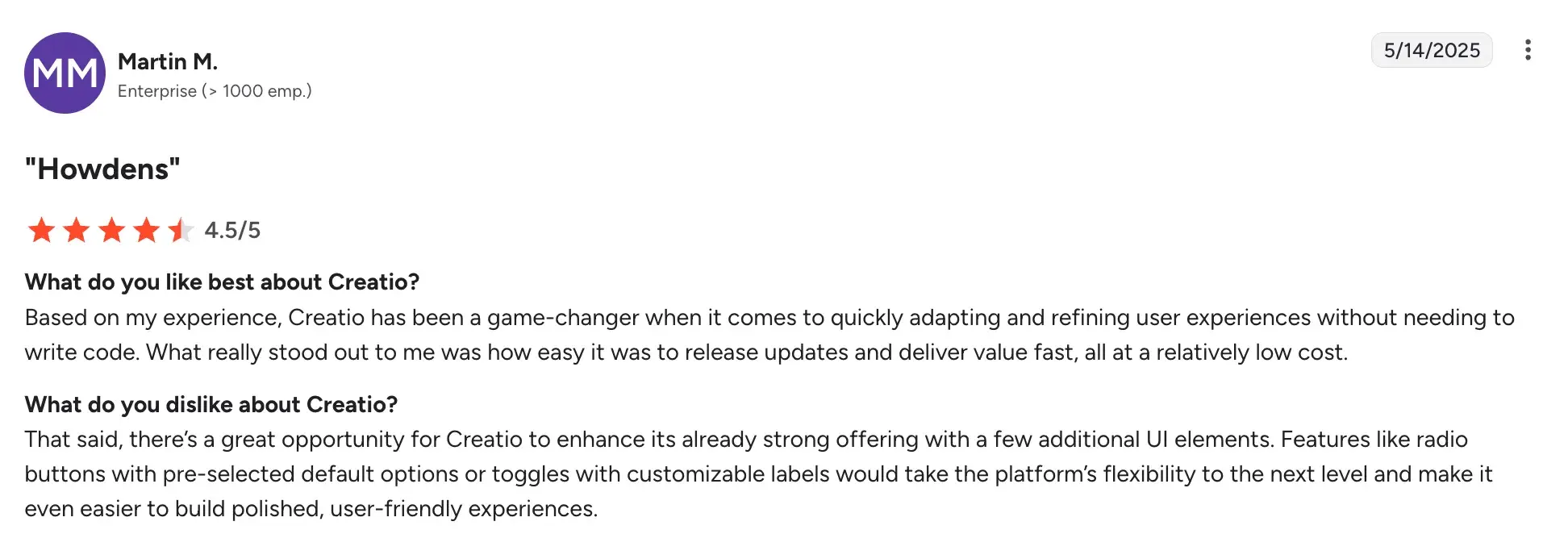
- Unified platform combines CRM, automation, and analytics in one environment.
Source
Cons of Creatio
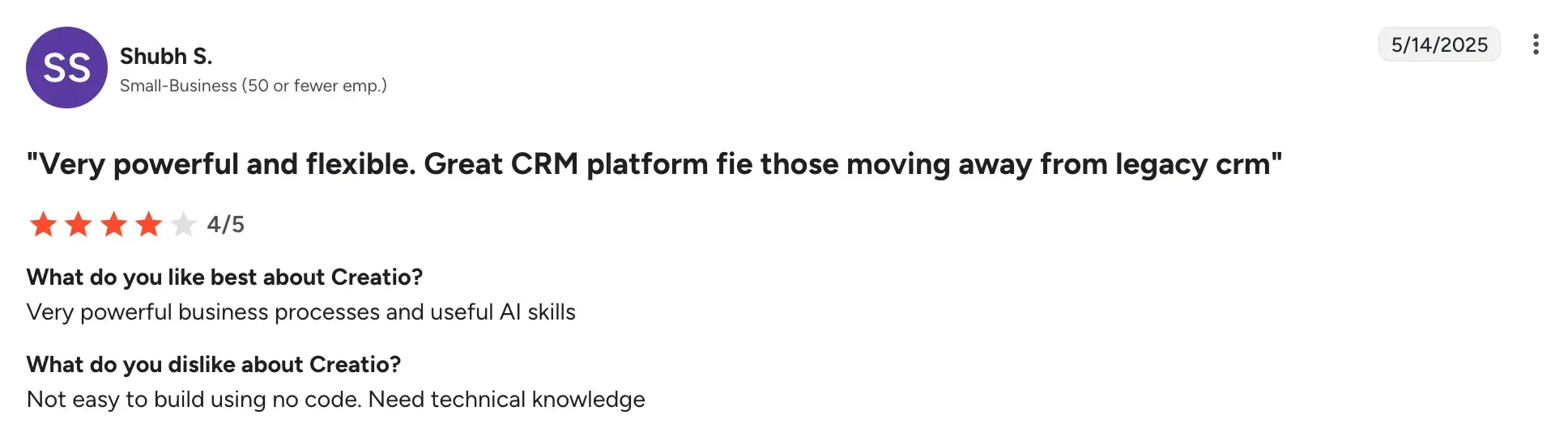
- Steeper learning curve for teams without prior low-code experience.
Source
- Primarily designed as a CRM and process platform, so dedicated policy governance features may need to be built out
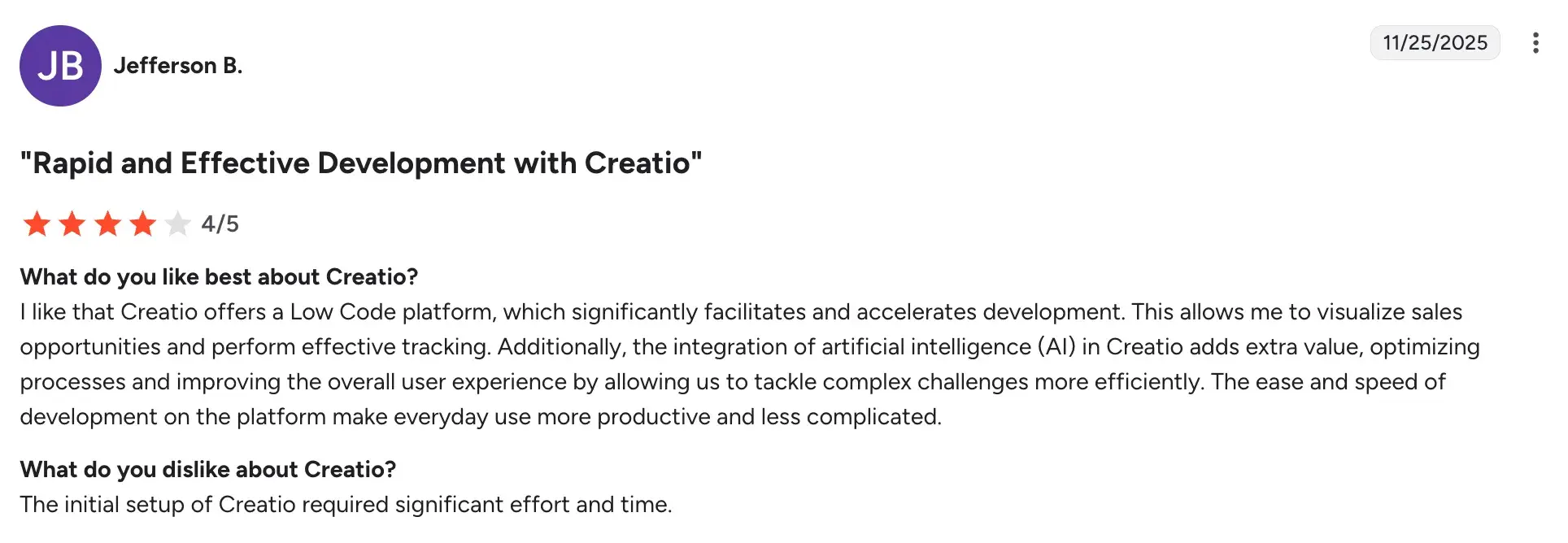
- Some advanced capabilities require higher-tier licensing or additional setup.
Source
7. Process Street
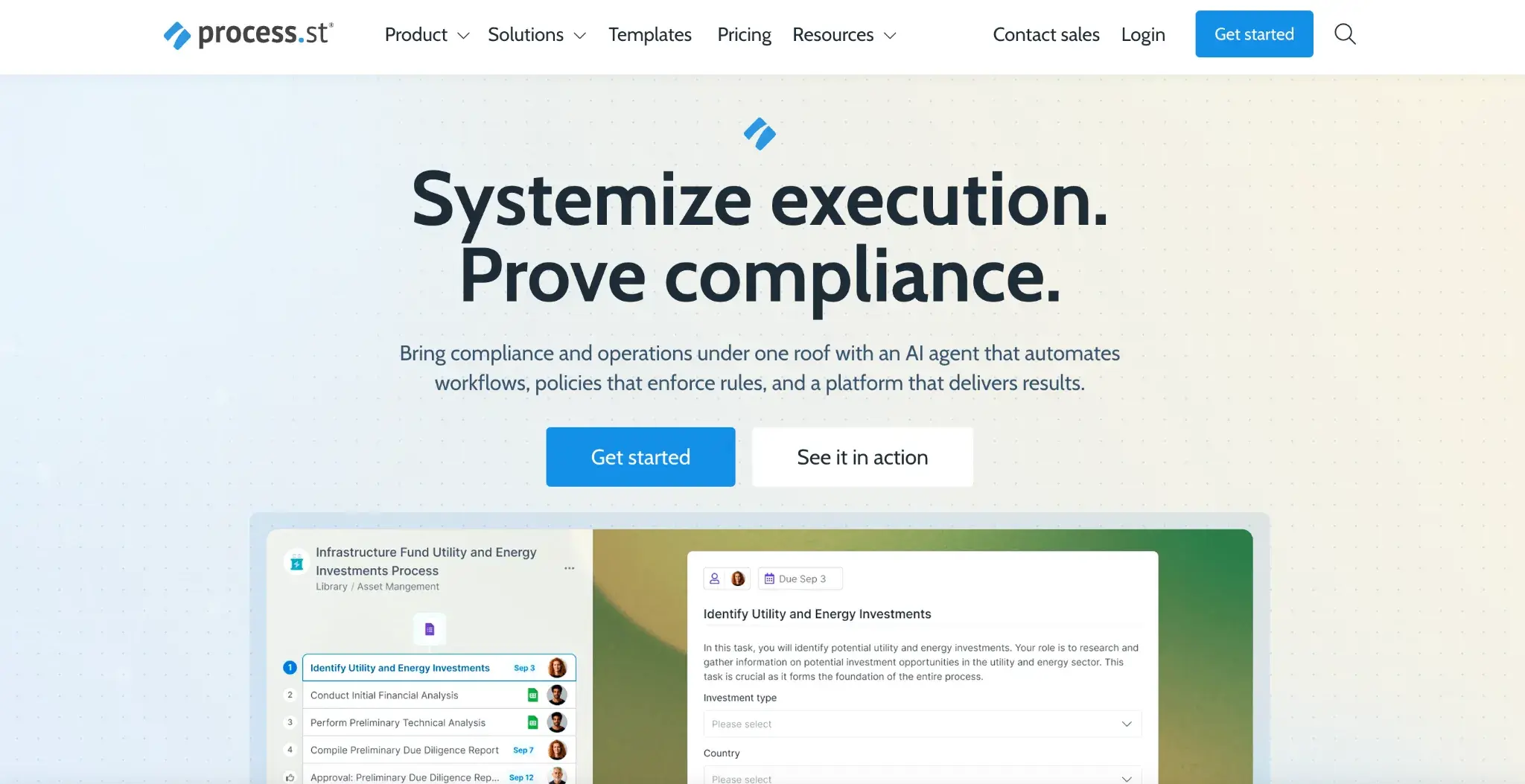
Process Street Homepage
Process Street is a workflow and checklist management platform designed to help teams run recurring processes consistently and with full visibility. For policy management, it works well for standardizing how policies are reviewed, approved, and communicated, especially when you need team members to follow structured steps in a documented, trackable way.
Key features of Process Street
Structured workflow templates
You can create reusable templates for policy review cycles, approval processes, and compliance checklists. Each time a workflow runs, a new instance is created with a full audit trail.
Conditional logic
Workflows can branch based on responses or conditions, so a policy review can follow a different path depending on the type of policy, the department it affects, or the risk level involved.
Task assignment and tracking
You can assign specific steps to individuals or teams, set due dates, and track progress in real time, which keeps policy reviews on schedule and accountable.
Integrations with business tools
Process Street connects with tools like Slack, Google Drive, Zapier, and Salesforce, allowing policy workflows to trigger actions in other systems your team uses.
User Reviews for Process Street
|
Category
|
Process Street Rating
|
|
Overall Rating
|
4.6 / 5 (G2)
|
|
Ease of Use
|
8.8 / 10
|
|
Ease of Setup
|
8.6 / 10
|
|
Quality of Support
|
9.2 / 10
|
Process Street’s user ratings on G2
Pros of Process Street
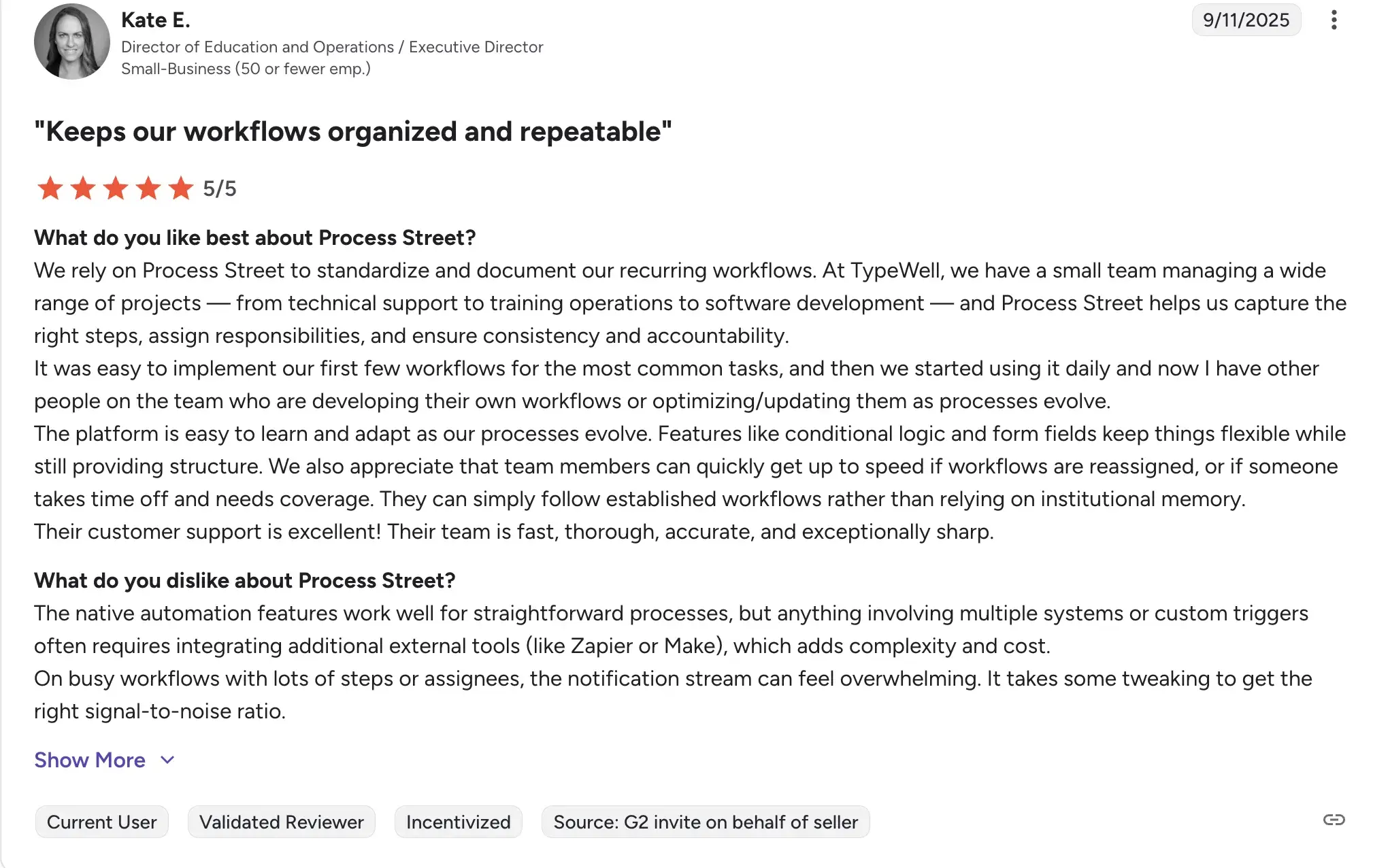
- Simple to set up and use, with a low learning curve for non-technical teams
Source
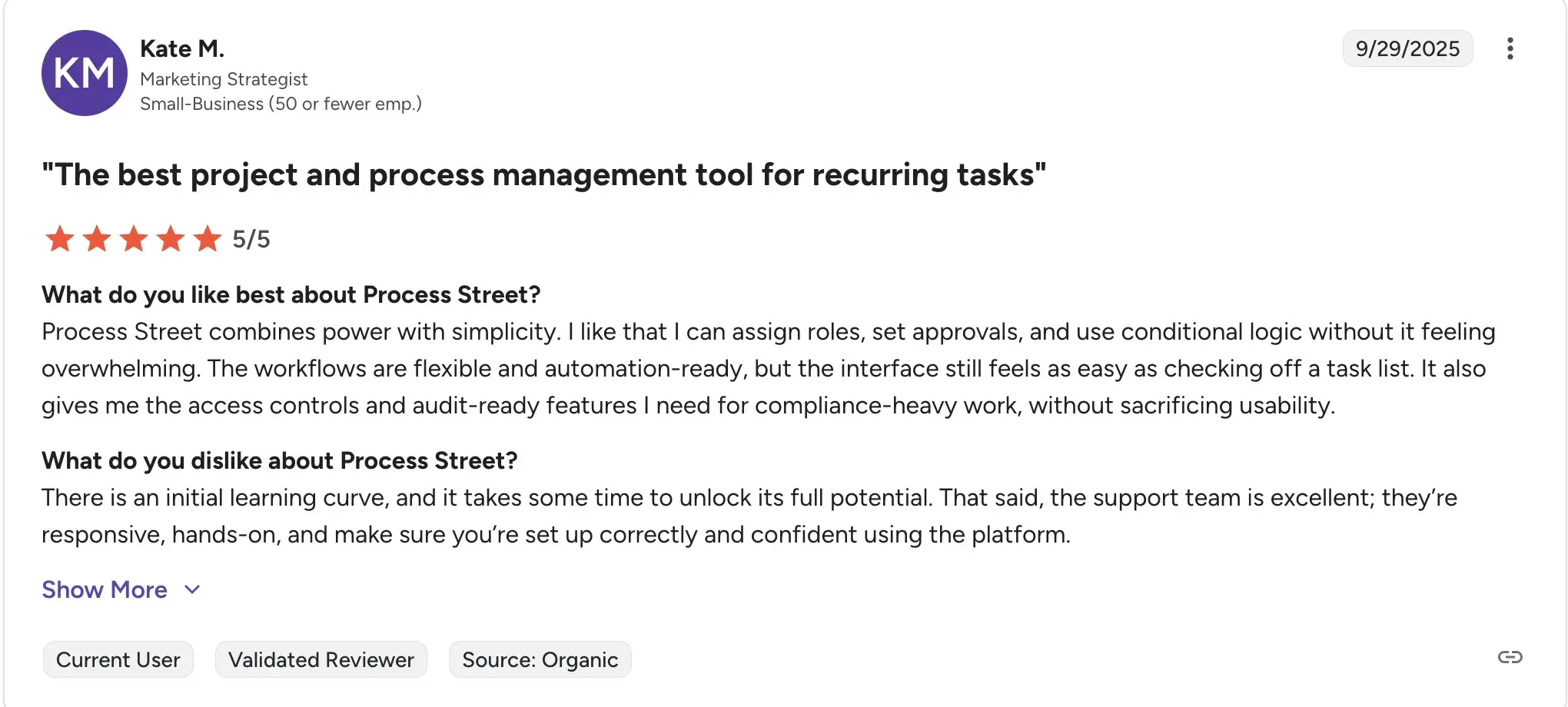
- Consistent, repeatable workflows reduce the risk of steps being missed during policy reviews
Source
- Good visibility into task progress and completion status
Cons of Process Street
- Better suited for straightforward, linear processes rather than highly complex policy governance structures
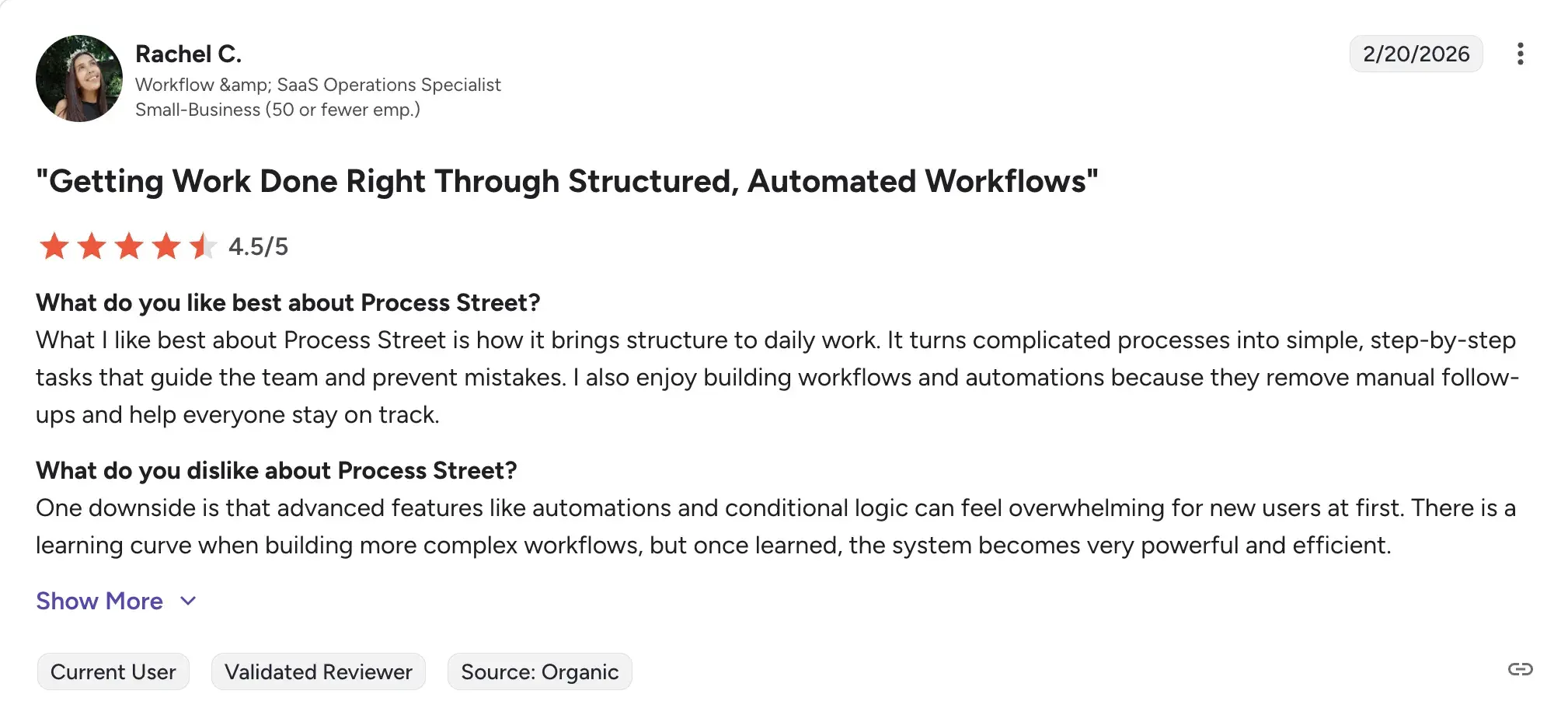
- Requires some initial learning time before teams use the platform confidently
Source
- Reporting and analytics are relatively basic for organizations with deep compliance reporting needs
8. Appian
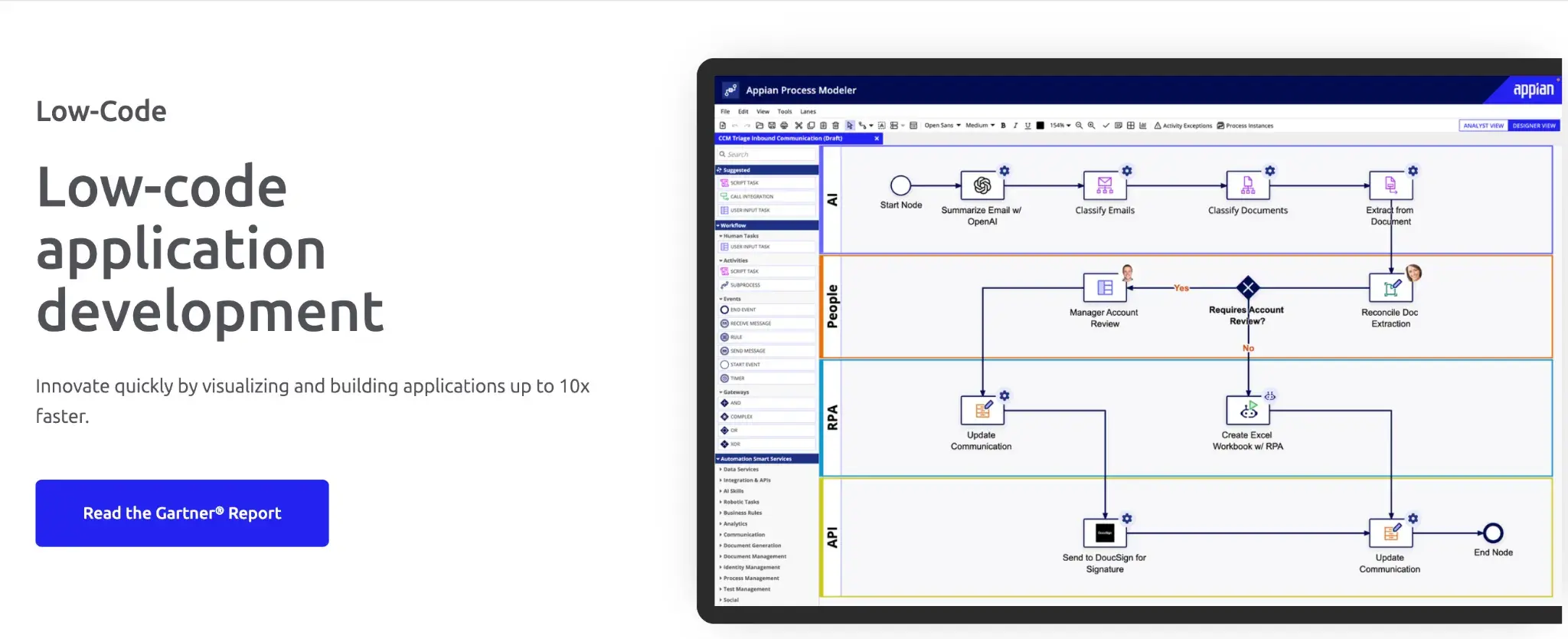
Appian’s low-code development platform
Appian markets itself as a low-code development platform that can also be used for no-code automation. For policy management, it provides a powerful environment where you can build structured approval workflows, automate policy distribution, and maintain detailed records, all within a platform designed to scale across large, complex organizations.
Key features of Appian
Low-code process design
Your team can design and deploy policy workflows using a visual interface, with the option to extend functionality through code when needed. This bridges the gap between business users and IT teams.
Case management
Appian includes robust case management capabilities, allowing you to track policy exceptions, investigations, and complex approval scenarios with full visibility and audit history.
Document management integration
You can connect policy documents to workflows directly, ensuring that the right version of a policy is always tied to the correct review or approval process.
Enterprise integrations
Appian integrates with major enterprise systems, including SAP, Salesforce, and various HRIS platforms, making it suitable for organizations where policy processes span multiple departments and systems.
Appian’s User Ratings on G2
|
Category
|
Rating
|
|
Overall
|
4.5 /5 (G2)
|
|
Ease of Use
|
8.7 / 10
|
|
Ease of Setup
|
8.5 / 10
|
|
Quality of Support
|
8.5 / 10
|
Appian’s user ratings on G2
Pros of Appian
- Scales well for large enterprises with complex, multi-layered policy governance requirements
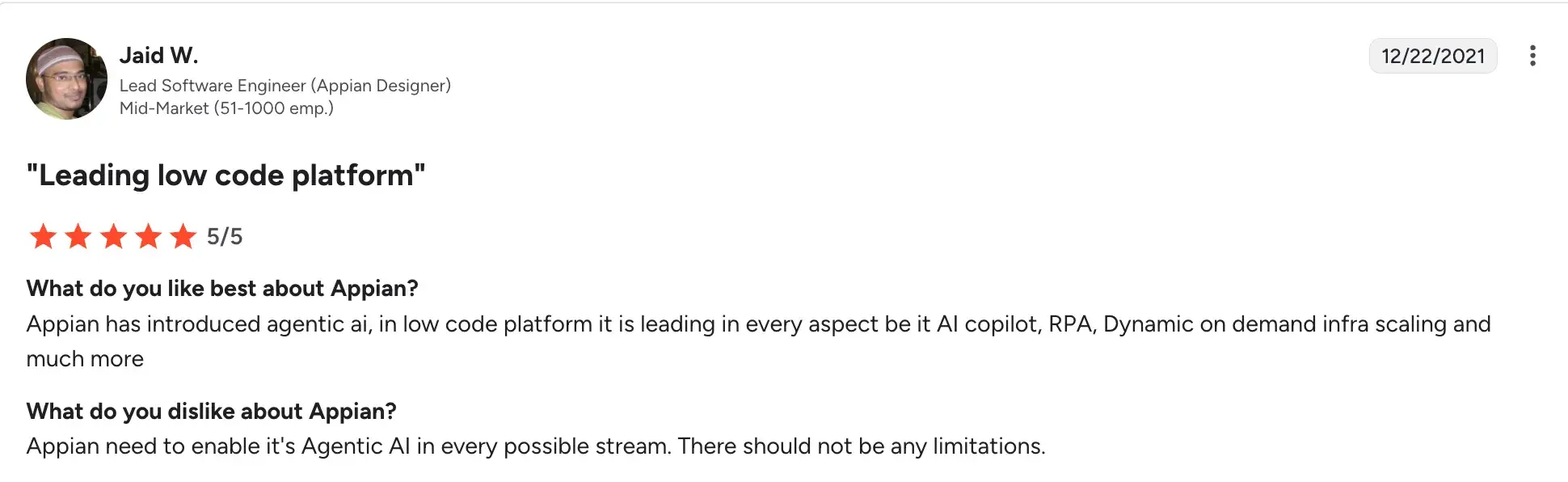
- Strong AI, audit and case management features support regulatory compliance
Source
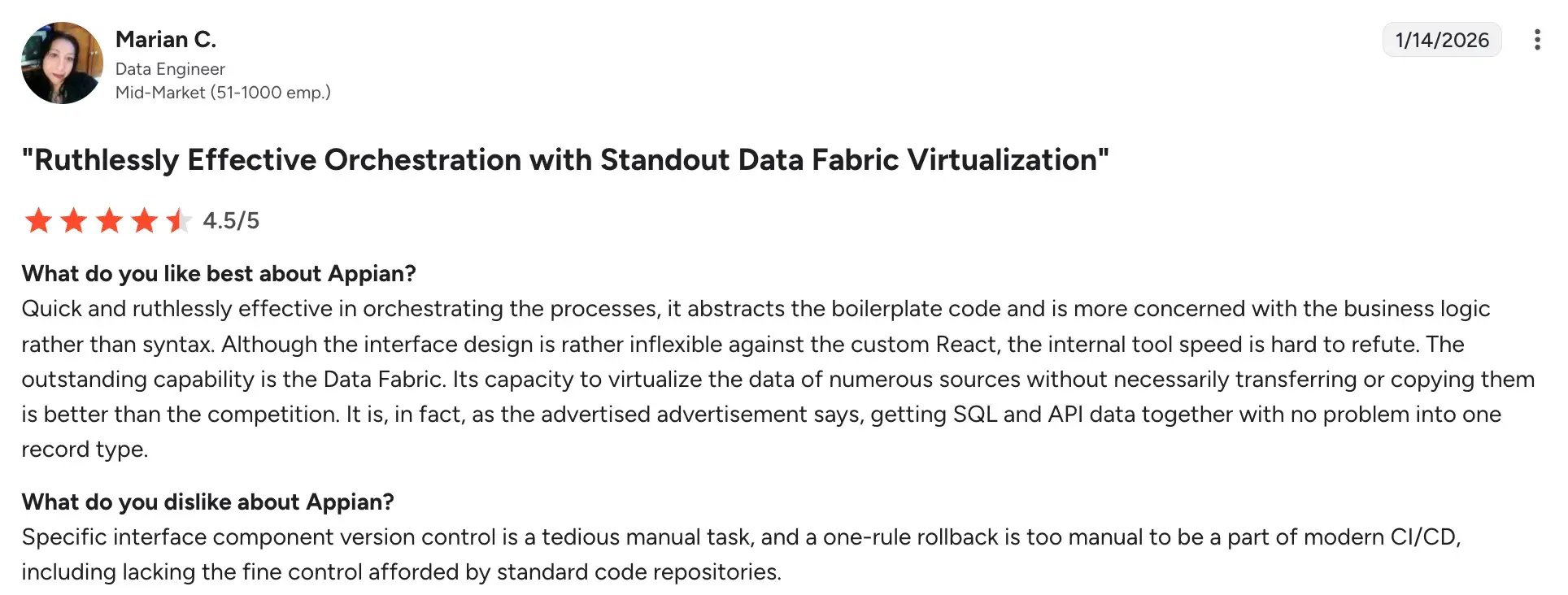
- Highly configurable without deep technical dependency once set up
Source
Cons of Appian
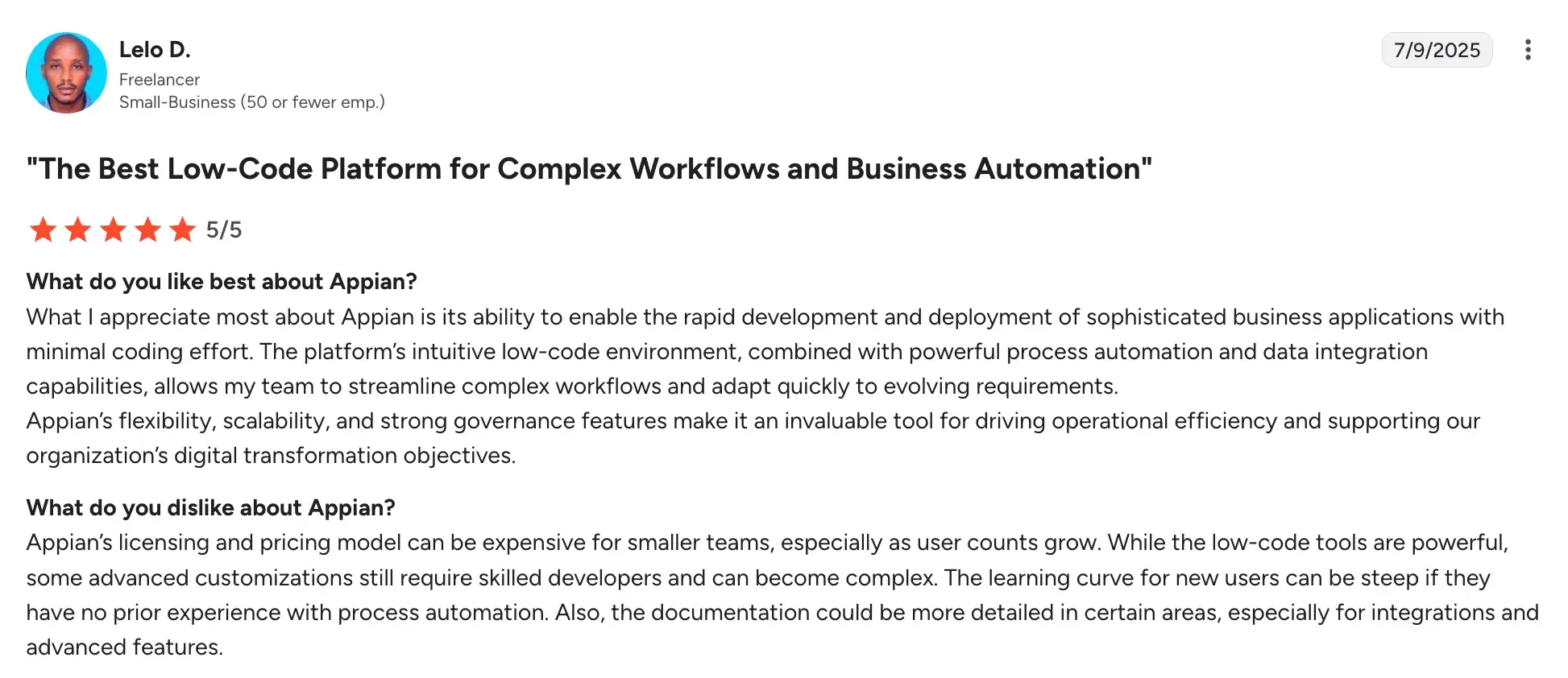
- Licensing costs are high, making it better suited to large enterprise deployments
Source
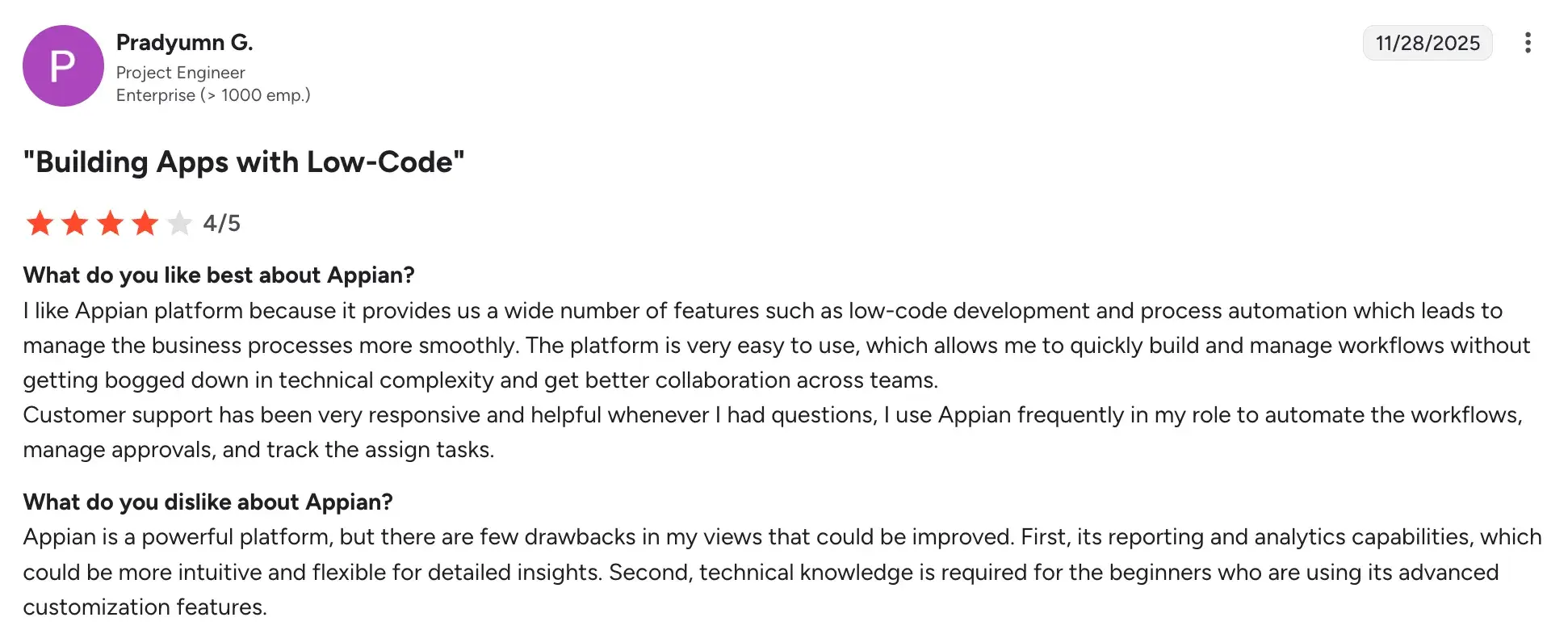
- Advanced customisation still requires Appian-certified development skills
Source
- Can be over-engineered for organizations with simpler policy management needs
9. Collaboris (DocRead)
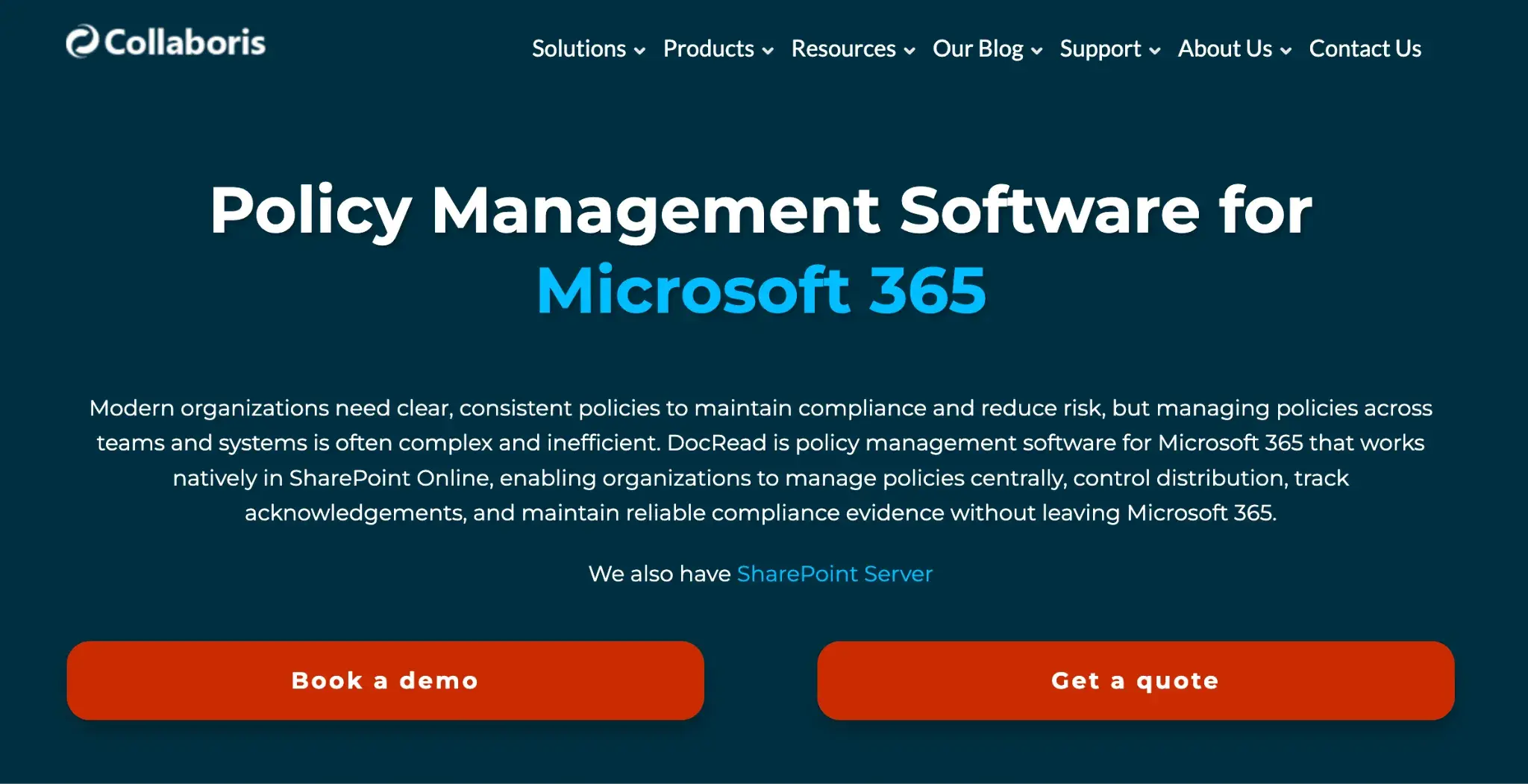
Docread’s homepage
DocRead, developed by Collaboris, is a SharePoint-based solution built specifically to manage the distribution, reading, and acknowledgment of policies and documents. If your organization runs on SharePoint, DocRead makes it straightforward to ensure employees have read and confirmed understanding of the policies that apply to them.
Key features of Collaboris (DocRead)
Targeted policy distribution
You can assign policies to specific users, groups, or departments within SharePoint, ensuring the right people receive the right documents without manual distribution.
Read and acknowledgment tracking
DocRead records when each employee views and acknowledges a policy, giving you a verifiable audit trail of compliance across your workforce.
Automated reminders
The system automatically sends reminders to employees who haven't completed their acknowledgment, reducing the administrative effort of chasing policy sign-offs.
Compliance reporting
You can generate reports showing acknowledgment rates by team, department, or individual, which is especially useful for demonstrating compliance during audits.
Docread’s User Ratings on G2
|
Category
|
Rating
|
|
Overall
|
4.9 / 5 (G2)
|
|
Ease of Use
|
9.8 / 10
|
|
Ease of Setup
|
9.8 / 10
|
|
Quality of Support
|
9.8 / 10
|
Caption: Docread’s user ratings on G2
Pros of Collaboris (DocRead)
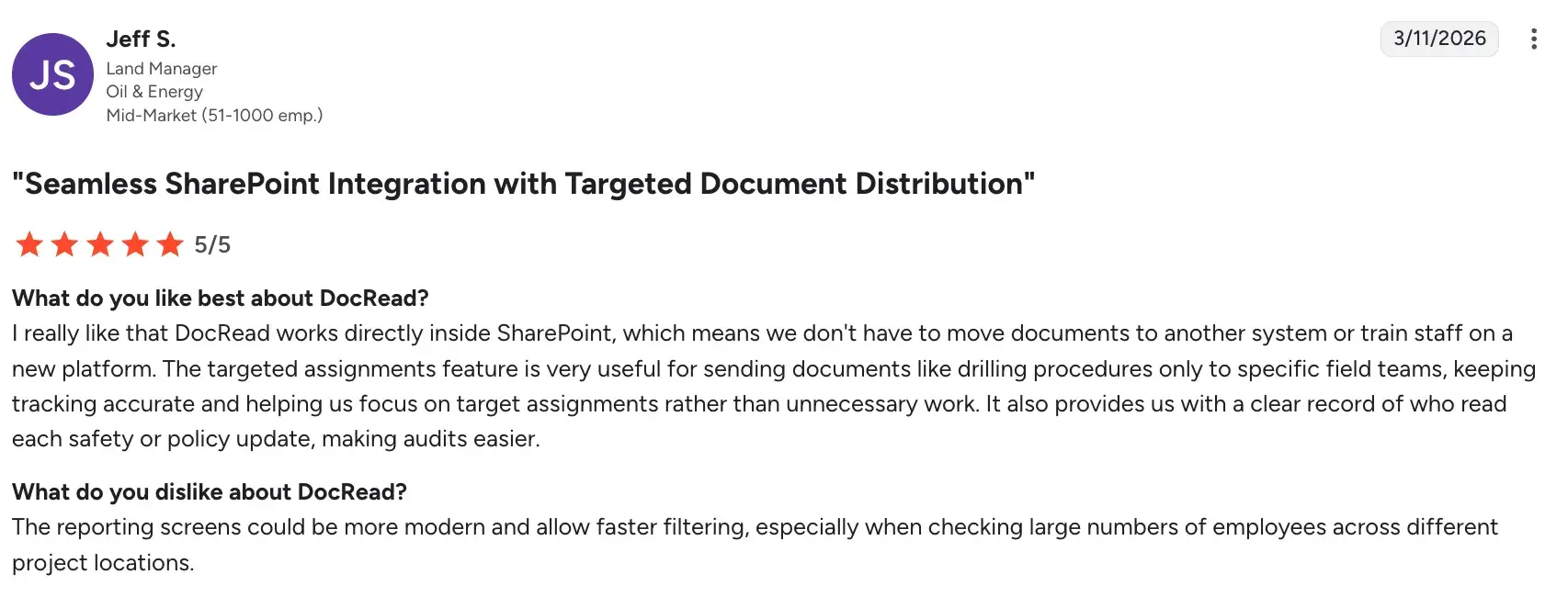
- Purpose-built for policy acknowledgment within SharePoint, making it highly relevant for SharePoint-centric organizations
Source
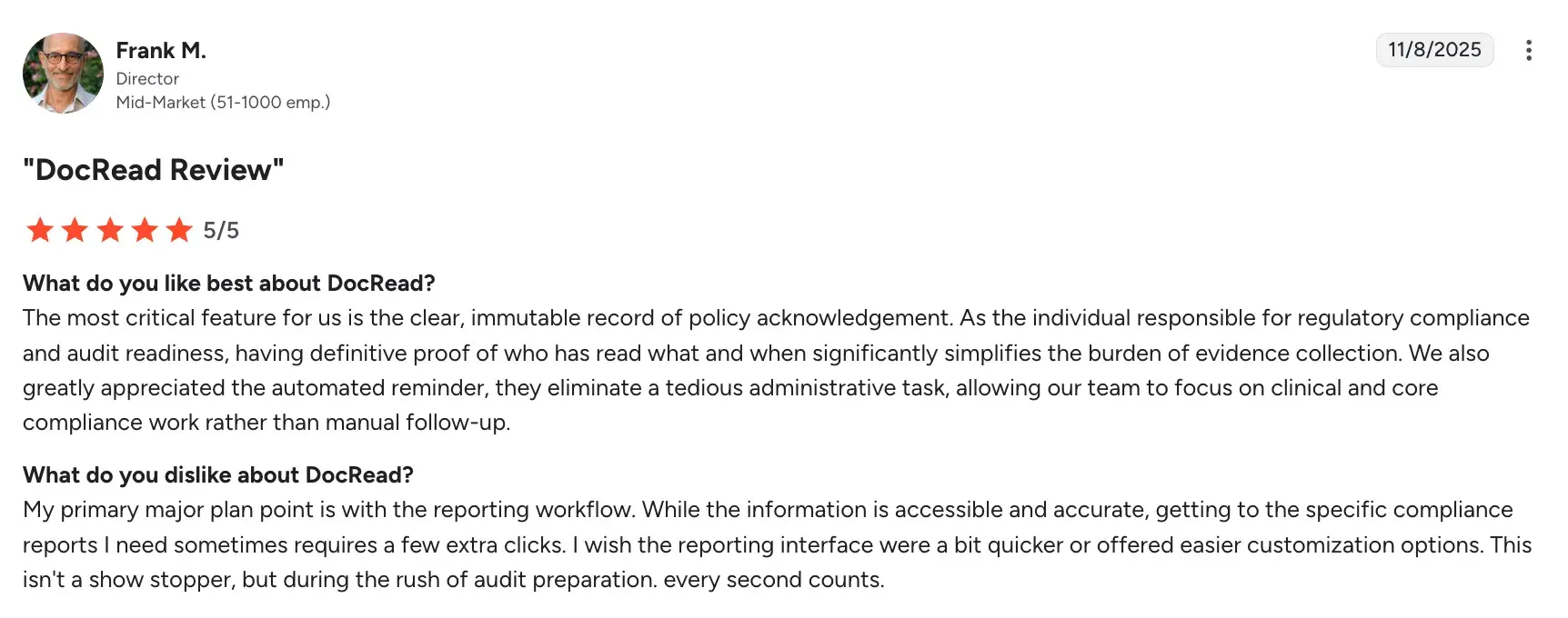
- Clear audit trail of who has read and acknowledged each policy
Source
- Low administrative overhead once set up, with automated reminders handling follow-ups
Cons of Collaboris (DocRead)
- Functionality is largely limited to SharePoint, making it unsuitable for organizations outside the Microsoft ecosystem
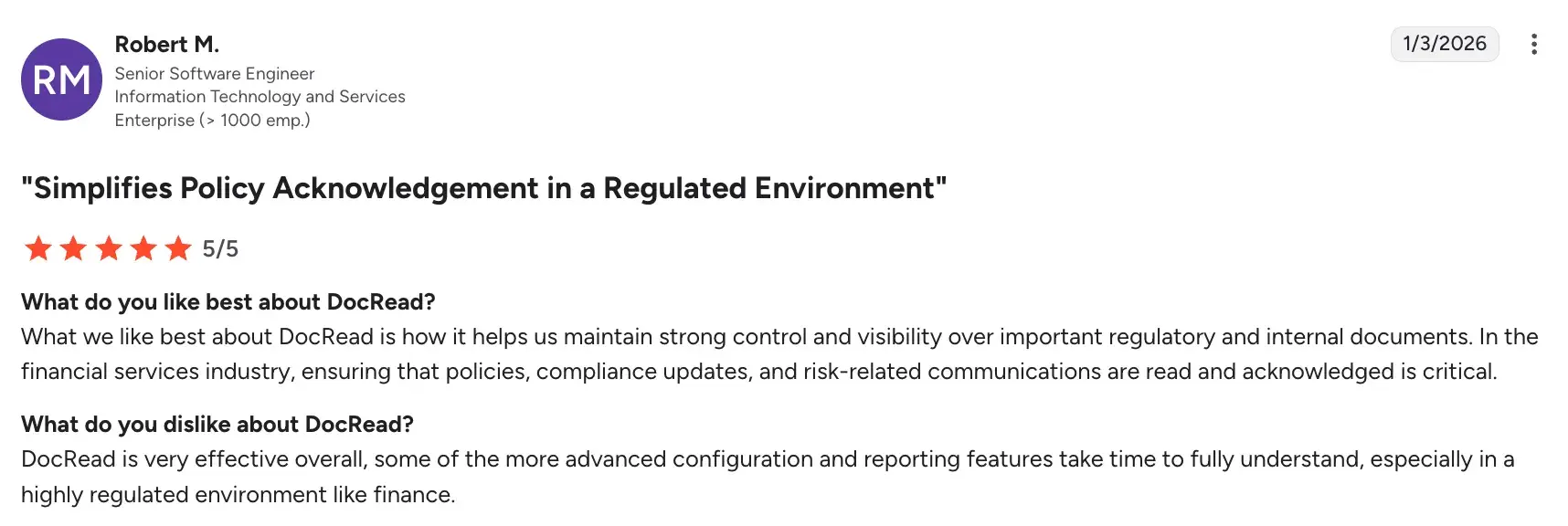
- Advanced configuration and reporting features take time to fully understand
Source
- Limited customization options for organizations with complex workflow requirements
10. Cflow
 Cflow homepage
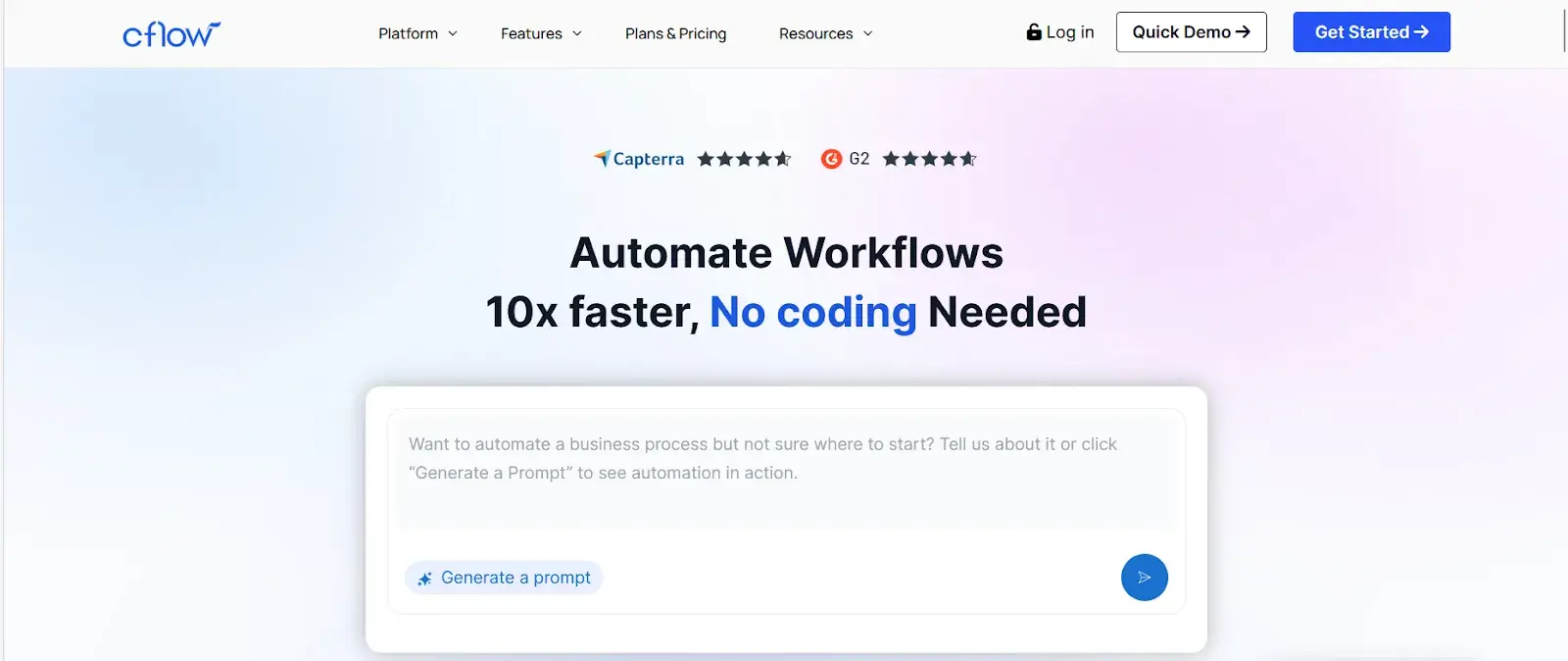
Cflow is a cloud-based workflow automation tool designed for business teams that want to move away from manual, email-driven processes without heavy IT investment. For policy management, it provides a practical way to digitize approval workflows, review cycles, and compliance sign-offs with a minimal learning curve.
Key features of Cflow
Visual workflow builder
You can create policy approval and review workflows using a no-code drag-and-drop interface. Routing rules, approval stages, and notifications can all be set up by your business team.
Multi-level approvals
Cflow supports sequential and parallel approval chains, so policies can be reviewed by multiple stakeholders across teams before being finalized.
Form builder
You can design custom forms to capture policy-related information, such as exception requests, incident reports, or policy feedback, and attach them directly to workflows.
Notifications and escalations
Automated email and in-app notifications keep approvers informed, and escalation rules ensure that pending policy tasks don't fall through the cracks.
CFlow’s User Ratings on G2
|
Category
|
Cflow Rating
|
|
Overall
|
4.7 / 5 (G2)
|
|
Ease of Use
|
9.6 / 10
|
|
Ease of Setup
|
9.2 / 10
|
|
Quality of Support
|
9.5 / 10
|
CFlow’s user ratings on G2
Pros of Cflow
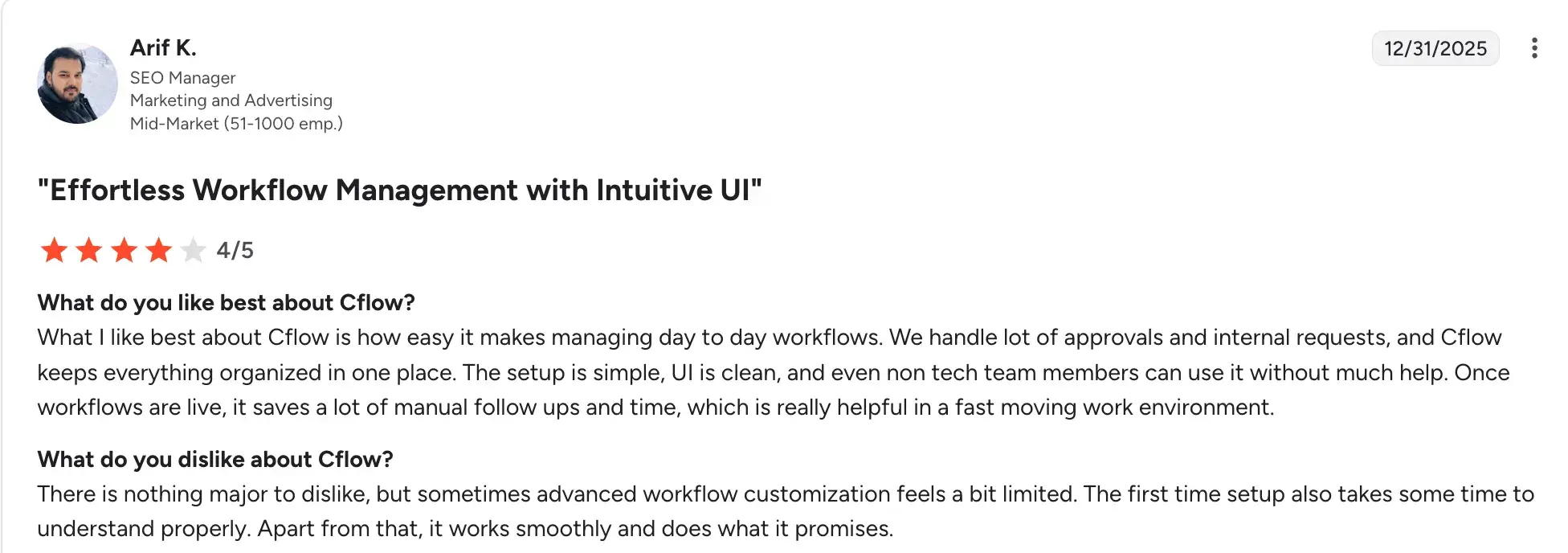
- Very easy to get started with, even for teams with no prior automation experience
Source
- Affordable pricing makes it accessible for small and mid-sized organizations
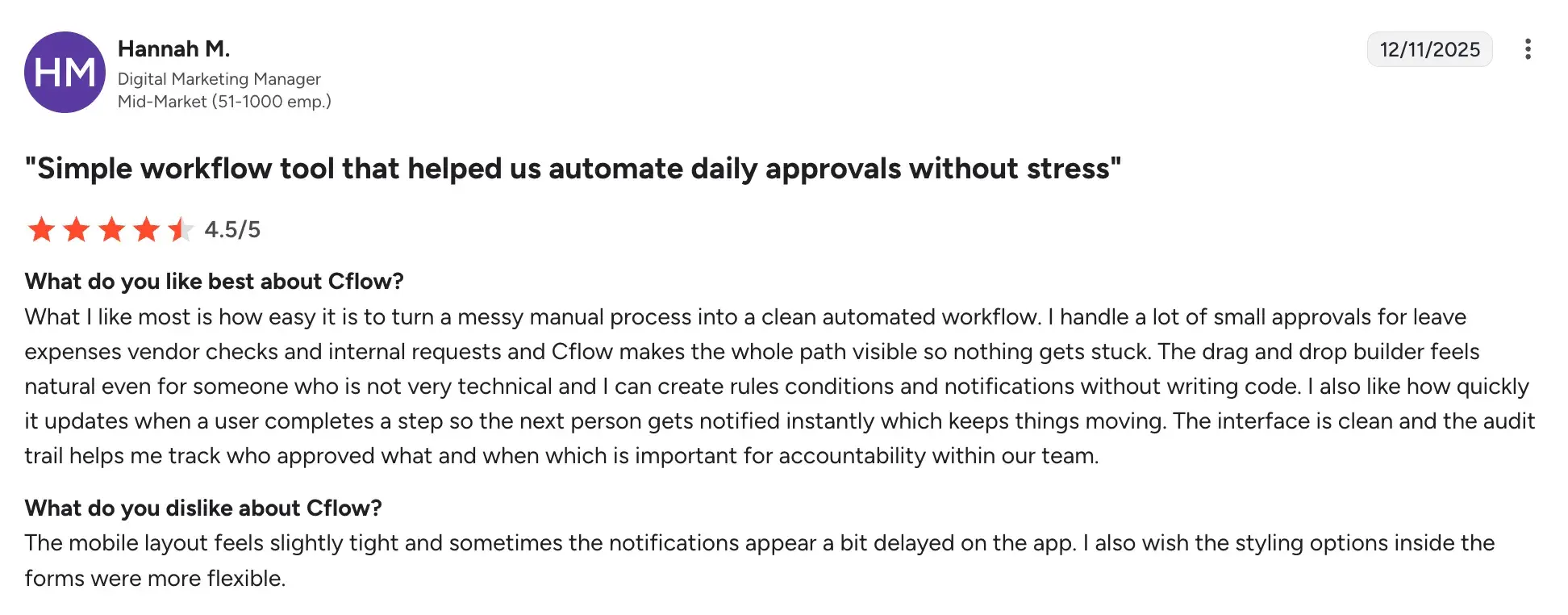
- Covers the core needs of policy approval and review workflows effectively
Source
Cons of Cflow
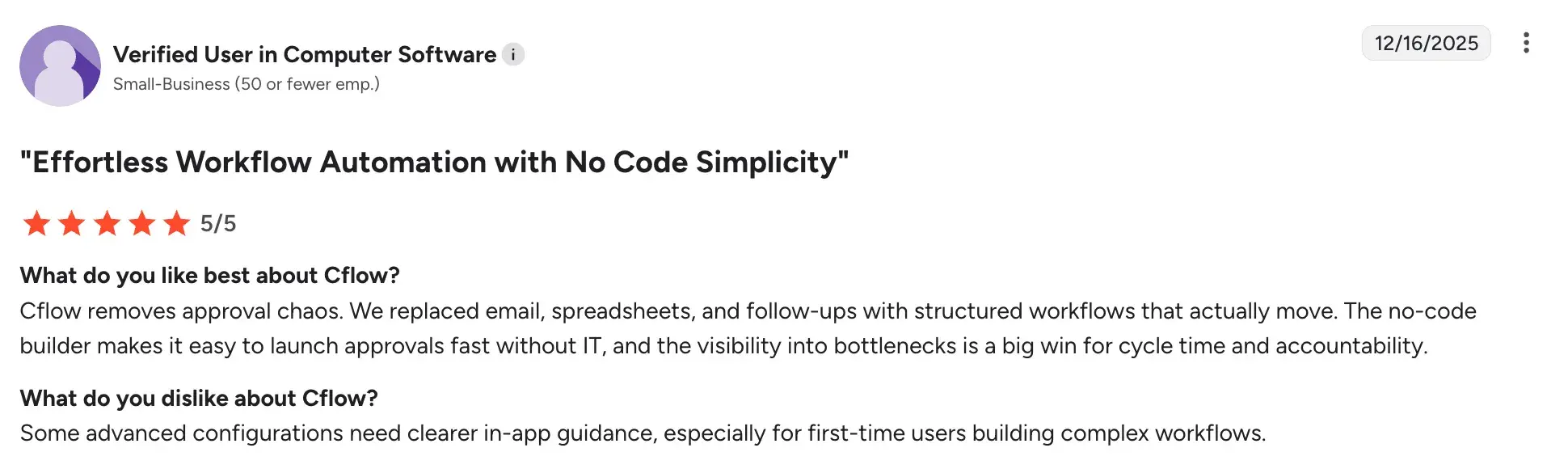
- Advanced configuration needs technical guidance
Source
- Integration options are narrower compared to more established workflow platforms
- Reporting and audit trail functionality may not meet the standards of regulated industries
6 Features To Look For In Policy Management Software
The right policy management software should make it easier to create, review, approve, and distribute policies while keeping your organization compliant. Here are some key features to consider:
No-code workflow builder
Build and update your policy review and approval workflows without writing code. Your compliance or HR team can add steps, adjust routing logic, or modify approval chains without waiting on developers, so you can roll out changes faster as your policy requirements evolve.
Compliance and audit tracking
Compliance checks embedded directly into your workflows keep regulatory obligations visible at every stage and reduce the risk of missed reviews or unapproved changes going unnoticed.
Version control and document management
Policy documents change over time. Version control ensures your teams are always working from the most current approved version, with a clear record of what changed, who changed it, and when.
Acknowledgment and distribution tracking
Targeted distribution tools, combined with automated reminders, give you a verifiable record of employee compliance without manual follow-up.
Integration with existing systems
Connect with the tools your teams already rely on, including your HRIS, document storage, and communication platforms. Seamless integration means policy data stays current across systems and reduces duplicate work across departments.
Customizable approval workflows
Customizable workflows let you tailor each process to the policy type, department, or risk level involved, without forcing everything into a rigid structure.
Which Policy Management Software Is Right For You?
Every platform on this list solves a different policy management challenge. Here is a quick guide to help you find the right fit.
- FlowForma: Works best if you are on Microsoft 365 and want to automate policy workflows and acknowledgments without writing code.
- Kissflow: A strong choice if your team needs to get structured approval workflows up and running quickly without heavy IT involvement.
- Nintex: A solid pick if your organization needs to map, document, and automate complex, multi-department policy processes.
- Power Apps: The right fit if you want to build custom policy portals or acknowledgment tools that integrate tightly with your Microsoft infrastructure.
- Camunda: Best suited if your team has developer resources and needs precise, auditable control over policy workflows connected to back-end systems.
- Creatio: A good option if your organization manages policies across customer-facing or service-oriented teams and wants a flexible, no-code environment.
- Process Street: Ideal if you need a simple, checklist-driven approach to standardizing policy reviews and keeping recurring processes consistent.
- Appian: The natural choice for large enterprises that need to scale governed, auditable policy workflows across complex organizational structures.
- Collaboris (DocRead): Purpose-built for SharePoint-based organizations that want a dedicated solution for policy distribution and acknowledgment tracking.
- Cflow: A practical starting point if you are a small or mid-sized team looking to digitize basic policy approvals and review cycles without a large investment.
There's A Simpler Way To Manage Policies At Scale. With FlowForma
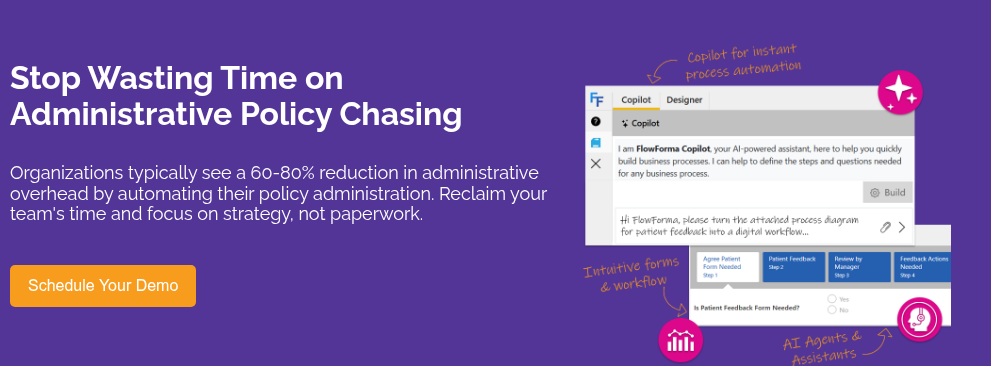
Manual review cycles, scattered approvals, and untracked acknowledgments slow your team down and create compliance gaps. FlowForma removes that friction, without a single line of code.
Built for Microsoft 365, it fits right into the tools your teams already rely on. Describe your policy process to Copilot and your workflow is ready to deploy in minutes. Every step is logged, every decision is auditable, and compliance is built into the process from the start.
Book a demo or start a 7-day free trial today to see it in action.
.png?width=175&height=42&name=logo_20(1).png "FlowForma Process Automation")




.png)