You already know manual quoting is costing you. Now you need the right tool to fix it.
If you are evaluating quote automation software, you have likely already lived through these consequences: slow turnarounds, pricing errors, compliance gaps, and agents spending more time chasing submissions than closing business deals.
The tougher question isn’t whether to automate, but which platform actually fits how your team quotes.
Some tools are built specifically for insurance workflows. Others are flexible automation platforms that insurers configure to their needs. Some shine for commercial lines; others are better suited for self-serve digital distribution or producer compliance. The wrong choice can mean months of implementation work for a tool that still does not reflect how your quoting process actually runs.
We evaluated nine platforms based on the criteria that matter most in a real quoting environment and identified the best-fit use case for each.
|
To curate this list, we evaluated how commonly recommended insurance quote automation tools perform by comparing their features with real user feedback.
Next, we looked beyond feature lists and evaluated each platform on what matters in a real quoting environment:
- How well does it handle quote intake and data capture?
- Can it route and escalate submissions without manual intervention?
- Does it support the document generation and audit trails your compliance team needs?
- How easily does it connect with your CRM, policy tools, and carrier systems?
- Can it adapt to different lines of business without a rebuild every time?
The tools below range from platforms built specifically for insurance to flexible workflow automation solutions that teams adapt to their quoting processes. We have noted which is which so you can factor that into your decision.
|
Here is the full breakdown:
|
Tool
|
AI and automation capabilities
|
G2 rating (as of 2026)
|
Best use case
|
|
AgentSync
|
Real-time license verification with compliance rules engine and appointment management
|
4.6
|
Producer licensing and appointment compliance
|
|
FlowForma
|
No-code workflow automation with AI-assisted process creation inside Microsoft 365
|
4.5
|
Quoting workflows, approvals, and compliance tracking
|
|
Power Automate
|
Trigger-based automation with pre-built connectors and AI document extraction
|
4.5
|
Connecting quoting systems within the Microsoft ecosystem
|
|
Tarmika
|
Single-entry comparative quoting with carrier appetite matching
|
4.5
|
Small commercial agencies quoting across multiple carriers
|
|
Salesforce Agentforce
|
AI-powered quoting assistance with CRM context and real-time rating integration
|
4.4
|
End-to-end quoting for teams already on Salesforce
|
|
Nintex
|
No-code workflow automation with document generation and process intelligence
|
4.3
|
Multi-department quoting and document-heavy processes
|
|
CoverGo
|
No-code product builder with rating engine and multi-channel distribution
|
N/A
|
Carriers and MGAs launching and distributing products digitally
|
|
InsureCert
|
Digital quoting storefront with product configuration and document issuance
|
N/A
|
Self-serve quoting and binding for MGAs and insurers
|
|
Zywave CPQ
|
Multi-carrier quoting engine with live market data and proposal generation
|
N/A
|
Commercial lines quoting and proposal work
|
Overview of 9 leading insurance quote automation tools
Below, we explore each platform in detail.
1. Salesforce Agentforce for Financial Services
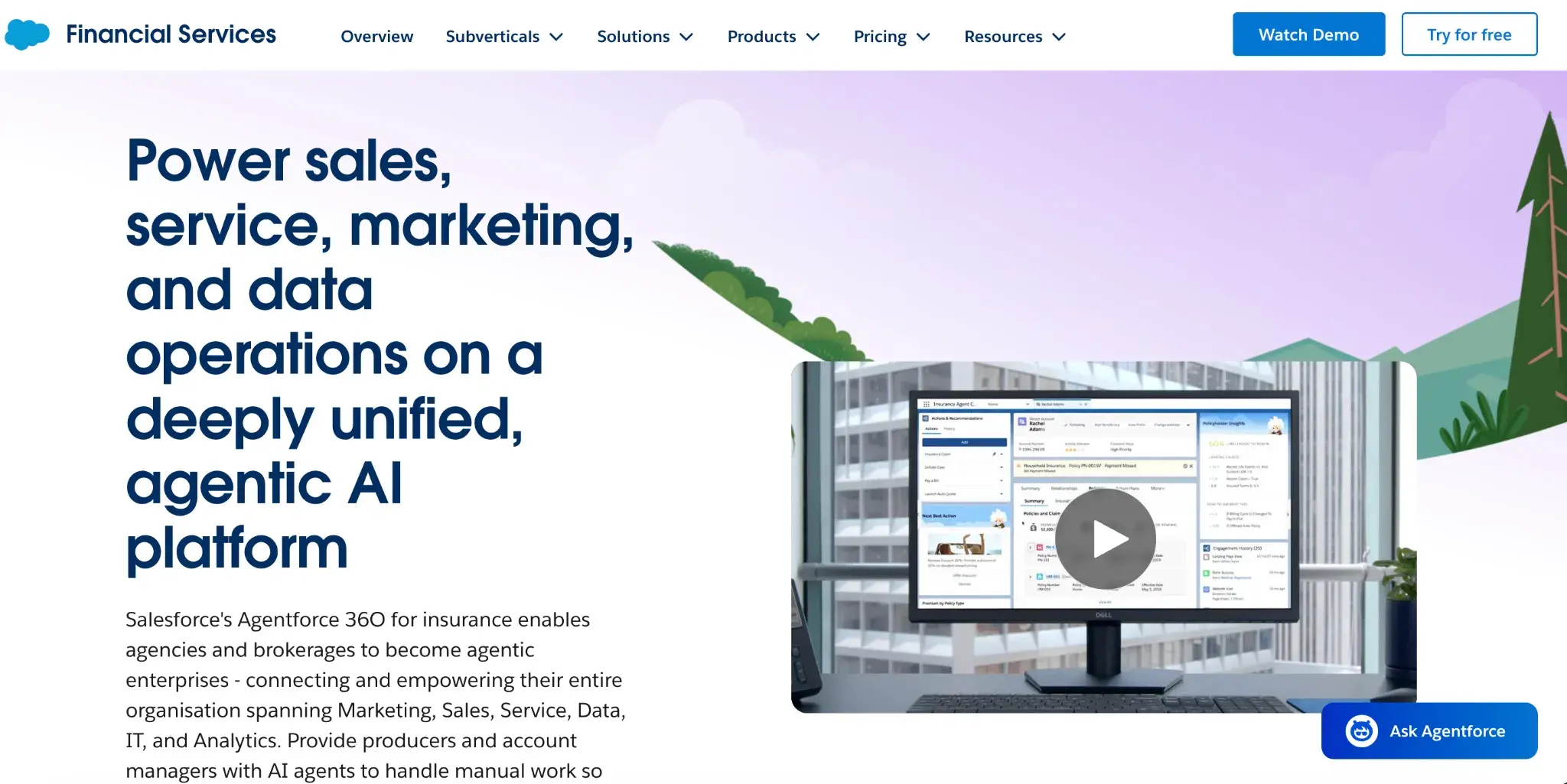
Salesforce’s Agentforce 360 homepage
If your team is already on Salesforce, this is the most natural way to bring quoting automation into your existing environment. Agentforce 360 for Financial Services is an AI-powered CRM and workflow platform built for insurers and financial services teams, with quoting embedded alongside your customer data, agent activity, and underwriting rules.
Key features of Salesforce Agentforce
AI-powered quoting assistance
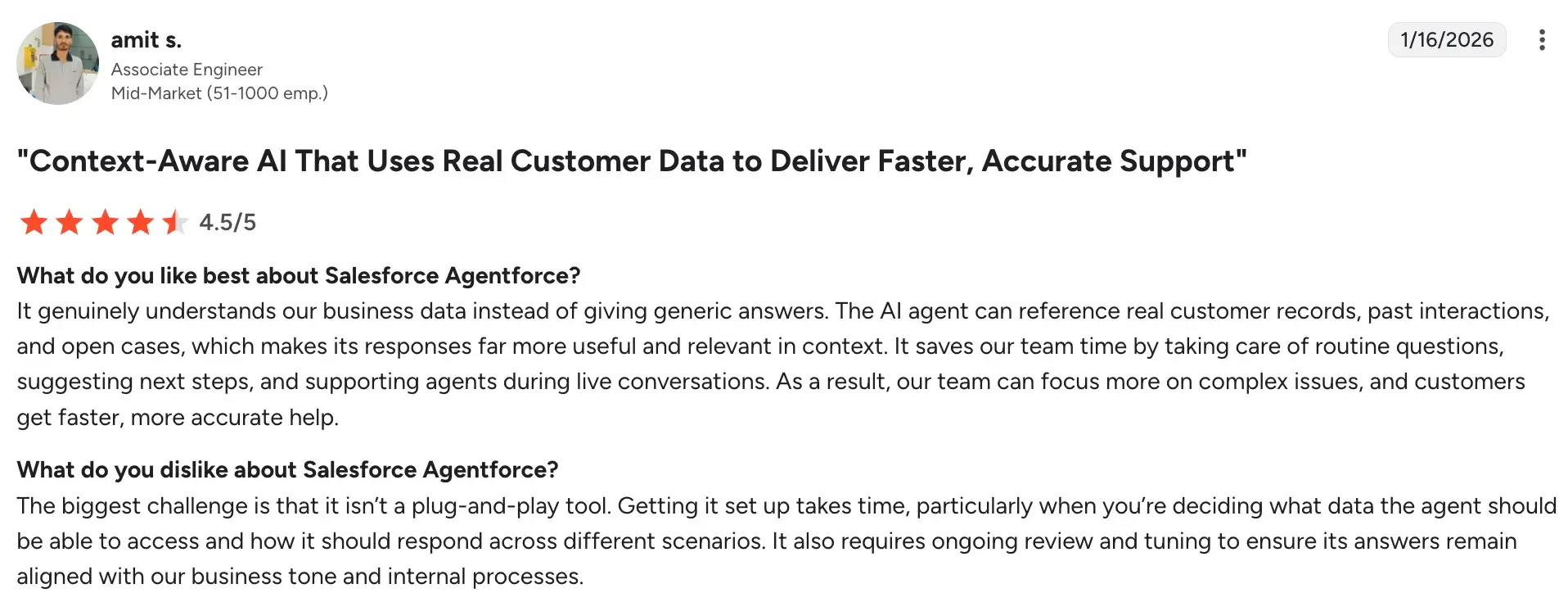
Agentforce's AI can reference real customer records, prior quotes, and open cases during the quoting process, so agents get contextually relevant suggestions rather than generic prompts.
Guided quoting flows
You can build step-by-step quoting experiences for agents or customers using declarative tools, with branching logic based on coverage selections and risk inputs, without writing code.
Real-time rating integration
Connects to rating engines and carrier APIs so premium calculations happen live within the quoting flow, without your team needing to switch between systems.
Customer 360 context
Pulls in policyholder history, claims data, and prior quotes during the quoting process to help agents make more informed recommendations at the point of quoting.
Pros and cons of Salesforce Agentforce
Pros include:
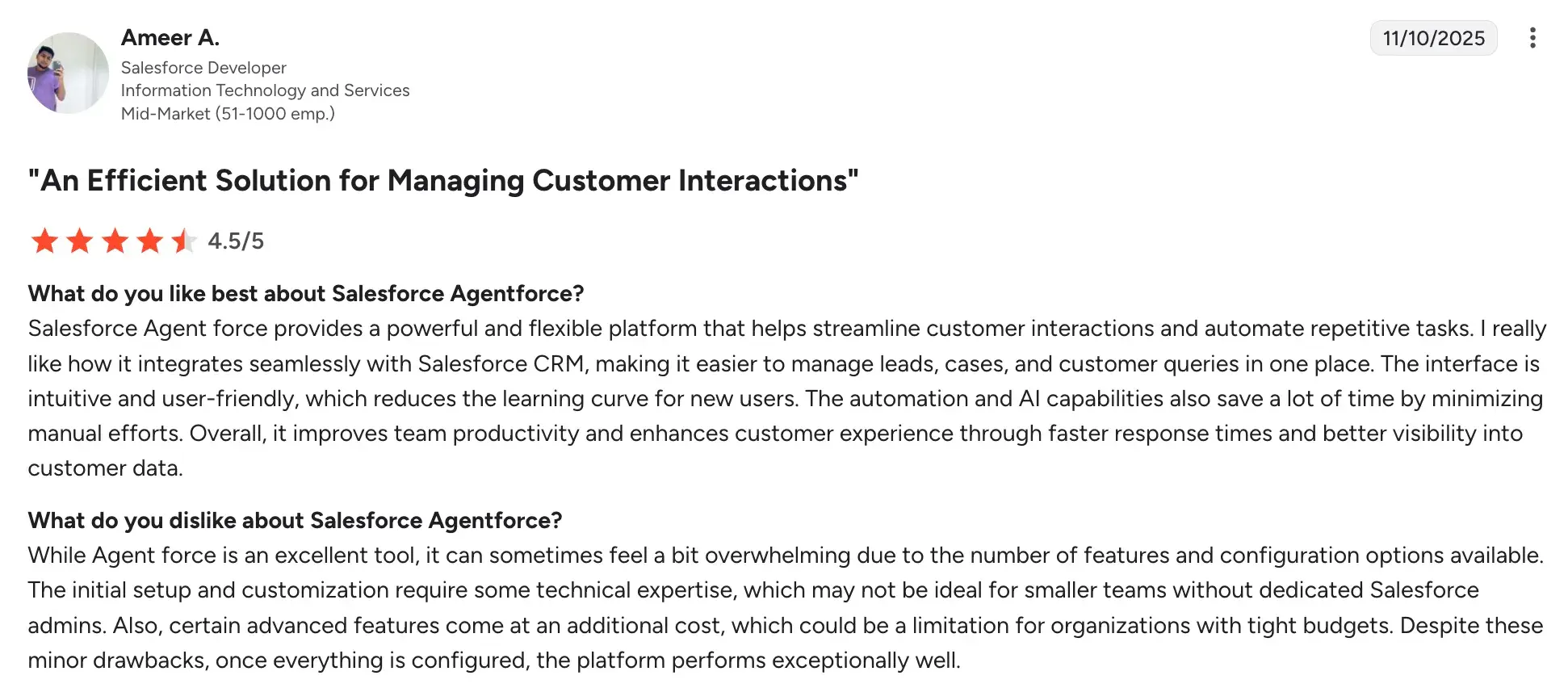
- Context-aware AI capabilities
Source
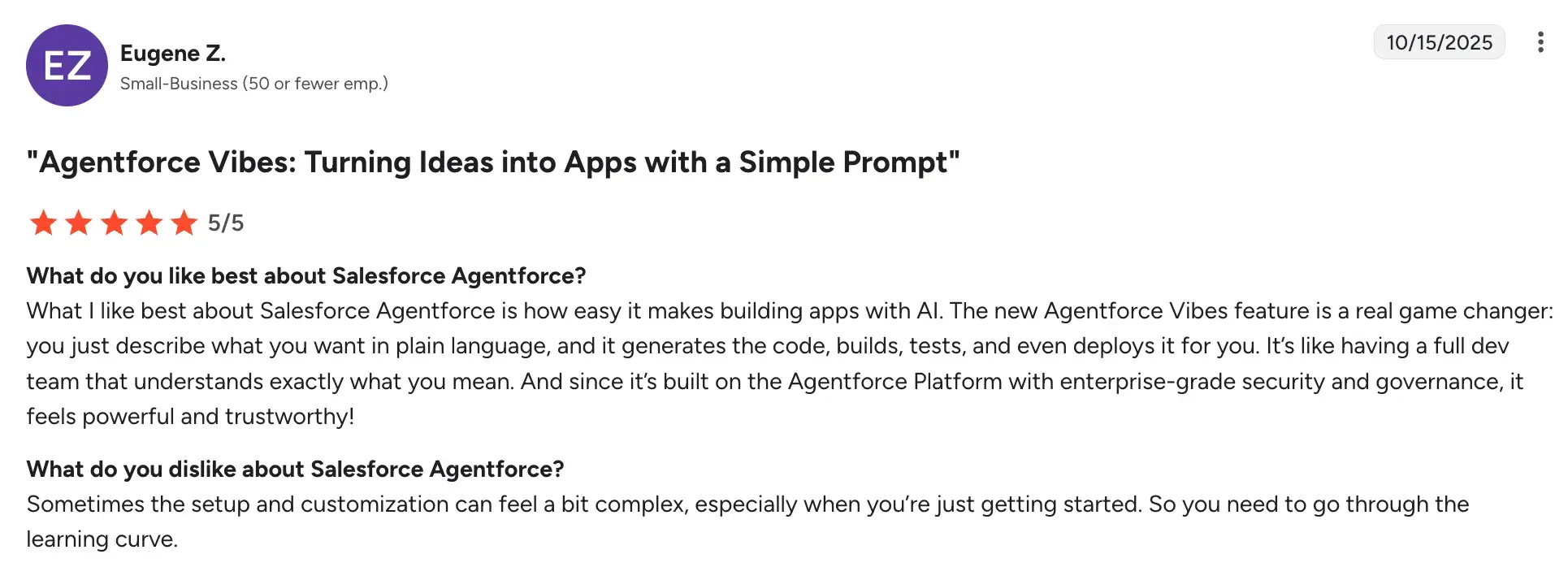
- Seamless integration with the broader Salesforce ecosystem
- Intuitive agent interface
Source
- Enterprise-grade security and governance built into the platform
Cons include:
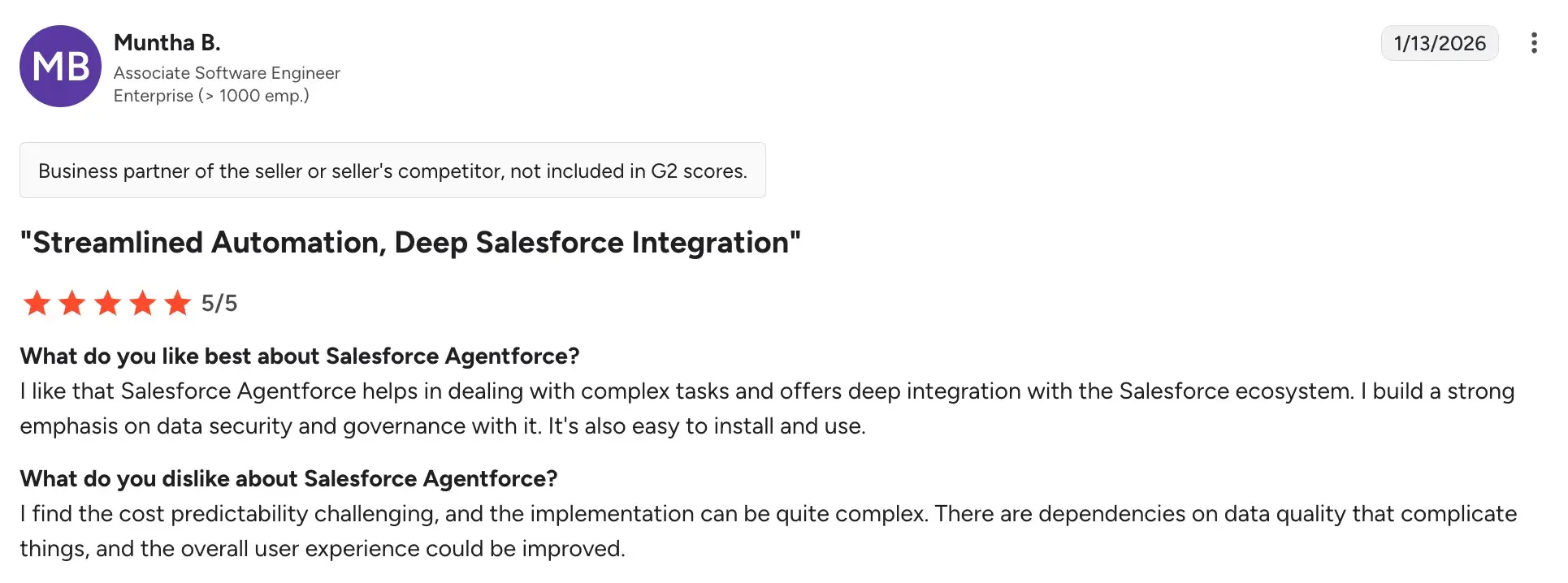
- High total cost of ownership, including licensing, implementation, and ongoing customization
Source
- Ongoing tuning is needed to keep AI responses aligned with your quoting processes and business tone
- The platform's breadth can feel overwhelming
Source
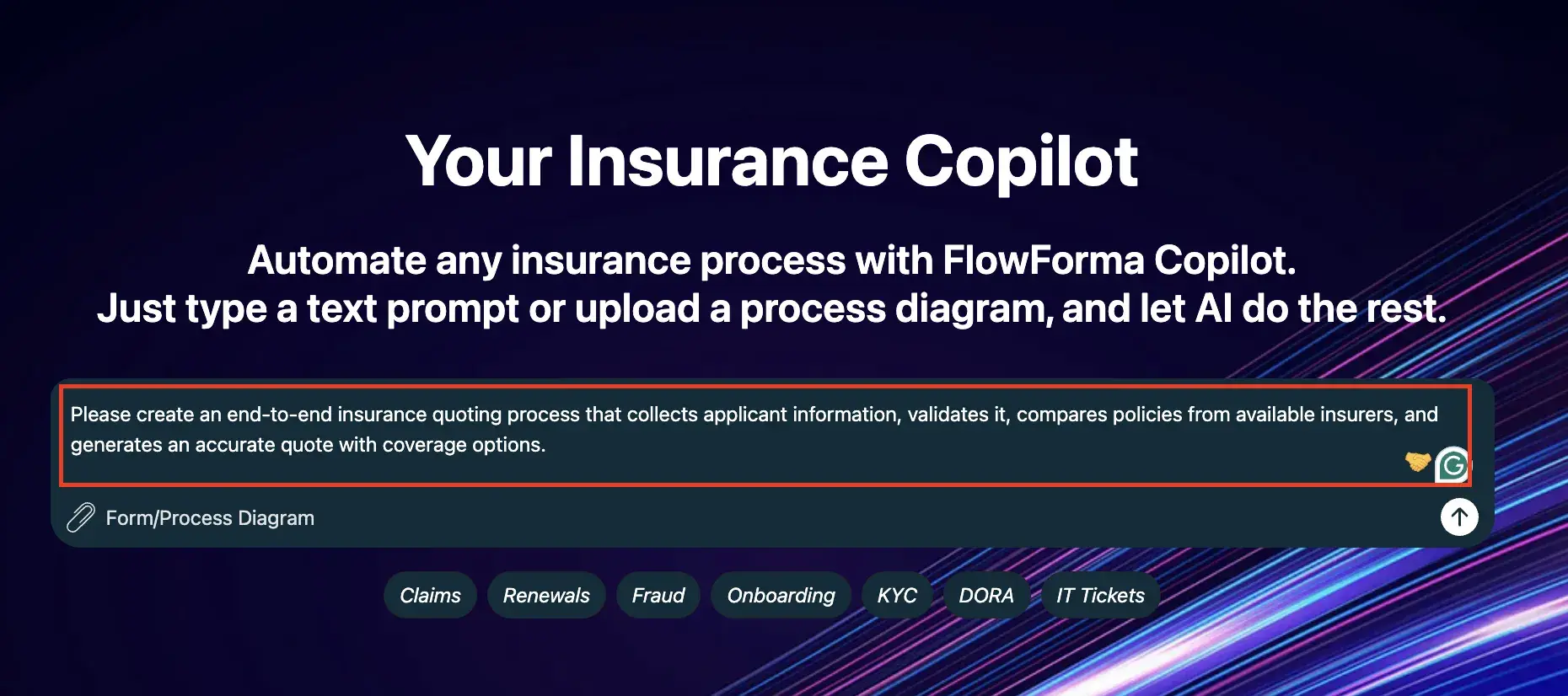
FlowForma's Copilot for insurance processes. Try here.
Built on Microsoft 365, FlowForma helps insurance teams digitize and automate quoting workflows without writing a single line of code. You can build quote request forms, approval chains, and document generation steps directly within the Microsoft ecosystem your team likely already uses. It's a practical fit for mid-size insurers looking to reduce manual handoffs in their quoting process.
Key features of FlowForma
AI-powered workflow builder (Copilot)
You can describe your quoting process in plain language, upload an existing quote form, or use voice input, and Copilot automatically structures the steps, questions, and conditional logic for you.
Whether you're setting up a new line of business or digitizing a manual quoting process, you can go from concept to a deployable quoting workflow in minutes.
Dynamic intake forms with conditional logic
FlowForma lets you build smart digital quote request forms that adapt based on what the applicant or agent inputs.
Only relevant fields appear at each stage of the quoting journey, and built-in validations prevent incomplete submissions from moving forward, improving data quality right from the first touchpoint.
Automated routing, approvals, and escalations
You can define rules that automatically route quote submissions based on risk complexity, coverage type, or line of business.
High-value or non-standard risks get directed to senior underwriters, while straightforward quotes move through the approval chain faster with minimal manual intervention.
One-click document generation at scale
Once a quoting decision is made, FlowForma generates the relevant documents, such as quote letters, coverage summaries, or referral notices, directly from the captured submission data.
Microsoft 365 integration
FlowForma works natively with SharePoint, Teams, and Outlook, so quote data flows into tools your underwriters and agents are already working in.
Pros and cons of FlowForma
Pros include:
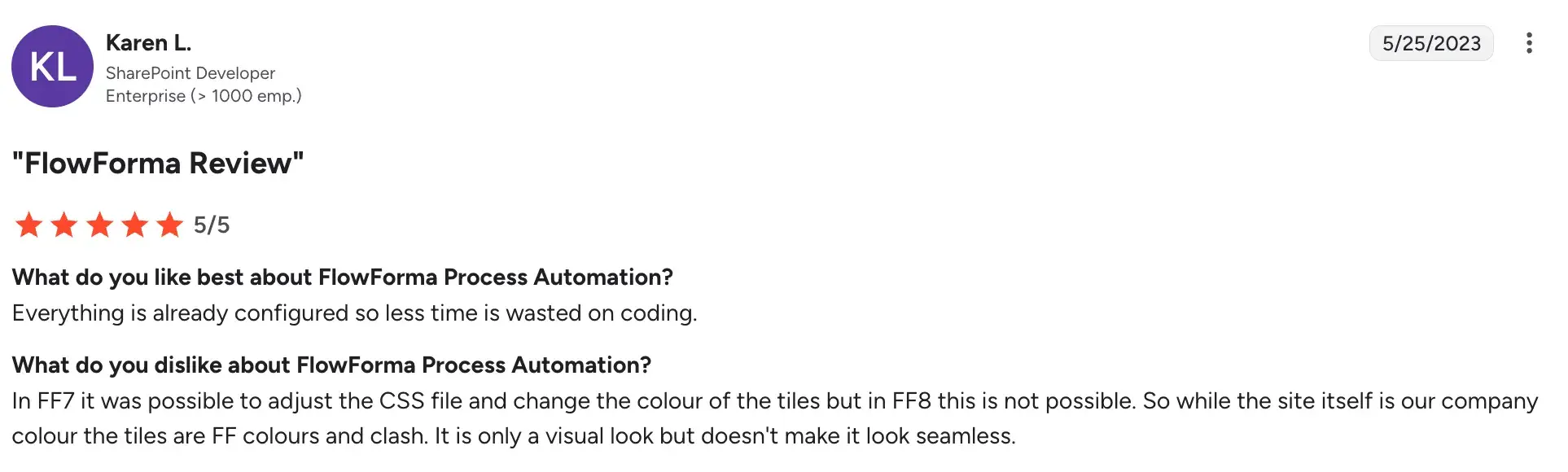
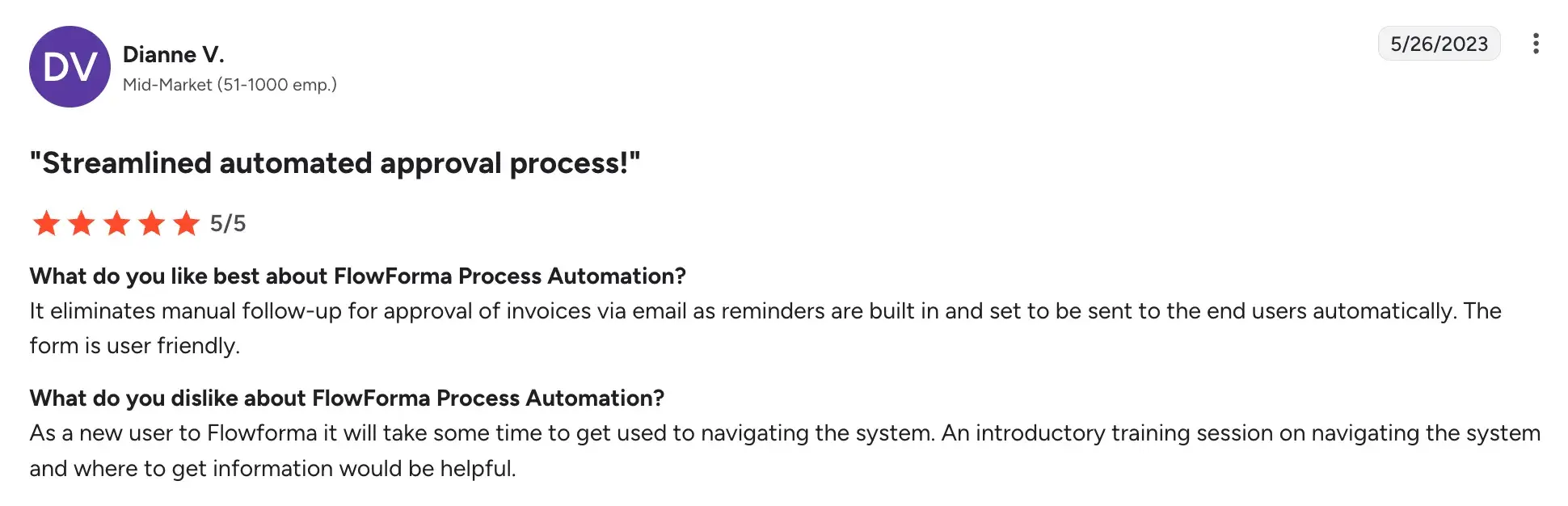
- No coding required, so insurance operations teams can build and modify quoting workflows independently
Source
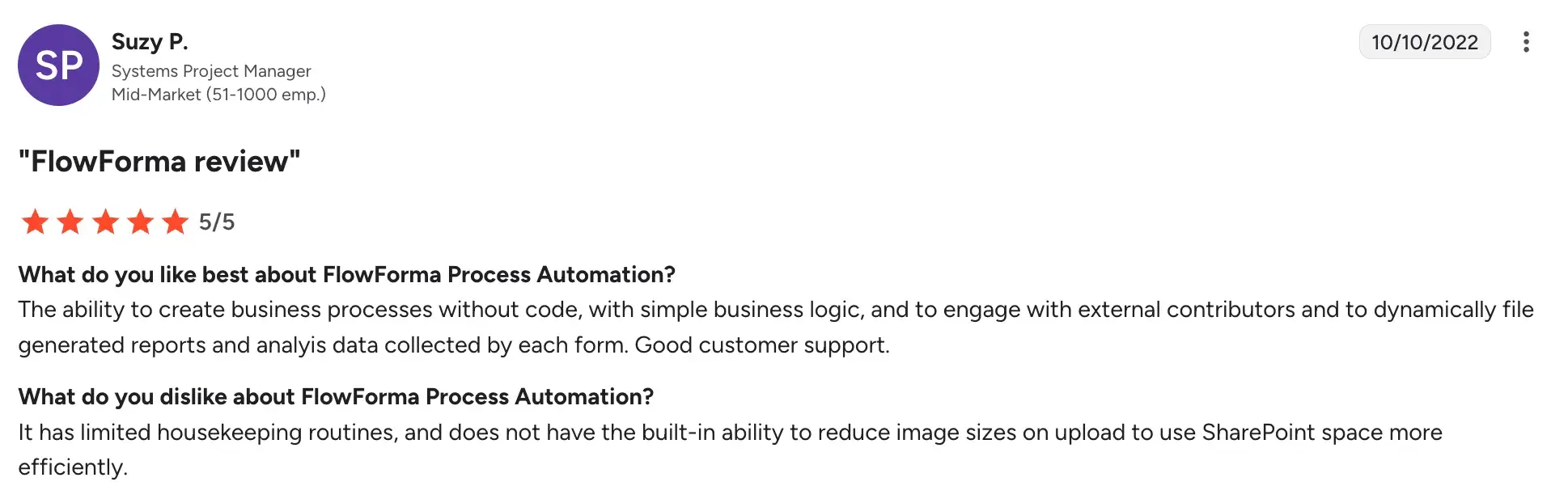
- Drag-and-drop interface makes setup process even easier
Source
- Fast deployment and approval automation compared to more complex enterprise platforms
Source
- Accessible pricing for smaller and mid-market insurance teams
Cons include:
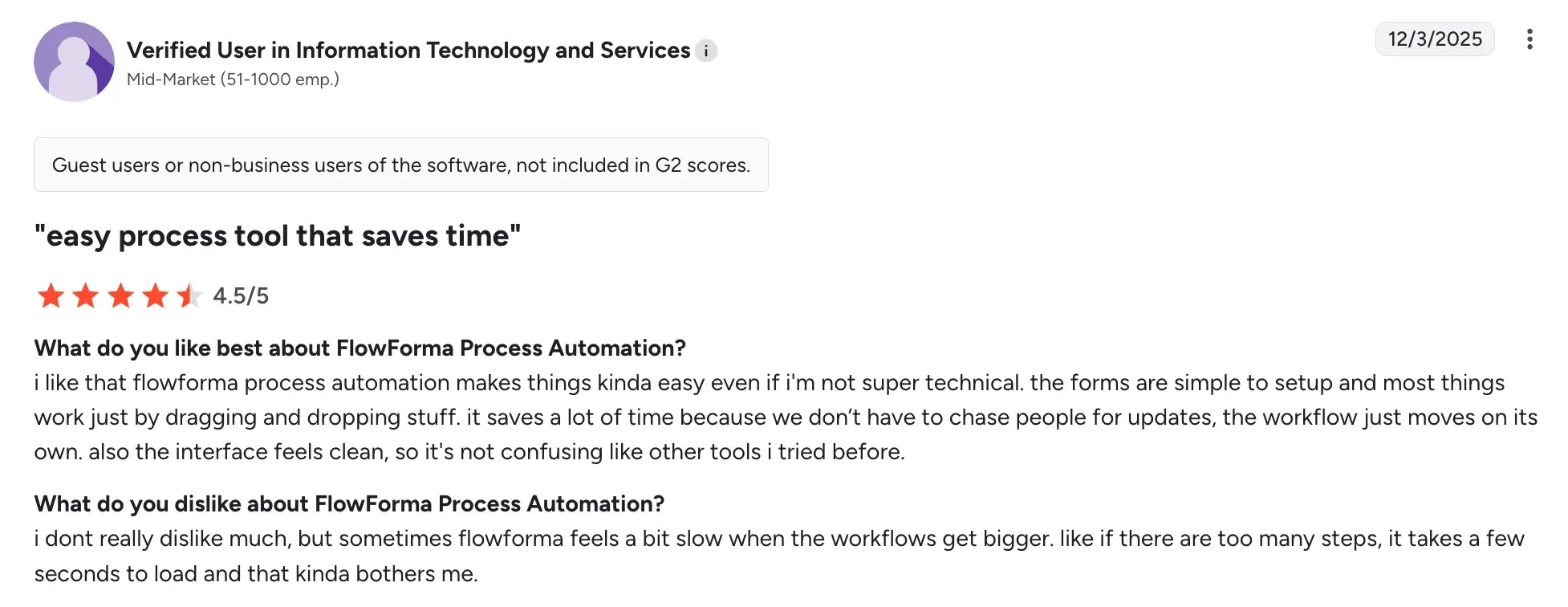
- Limited functionality outside the Microsoft ecosystem
- Not ideal for highly complex, multi-line quoting logic
Source
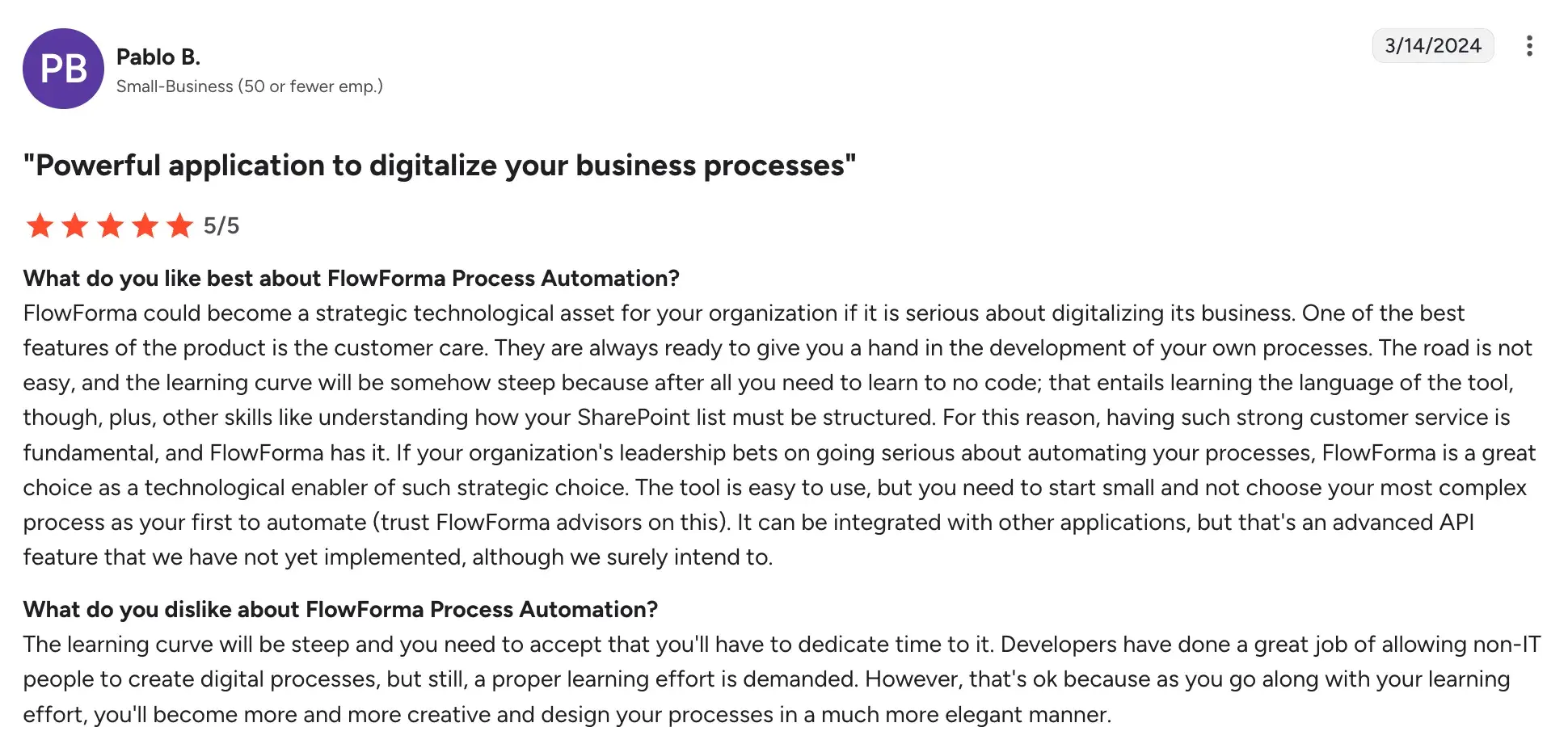
- Learning curve is steep without structured onboarding
Source
3. Zywave CPQ for Insurance
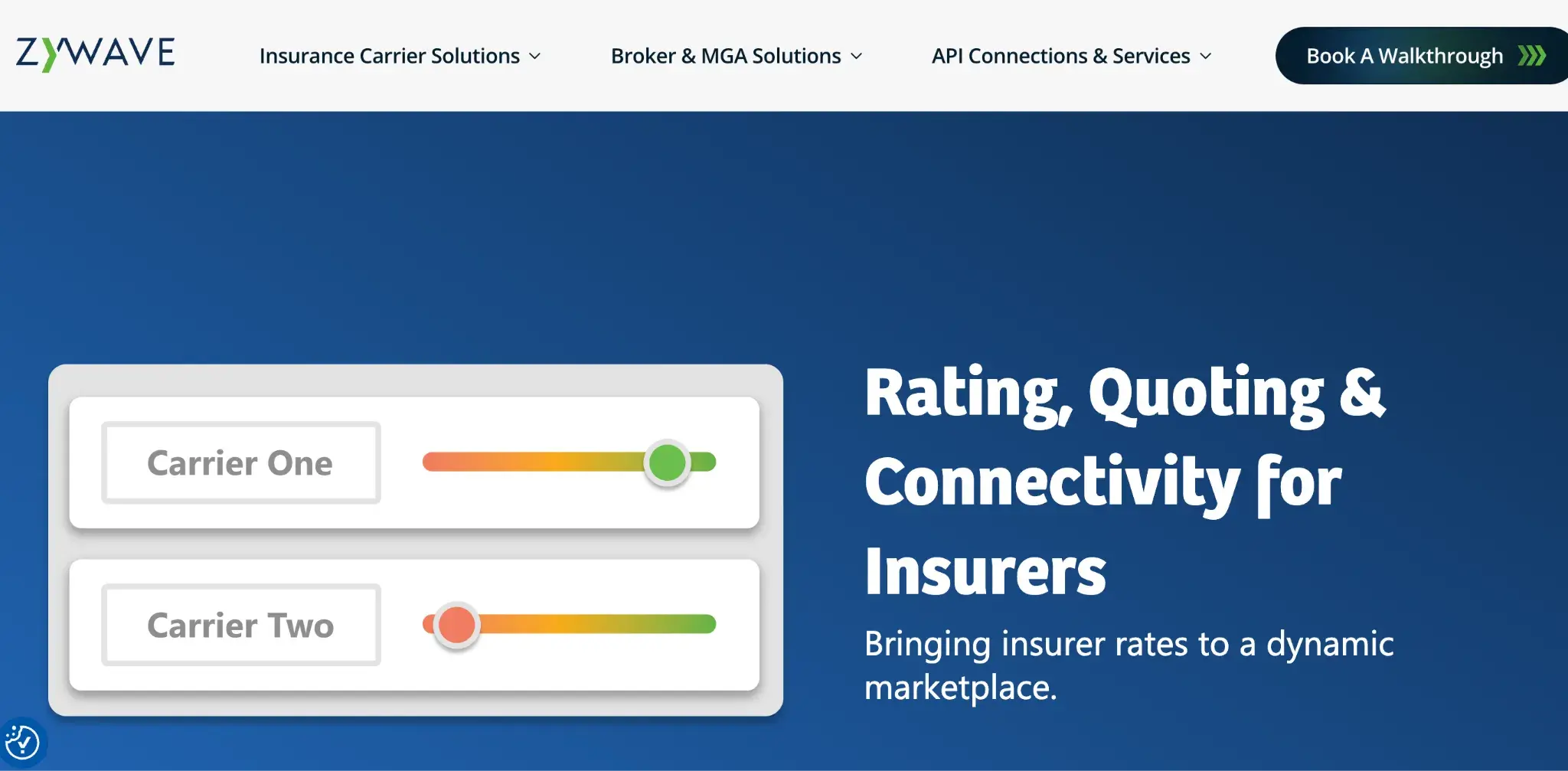
Zywave CPQ for Insurance's Homepage
For insurance agencies and brokers handling commercial lines, Zywave CPQ is built to make the configure, price, and quote process faster and more accurate. You can pull live market data, compare carrier options, and generate professional proposals all from one platform. It's designed to take the manual effort out of quoting and proposal work for agency teams.
Key features of Zywave CPQ for Insurance
Commercial lines quoting engine
Generates quotes across multiple carriers and coverage lines simultaneously, so your agents can compare options without re-entering data in each carrier portal.
Live market and appetite data
Accesses current carrier appetite guides and market data within the platform, helping agents quickly identify which markets are a fit for a given risk.
Proposal generation
Produces branded, client-ready proposal documents with coverage comparisons, premium breakdowns, and carrier information in a consistent format.
Pre-built coverage templates
Uses standardized templates for common commercial lines such as GL, BOP, and Workers' Comp to speed up quote configuration and reduce errors.
Pros and cons of Zywave CPQ for Insurance
Note: Although Zywave is listed on G2, it has not received any user ratings or reviews yet. The pros and cons below are based on our evaluation criteria and hands-on platform assessment.
Pros include:
- Built for commercial lines, so quoting logic reflects real agency workflows
- Significantly cuts time spent on manual carrier portal entry
- Produces professional, client-ready proposals
- Integrates with major agency management systems
Cons include:
- Limited fit for personal lines agencies
- Carrier and market data coverage varies by region and specialty
- Proposal template customization is somewhat limited
4. Nintex
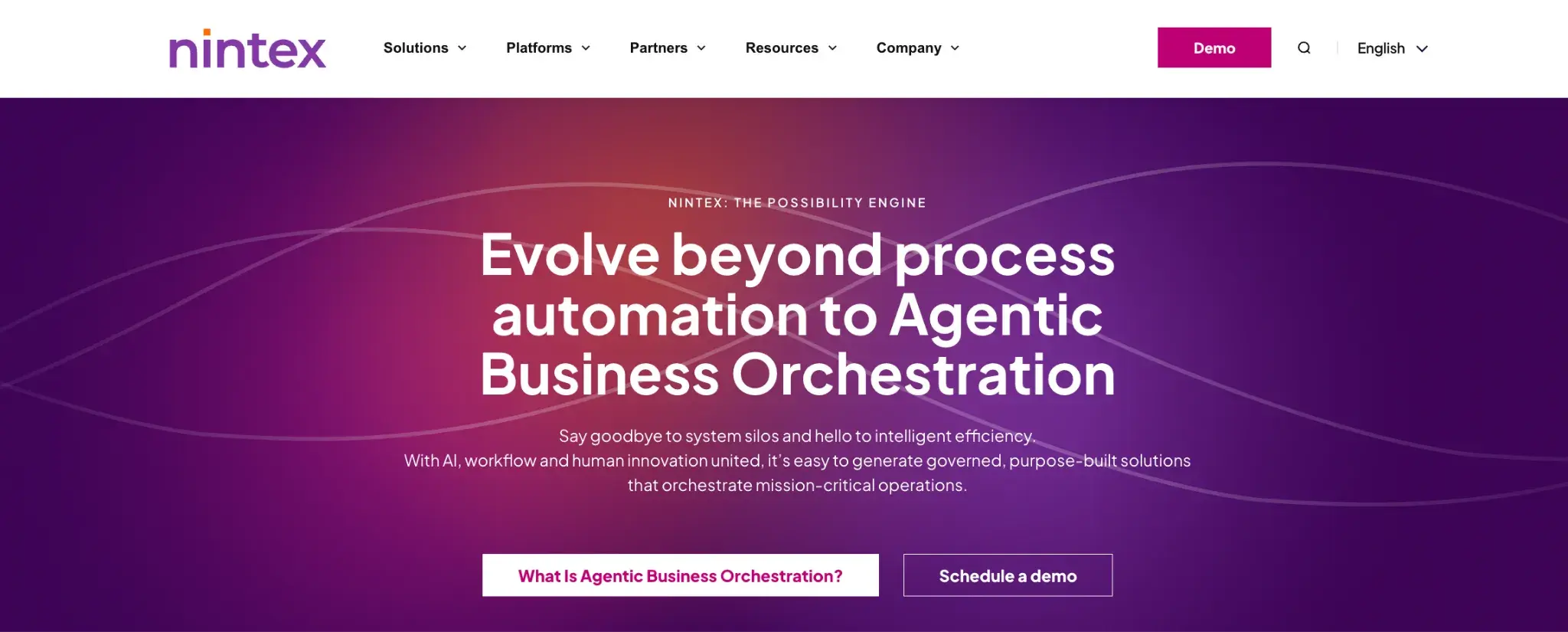
Nintex's Homepage
When your quoting process spans multiple departments and systems, Nintex helps you connect the pieces. It's a process automation and document generation platform that insurance teams use to digitize quoting workflows, approvals, and related paperwork without heavy IT involvement. It works well for insurers who need structured, trackable quoting processes across their operations.
Key features of Nintex
Workflow automation builder
You can design multi-step quoting and approval workflows visually, with conditional routing based on risk type, coverage amount, or underwriter assignment rules.
Forms and data capture
The tool builds dynamic intake forms for quote requests with field-level logic, so the form adapts based on what the applicant selects.
Document generation
Auto-populates quote letters, proposals, and coverage summaries using data captured in the workflow, reducing manual document preparation time.
Process intelligence
Track where quotes are in the pipeline, identify delays, and measure cycle times to support continuous improvement in your quoting operations.
Pros and cons of Nintex
Pros include:
- Flexible no-code platform handles simple and moderately complex quoting workflows
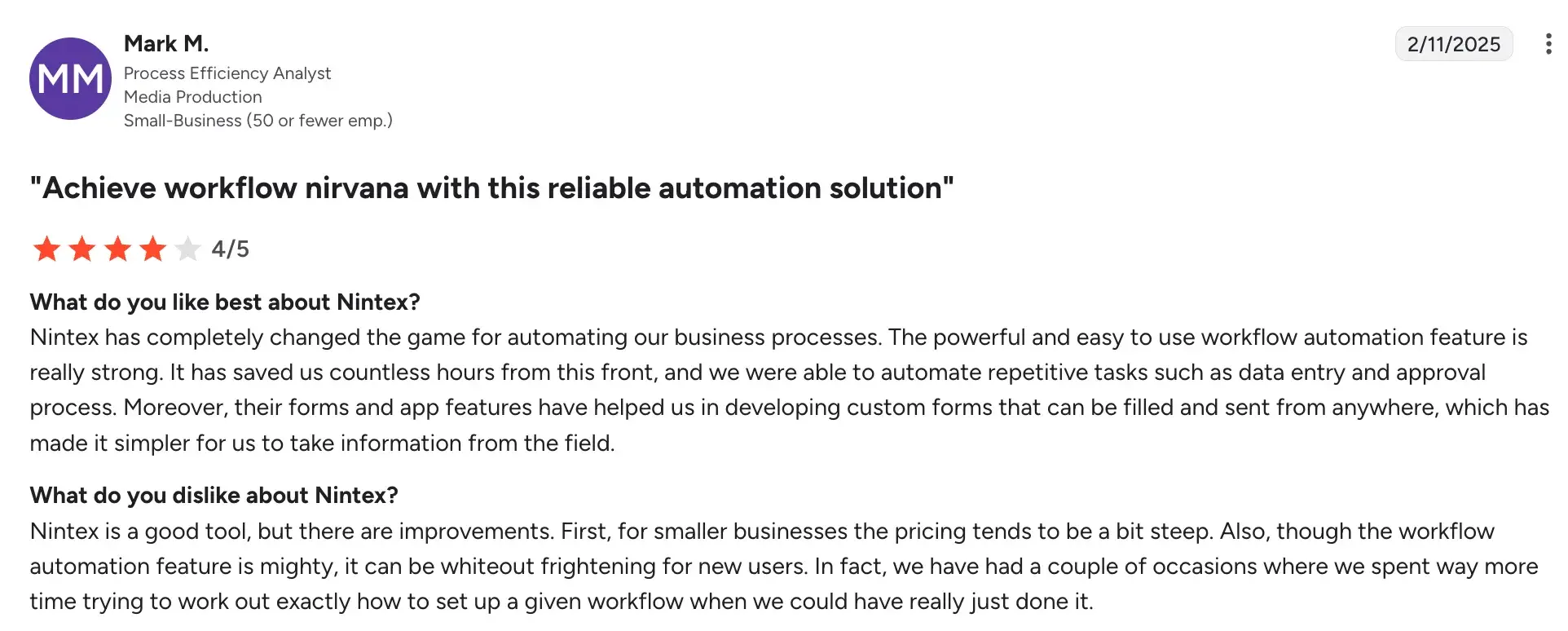
Source
- Strong document generation capabilities reduce manual proposal preparation
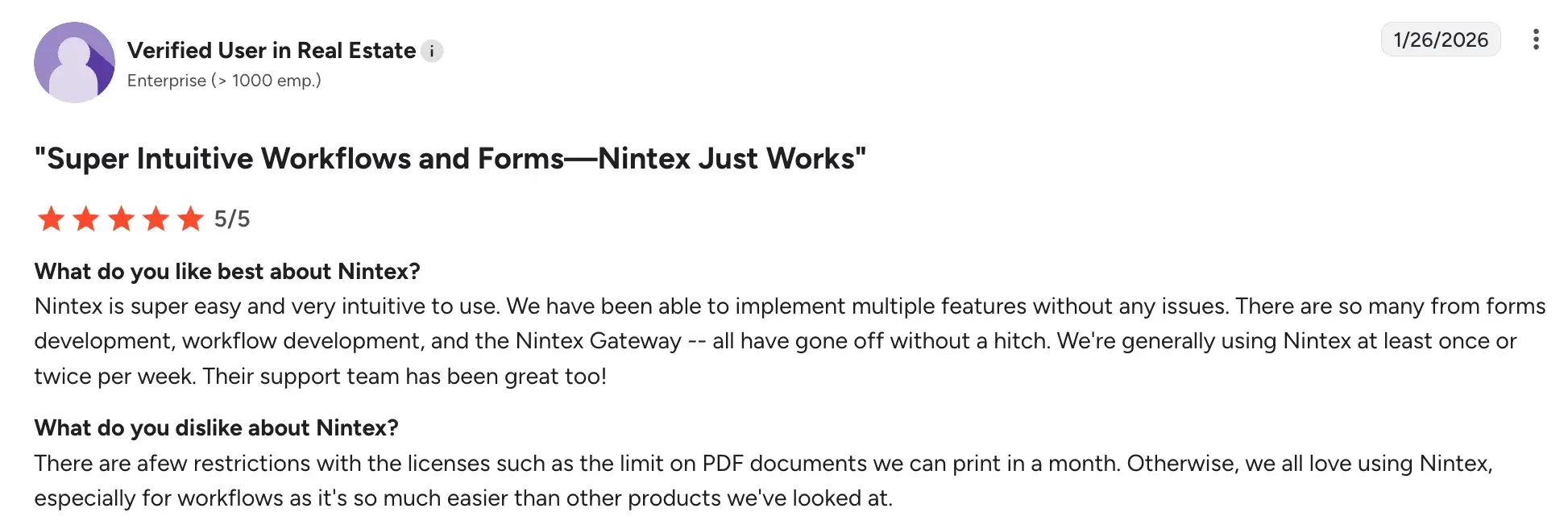
Source
- Good range of integration connectors for common insurance systems
- Established platform with a large user community and training resources
Cons include:
- Advanced workflow configurations can require technical expertise or IT support
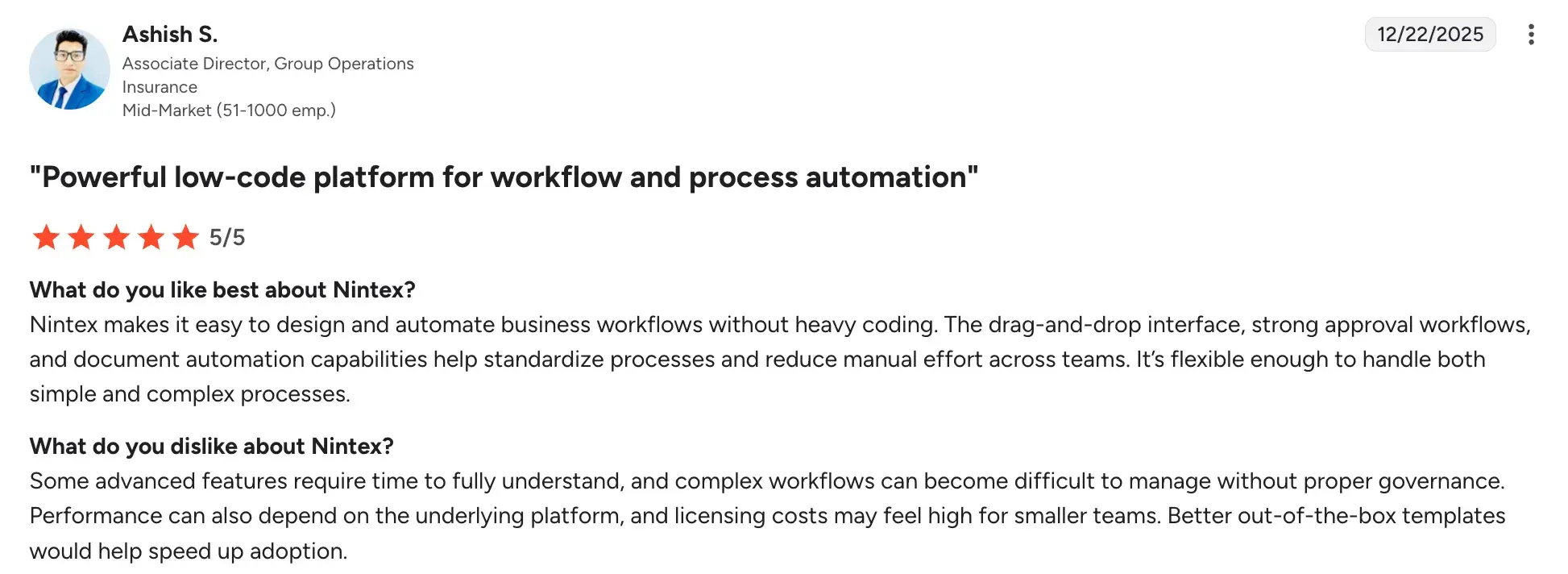
Source
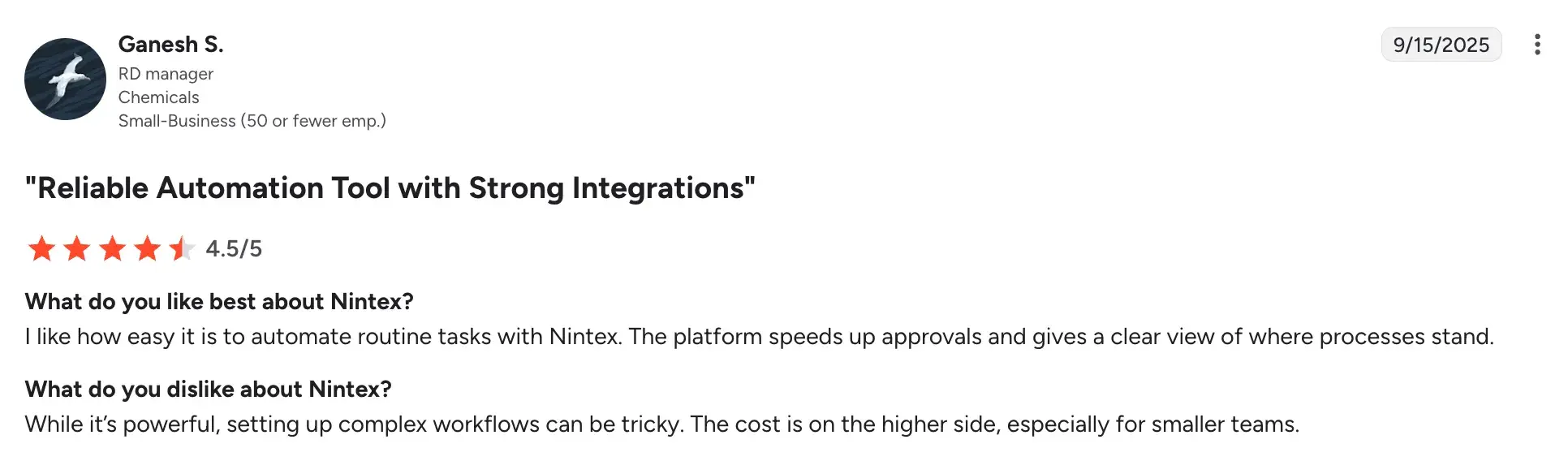
- Licensing costs can add up, particularly when combining multiple Nintex products
Source
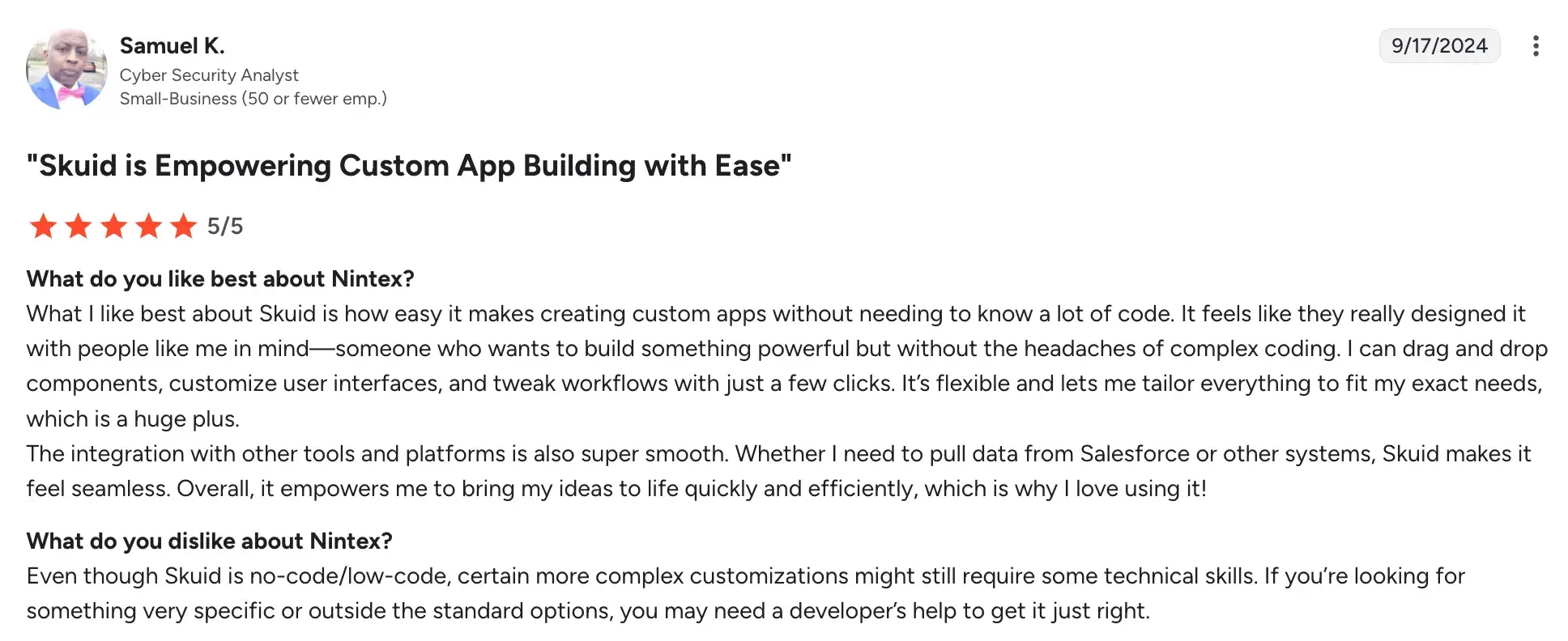
- Not insurance-specific, so quoting logic and forms need to be built from scratch
Source
5. Power Automate
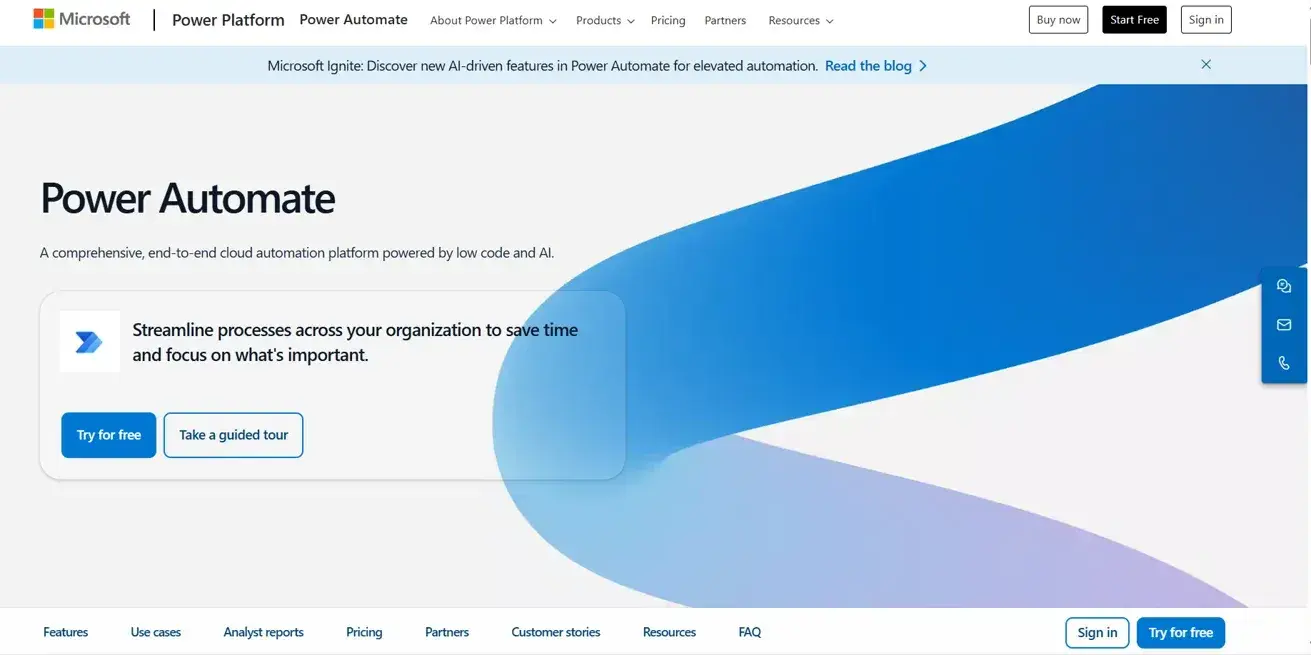
Microsoft Power Automate’s homepage
Already running on Microsoft 365 or Dynamics? Power Automate is worth a close look. It's a cloud-based workflow automation tool that insurance teams use to connect systems, automate repetitive quoting tasks, and reduce manual data entry across their operations.
Key features of Power Automate
Pre-built connectors library
Connects your quoting process to hundreds of systems, including email, SharePoint, Dynamics 365, Salesforce, and carrier portals, without custom development work.
Automated triggers and flows
Sets up rules so that when a quote request is submitted, it's automatically logged, assigned, and routed to the right underwriter or team queue.
Approval workflows
Builds structured approval steps into your quoting process, with built-in notifications, escalations, and deadline reminders.
AI Builder integration
Uses AI-powered features to extract data from uploaded documents, such as submission forms or loss runs, and automatically feed it into your quoting workflow.
Pros and cons of Power Automate
Pros include:
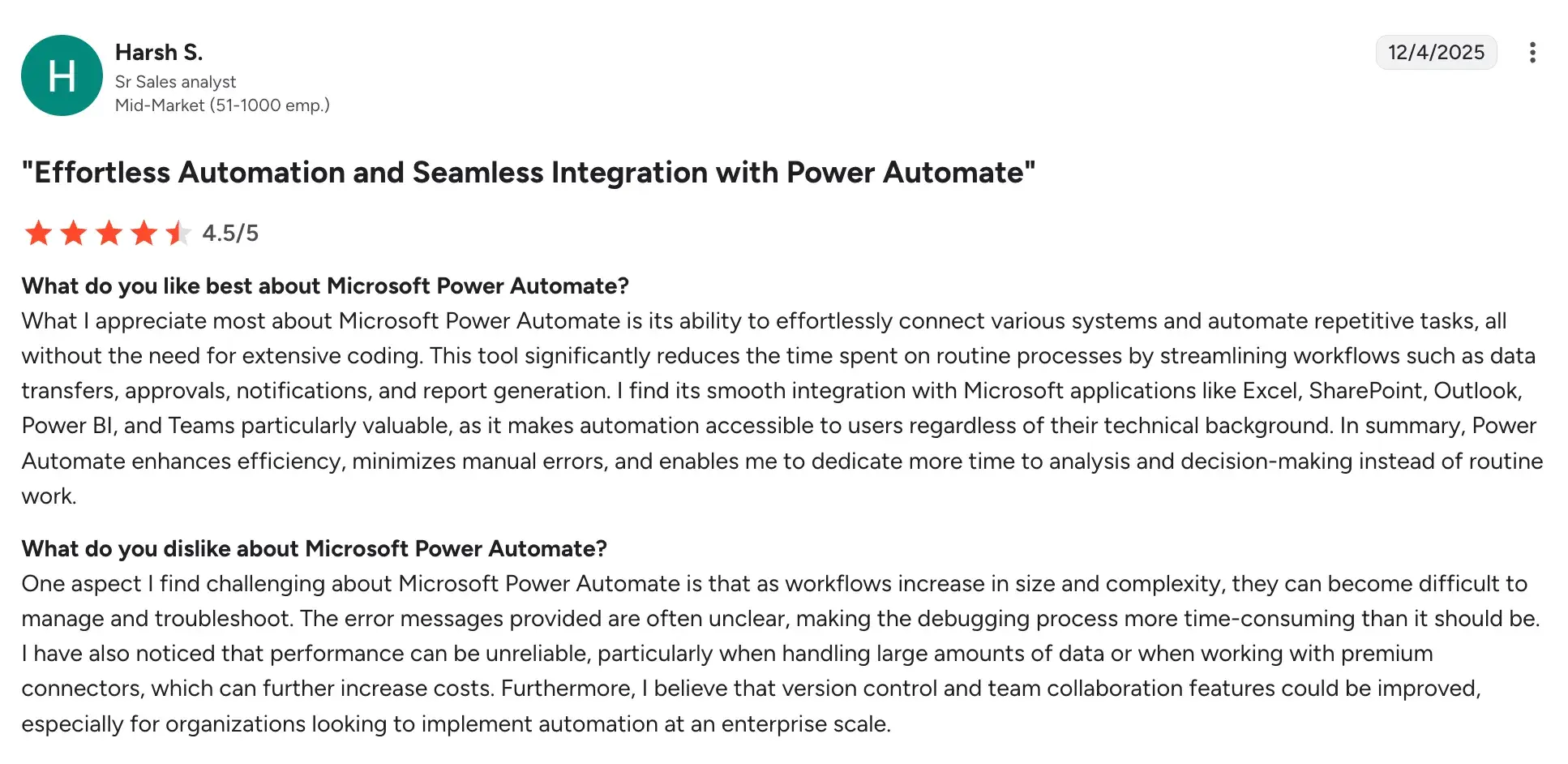
- Very cost-effective, especially for teams already licensed on Microsoft 365
Source
- Large library of connectors reduces integration effort significantly
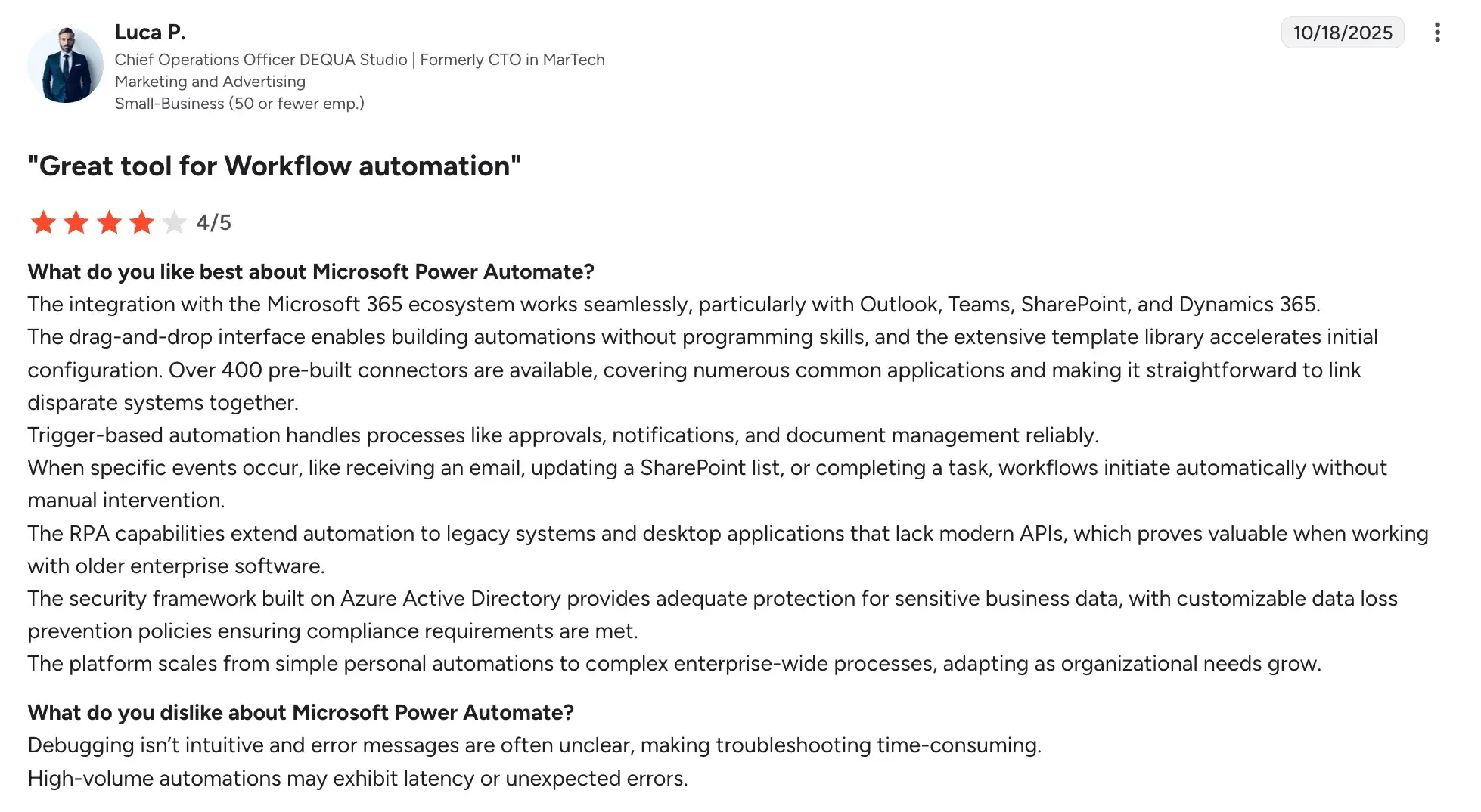
Source
- RPA handles older, non-API-based systems well
- Scales from simple to complex, multi-system workflows
Cons include:
- Quoting functionality needs building from scratch
- Complex flows can be hard to maintain over time
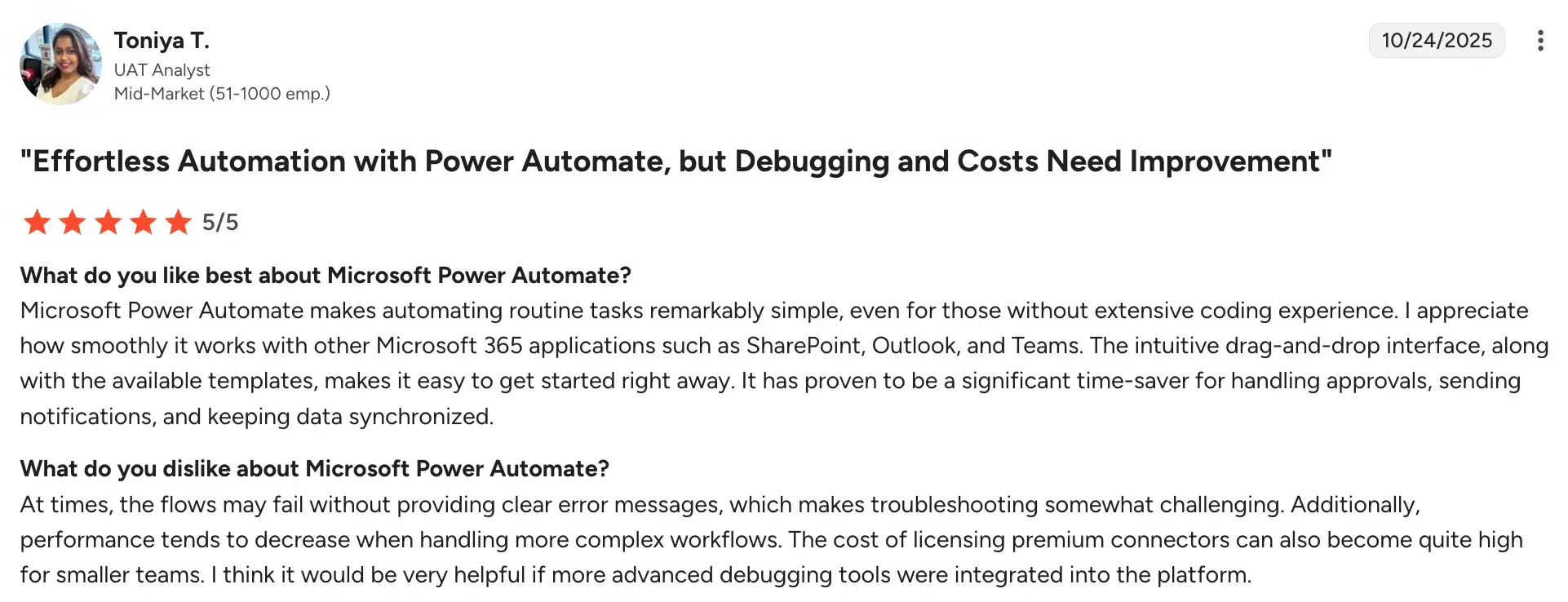
Source
- Performance can lag with high-volume, data-heavy quoting processes
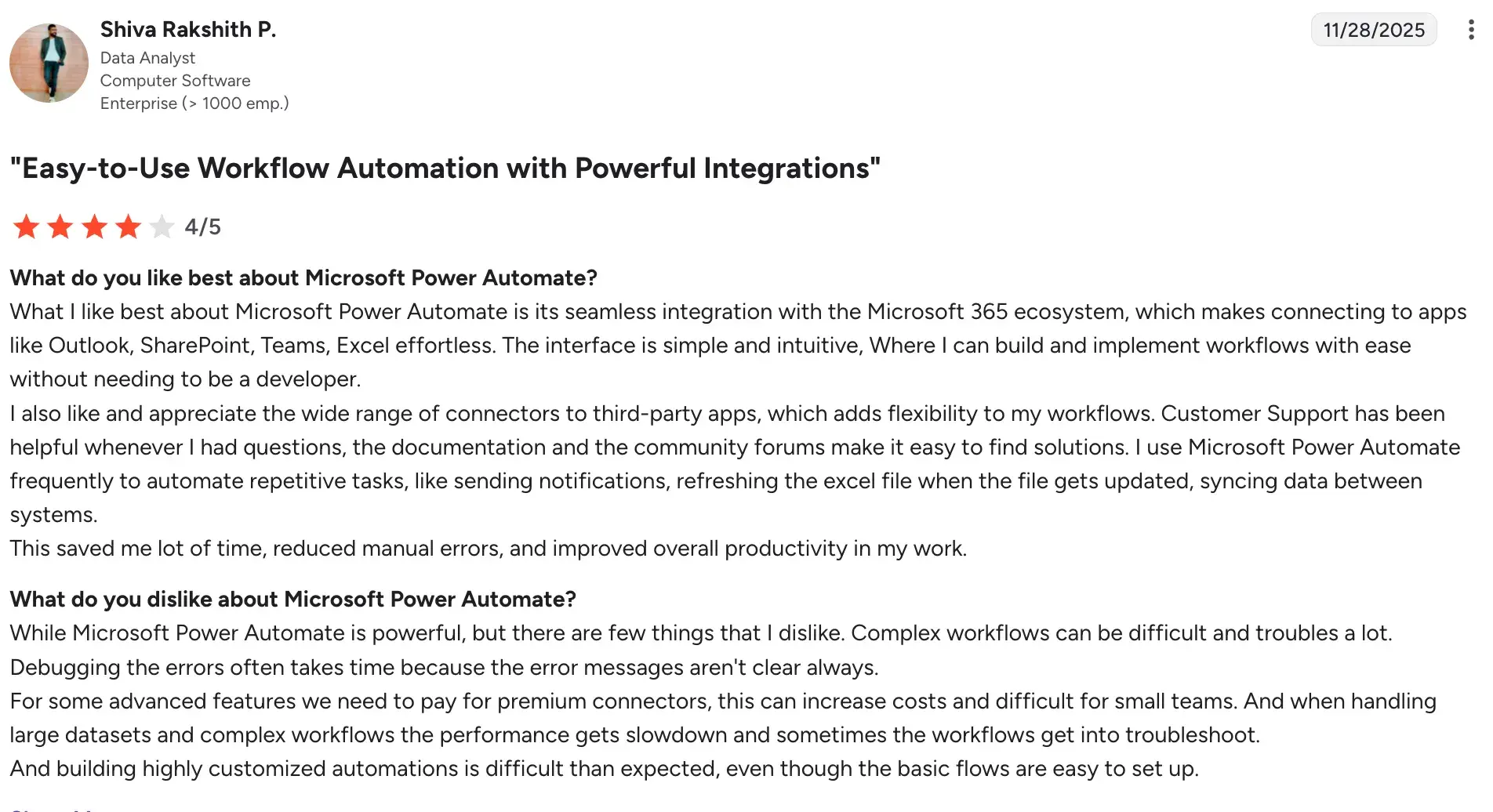
Source
6. Tarmika (Applied Systems)
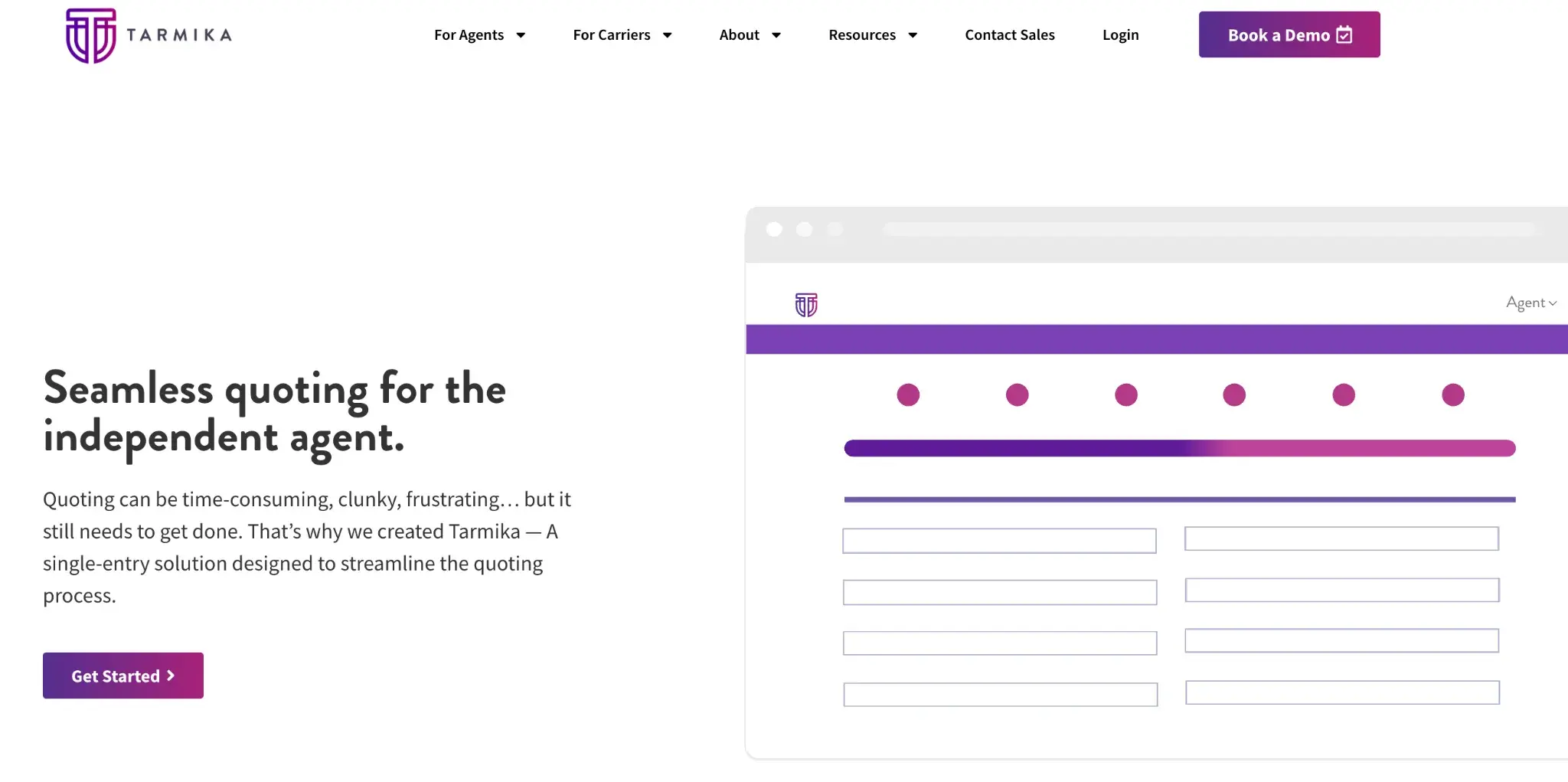
Tarmika's Homepage
One of the biggest time drains in small commercial quoting is logging into each carrier portal separately. Tarmika, now part of Applied Systems, solves that directly. You enter the risk information once and receive quotes back from multiple carriers in a single workflow.
For agencies focused on small business insurance, it removes one of the most repetitive parts of the quoting process.
Key features of Tarmika
Single-entry comparative quoting
Enters applicant and risk data once to receive bindable quotes from multiple admitted and non-admitted carriers simultaneously, significantly reducing quoting time.
Small commercial appetite matching
The platform automatically matches submissions against carrier appetite criteria, so agents are shown only markets likely to offer terms for a given risk.
Applied Epic integration
Syncs directly with Applied Epic AMS, so quote data, client records, and bound policy information flow between systems without duplicate entry.
Bindable quote output
Quotes returned through the platform are often immediately bindable, reducing back-and-forth between agents and carrier underwriters.
Pros and cons of Tarmika
P.S. Tarmika boasts a 4.5 rating with just these two reviews.
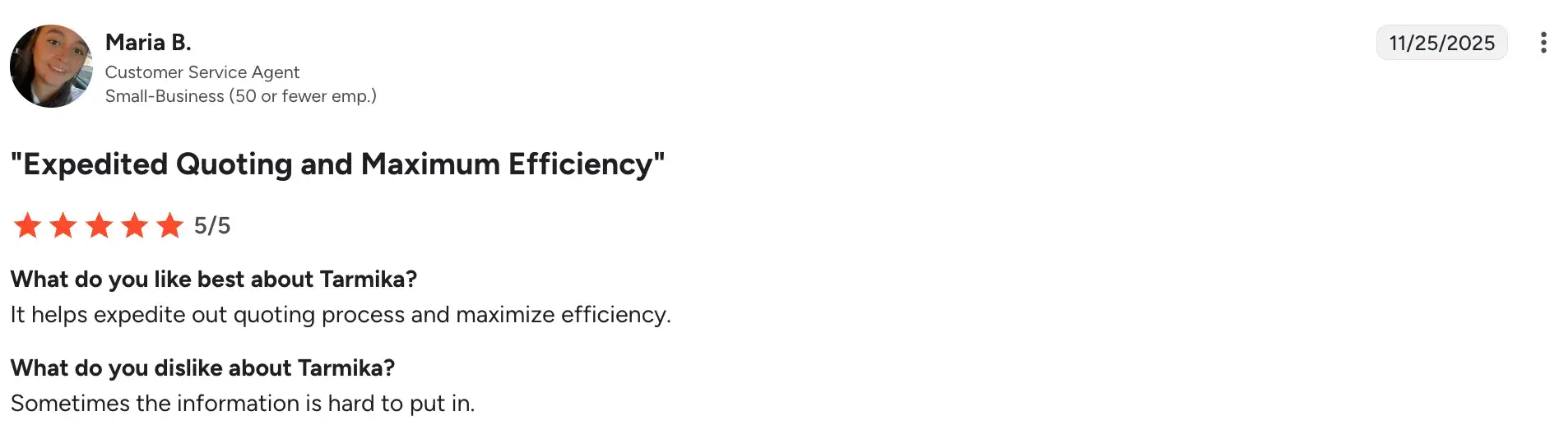
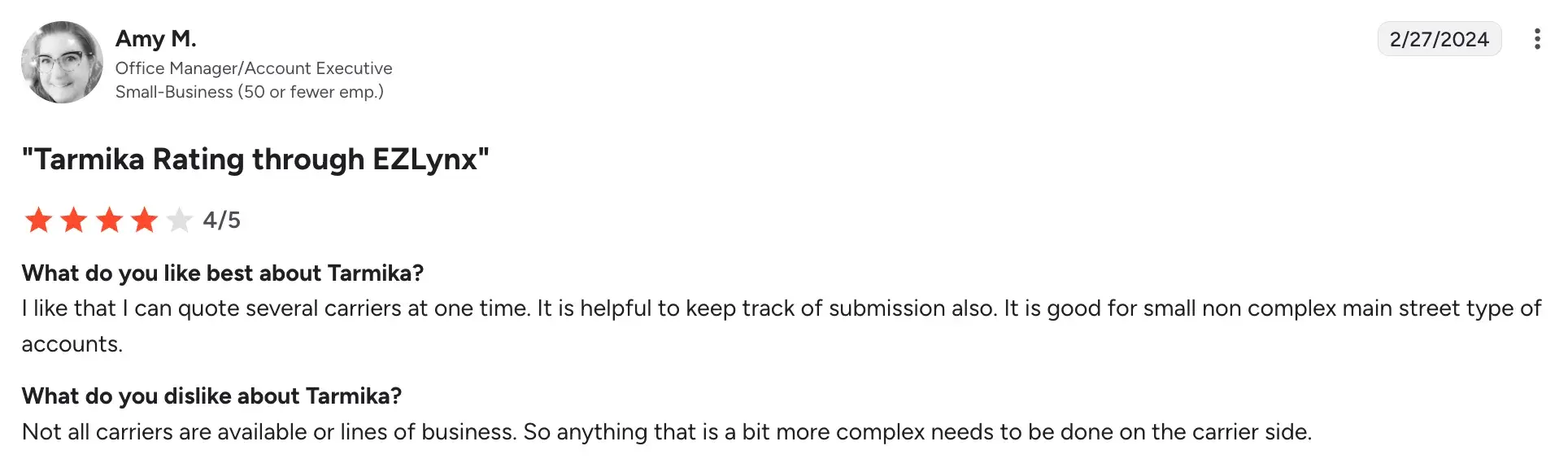
Based on these reviews and our evaluation criteria, we’ve collated the following pros and cons:
Pros include:
- Eliminates the multi-portal problem for small commercial quoting
- Deep Applied Epic integration for agencies already on that platform
- Meaningfully faster quoting for standard small commercial risks
- Carrier network keeps growing through the Applied Systems ecosystem
Cons include:
- Primarily focused on small commercial lines
- Carrier availability varies by state
- Limited flexibility for customizing quoting or submission workflows
7. InsureCert
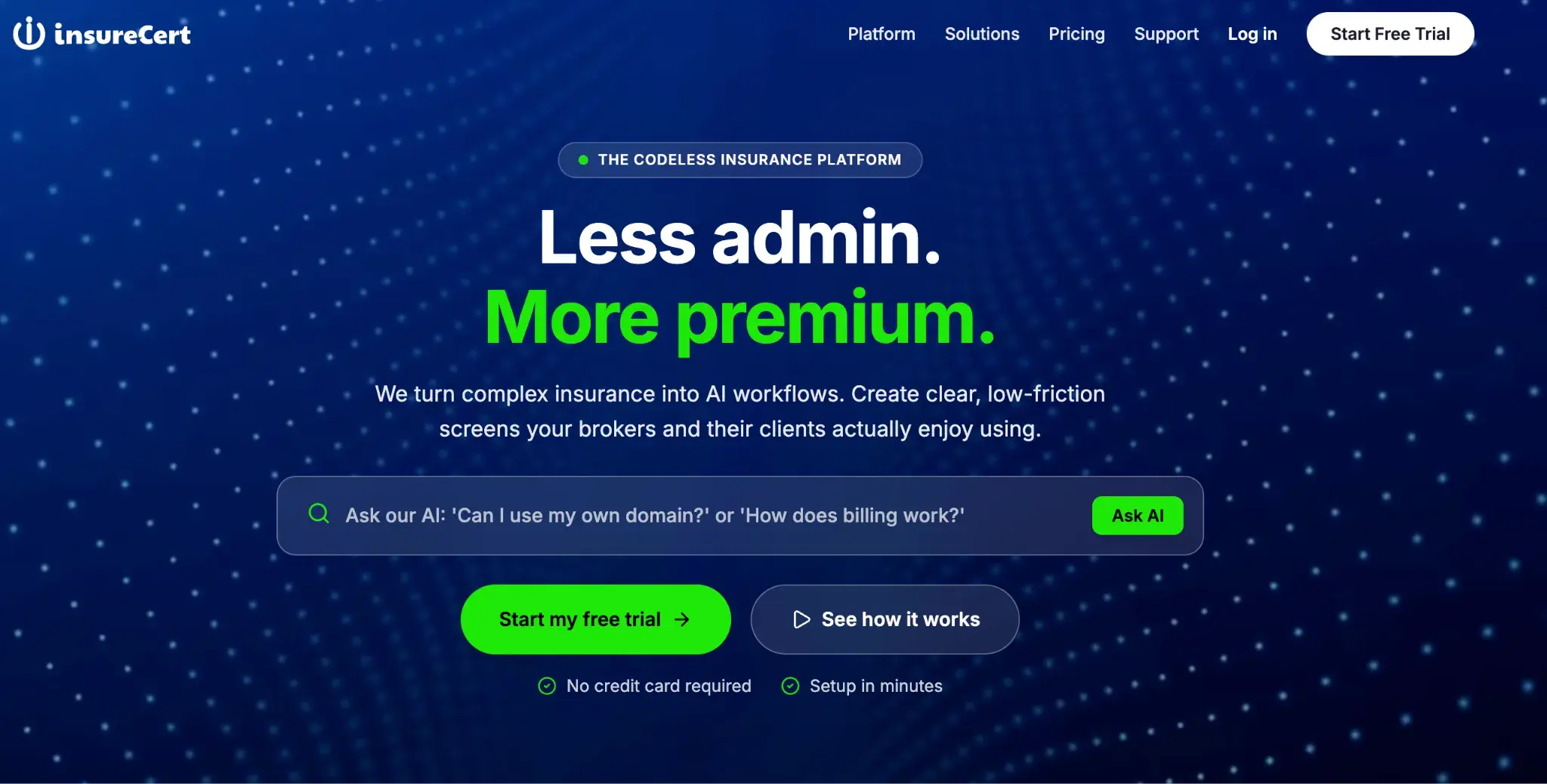
InsureCert's Homepage
InsureCert is designed specifically for insurers and MGAs who want to allow customers or brokers to obtain quotes and bind coverage online without requiring agent intervention for every transaction. You can configure digital quoting flows for your specific products and distribute them through self-serve channels without building custom technology from scratch.
Key features of InsureCert
Digital quoting storefront
Build branded, customer-facing quoting flows where applicants answer questions, receive a premium, and proceed to bind, all online and without agent assistance.
Product configuration engine
Defines your insurance product rules, eligibility criteria, rating factors, and coverage options in a configuration layer, without having to recode the quoting system whenever a product changes.
Broker and MGA portal
Give brokers their own access to quote and bind on behalf of clients, with appropriate permissions and product access controls in place.
Certificate and document issuance
Automatically generate policy documents, certificates of insurance, and confirmation emails at the point of bind, reducing post-quote manual work.
Pros and cons of InsureCert
P.S. Although InsureCert is listed on G2, it has not received any user ratings or reviews yet. The pros and cons below are based on our evaluation criteria and hands-on platform assessment.

Pros include:
- Built for MGAs and insurers, enabling digital self-serve distribution
- Business users can configure products without technical help
- API-first design gives flexibility in how quoting is embedded
- Centralizes quoting, binding, and document issuance in one place
Cons include:
- Not ideal for complex commercial or specialty lines
- Reporting and analytics may need supplementing for advanced needs
- Limited customization for carriers with highly unique product structures
8. AgentSync
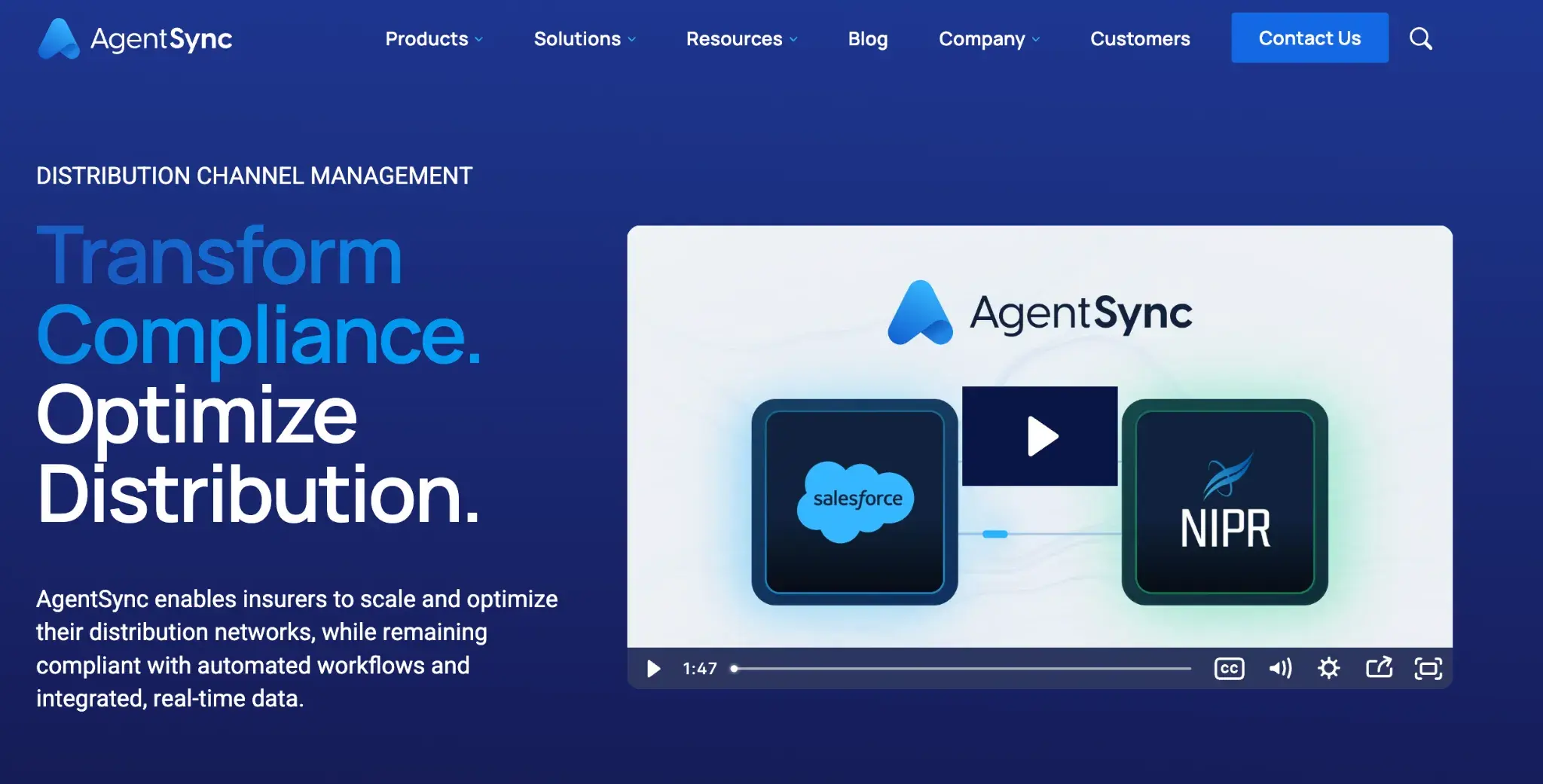
AgentSync's Homepage
AgentSync helps insurers, MGAs, and agencies keep their producer licensing and appointment data accurate, ensuring that the agents submitting or binding quotes are eligible to do so in the relevant states before a transaction goes through. It removes a significant compliance risk from your quoting and distribution process.
Key features of AgentSync
Real-time license verification
Checks agent and broker licensing status against NIPR data in real time, so you know a producer is eligible to quote or bind in a given state before the transaction proceeds.
Appointment management
Tracks and manages carrier appointments for your producer network, with automated workflows to initiate, renew, or terminate appointments as needed.
Compliance rules engine
Enforces state-specific licensing and appointment requirements automatically within your quoting or onboarding workflow, reducing manual compliance checking.
Producer onboarding automation
Automates the process of verifying, credentialing, and appointing new agents, so they move from onboarding to actively quoting faster.
Pros and cons of AgentSync
Pros include:
- Directly reduces compliance risk in quoting and distribution workflows
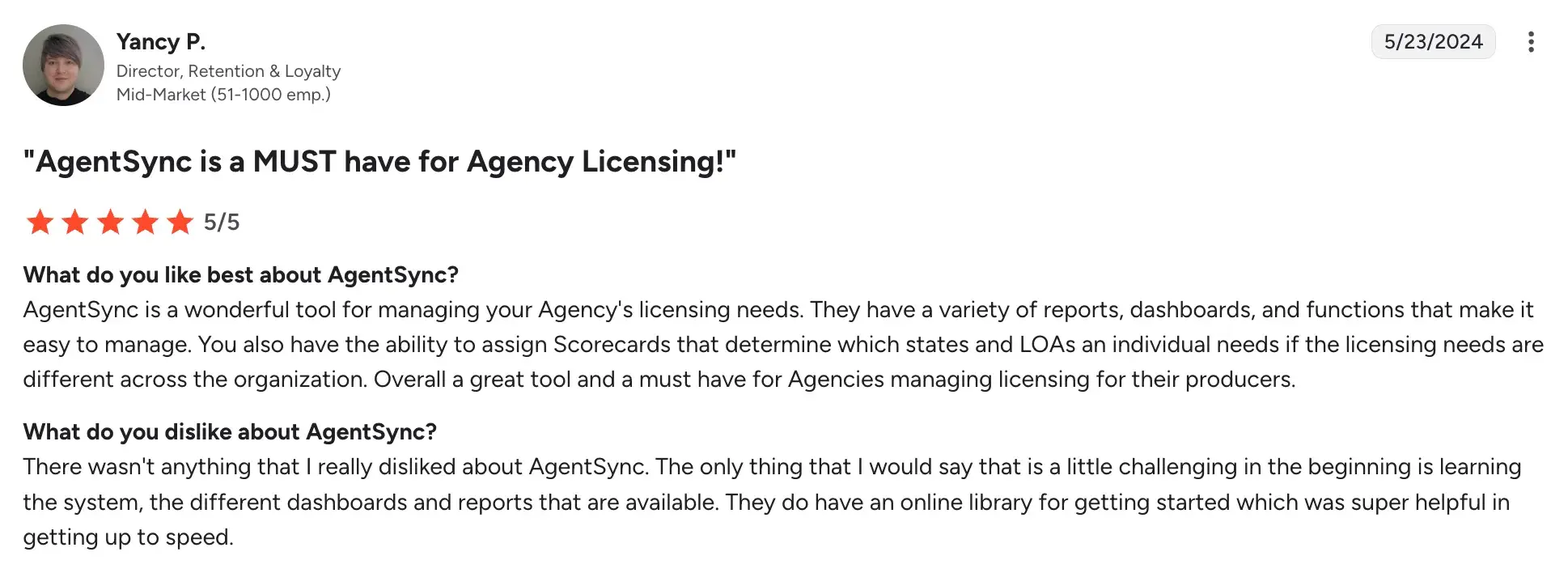
- Comprehensive and easy-to-manage range of reports, dashboards, and functions
Source
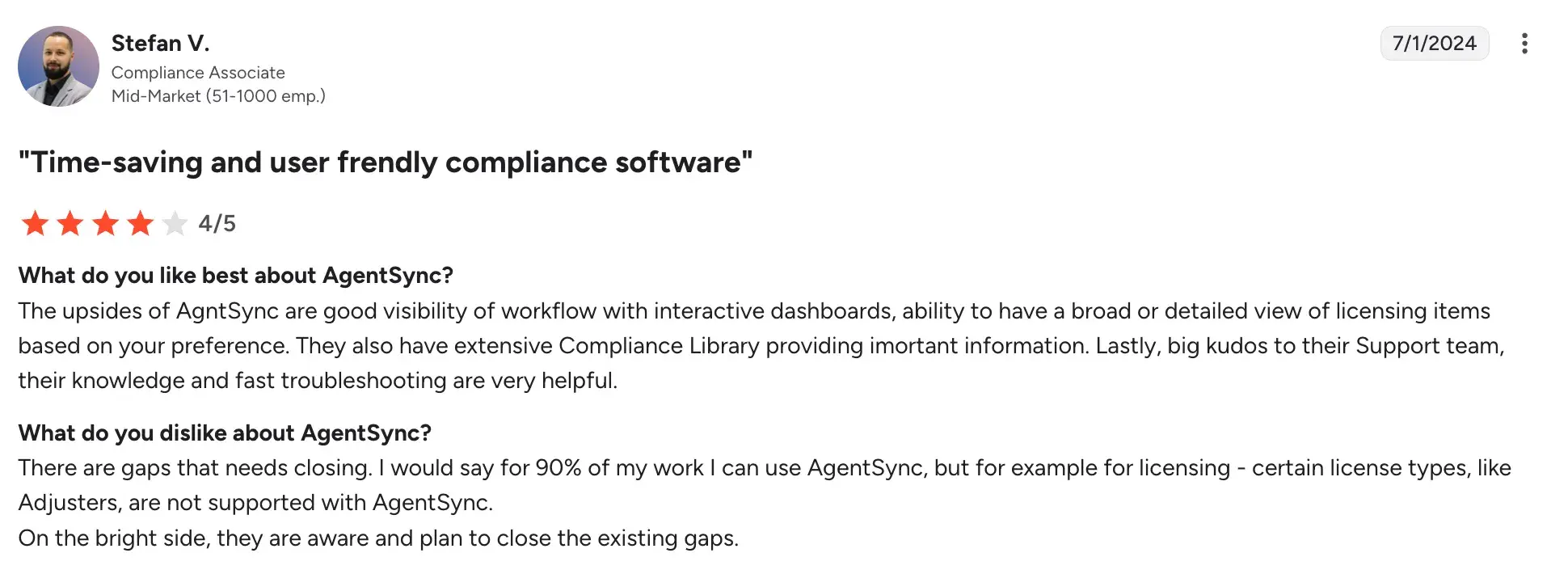
- Significant time savings in producer onboarding and appointment management with real-time visibility
Source
- Works across carriers, MGAs, and agencies at different scales
Cons include:
- Focused specifically on producer compliance, so it addresses one part of the quoting process rather than end-to-end automation
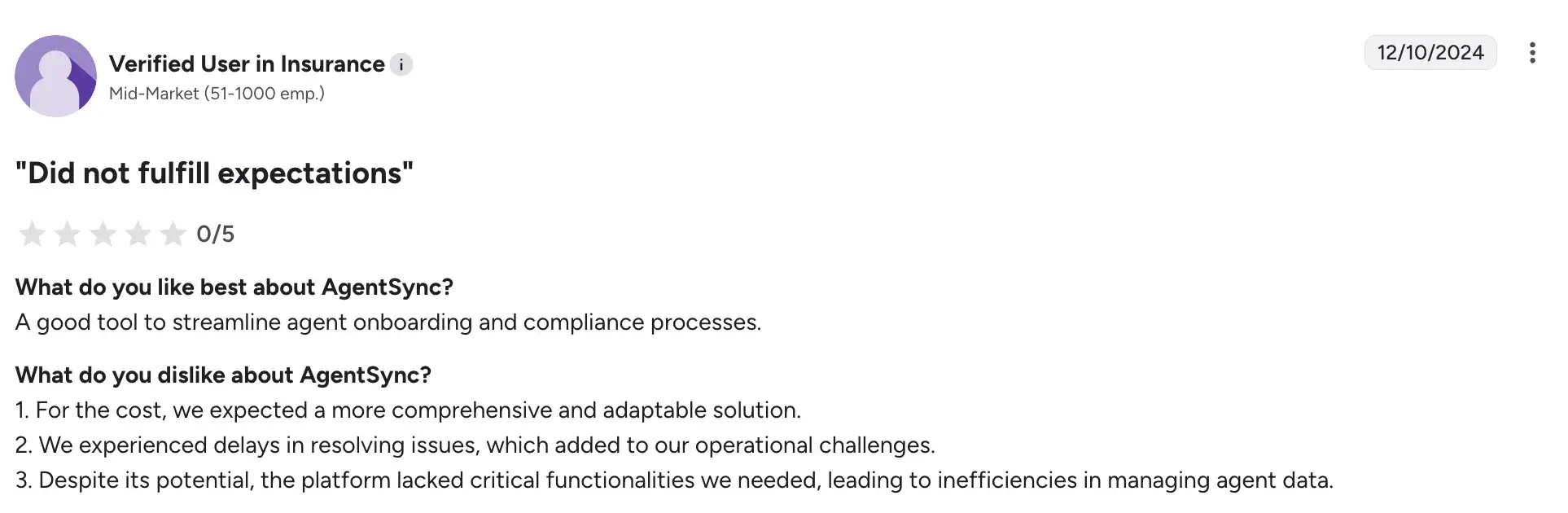
- Pricing is structured for volume
Source
- Some compliance workflow customization requires configuration support
9. CoverGo
CoverGo's Homepage
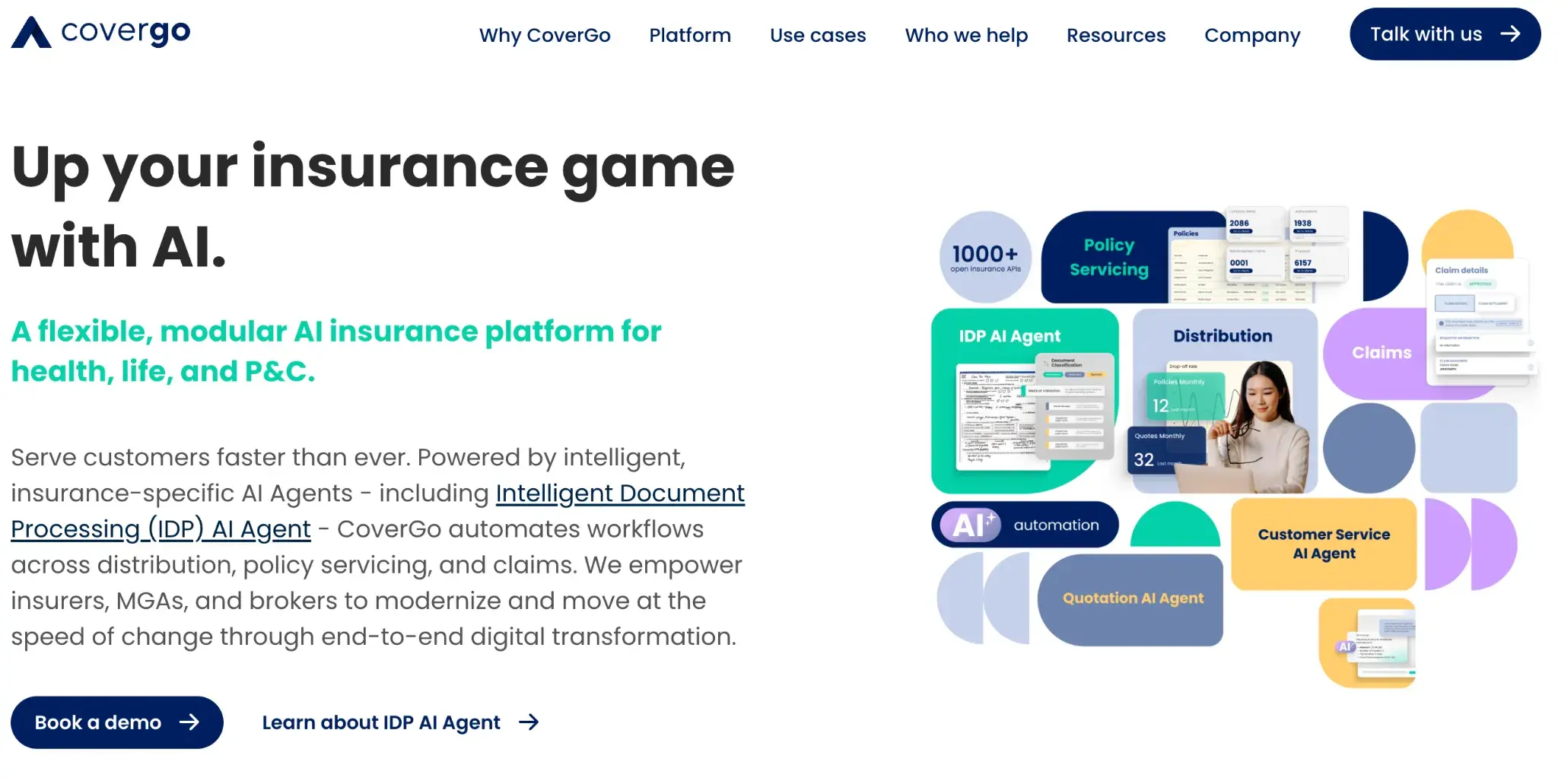
Carriers and MGAs that want speed and flexibility in how they design and distribute insurance products digitally will find a strong fit here. CoverGo lets you build, launch, and automate quoting for new insurance products using a no-code product builder, so your product and underwriting teams can work directly in the platform without waiting on developers.
From there, you can expose those products through agent portals, customer-facing flows, or APIs.
Key features of CoverGo
No-code product builder
Configure insurance product structures, coverage options, limits, exclusions, and rating rules without writing code, so product and underwriting teams can work directly in the platform.
Quoting and rating engine
Run premium calculations based on your defined rating logic and applicant inputs, with support for complex rating structures across multiple lines of business.
Multi-channel distribution
Expose your products and quoting flows through agent portals, direct-to-consumer interfaces, or third-party platforms via API, all from a single product configuration.
Straight-through processing
Supports fully automated quoting, binding, and policy issuance for eligible risks without manual underwriter touchpoints, where your product rules allow.
Pros and cons of CoverGo
P.S. CoverGo isn’t listed on G2 yet. The following pros and cons are collated based on our evaluation parameters and platform usage experience.
Pros include:
- No-code configuration puts quoting logic in business teams' hands
- Handles simple and moderately complex product structures
- One product layer supports multi-channel distribution
- Good fit for carriers and MGAs going digital
Cons include:
- Complex underwriting rules need significant upfront configuration
- Legacy system integrations can get technically involved
- Analytics may need supplementing for larger carriers
Features To Look For In An Insurance Quoting Software
The right quoting software should make it easier to create accurate quotes, manage approvals, and stay compliant, simplifying the process rather than adding complexity. The following are some key features you must consider:
Build and update your quoting workflows without writing code. Your teams can add steps, adjust logic, or change approval routes without waiting on developers, so you can roll out automation faster and refine workflows as your quoting requirements evolve.
Compliance tracking
Your insurance quotes must align with regulations such as GDPR, DORA, and regional insurance regulations. Compliance checks are embedded directly into your quoting workflow, keeping regulatory requirements visible at every step and reducing the risk of missed obligations.
Integration & real-time data syncing
Connect with the systems you already use, including your CRM, policy management tools, and carrier data sources. Real-time syncing ensures your quotes always reflect current information, cutting down on pricing discrepancies and manual corrections mid-process.
Customizable workflows
Not all quotes follow the same path. Some close quickly; others require underwriting review or multi-party approvals. Customizable workflows let you tailor each process to the policy type you are working with, whether personal lines, commercial, or specialty, without forcing everything into a single structure.
AI-powered insights
Surface pricing patterns, risk indicators, and recommendations during your quoting process, not after. AI-driven analysis draws on historical data to help you improve quote accuracy and make faster, more confident risk decisions.
Benefits of Insurance Quote Automation Software Tools
Automation removes friction from your quoting process, so your teams spend less time on manual work and more time helping clients choose the right coverage.
More accurate quotes
Pulling data directly from your integrated systems reduces manual entry and recalculation. Your quotes reflect current, verified information, improving pricing accuracy and cutting down on costly corrections.
Streamlined commercial lines
Commercial quotes often involve layered coverage, multiple carriers, and detailed policy requirements. Automation helps you manage those steps in sequence, reducing coordination overhead and keeping complex quotes moving.
Better customer experience
Faster, more consistent quotes mean your clients spend less time waiting and more time evaluating their options. Quicker turnarounds reduce drop-off and improve the overall buying experience.
Stronger security & compliance
Encryption and access controls protect your clients' sensitive data throughout the quoting process. With FlowForma, you can also host your data within your own SharePoint tenancy, giving your team greater control.
Lower operational costs
Removing repetitive tasks from your quoting process frees your teams to focus on underwriting, client relationships, and higher-value work, while your overall operations run faster and more efficiently.
Which Insurance Quoting Software Is Right For You?
Every platform on this list solves a different quoting challenge. Here's a quick guide to help you find the right fit.
- FlowForma: Works great if you're on Microsoft 365 and want to automate quoting without touching code.
- Salesforce Agentforce: The natural choice if your team is already working in Salesforce.
- Zywave CPQ: Ideal if you handle commercial lines and need multi-carrier quoting in one place.
- Nintex: A solid pick if your quote spans multiple departments and needs structured approvals.
- Power Automate: A good option if you're on Microsoft 365 and want a low-cost automation starting point.
- Tarmika: Built for small commercial agencies tired of logging into multiple carrier portals.
- InsureCert: The right fit if you want customers or brokers quoting and binding online without agent intervention.
- AgentSync: Essential if producer licensing compliance is a gap in your quoting process.
- CoverGo: A strong fit if you're a carrier or MGA looking to launch and distribute new products digitally.
Stop Quoting Manually. Start Automating With FlowForma. Without Complexity.
If you are still handling quote requests, approvals, and compliance checks by hand, FlowForma can change that, without a single line of code.
Built for Microsoft 365, it fits into the tools your team already uses. Describe your quoting process to Copilot and your workflow is ready to deploy in minutes. Every action is logged. Every step is auditable. Compliance comes standard.
The fastest way to see the difference is to try it yourself. Book a demo or start a 7-day free trial today.
.png?width=175&height=42&name=logo_20(1).png "FlowForma Process Automation")




.png)


![Reinsurance Claims Management 101: All You Must Know [2026]](https://www.flowforma.com/hubfs/Claims-management-in-reinsurance.webp)





